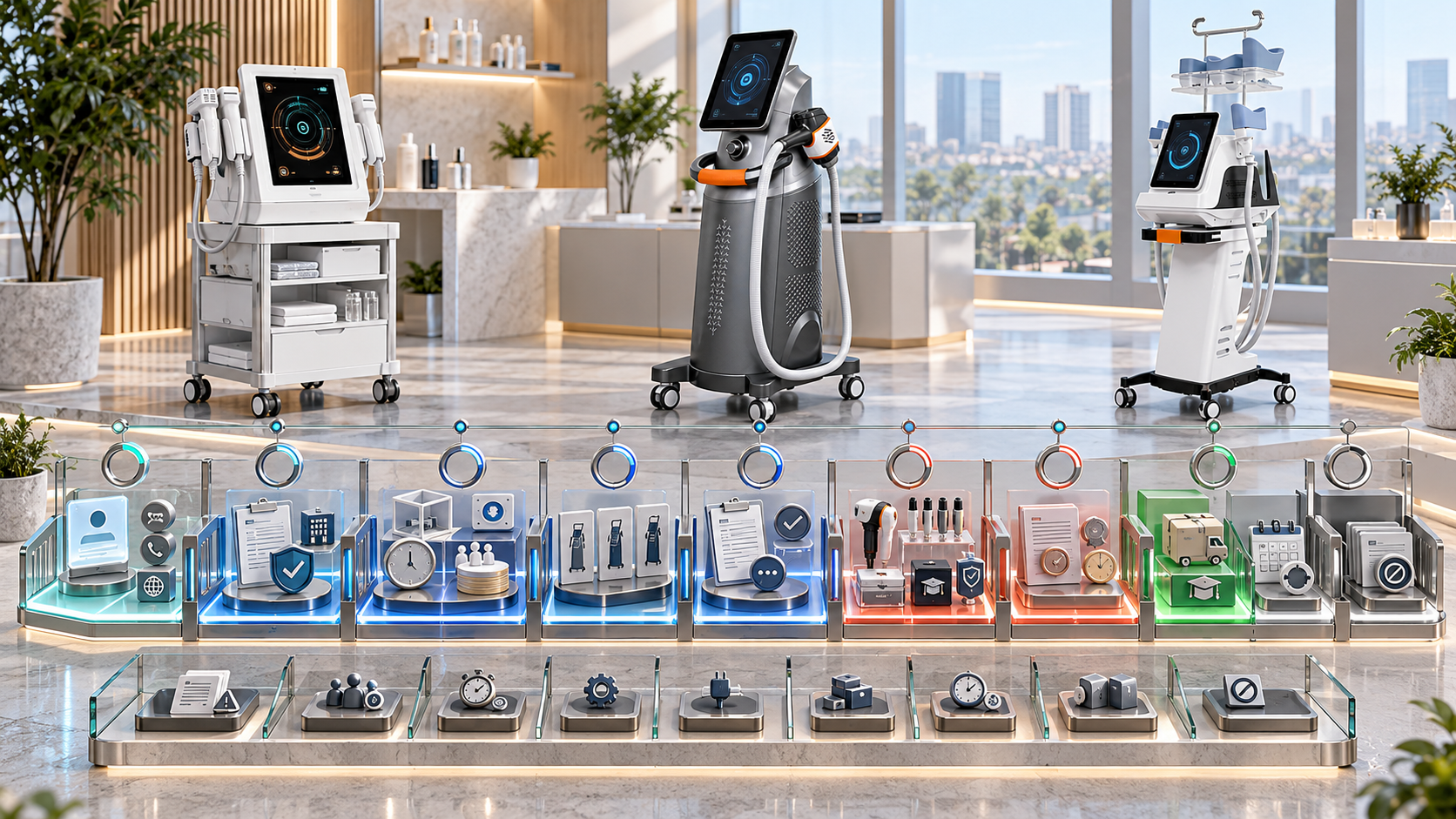
A beauty device CRM should show what decision a buyer has completed and what evidence is required next. It should not move an inquiry forward simply because a salesperson sent a catalog, booked a call, demonstrated a machine, or received a request for price.
Professional beauty device sales often combine category selection, model comparison, configuration, room and staff readiness, demonstrations, technical review, quotations, and support planning. If the CRM compresses all of this into “new,” “interested,” and “closing,” teams cannot forecast accurately or understand why opportunities stall.
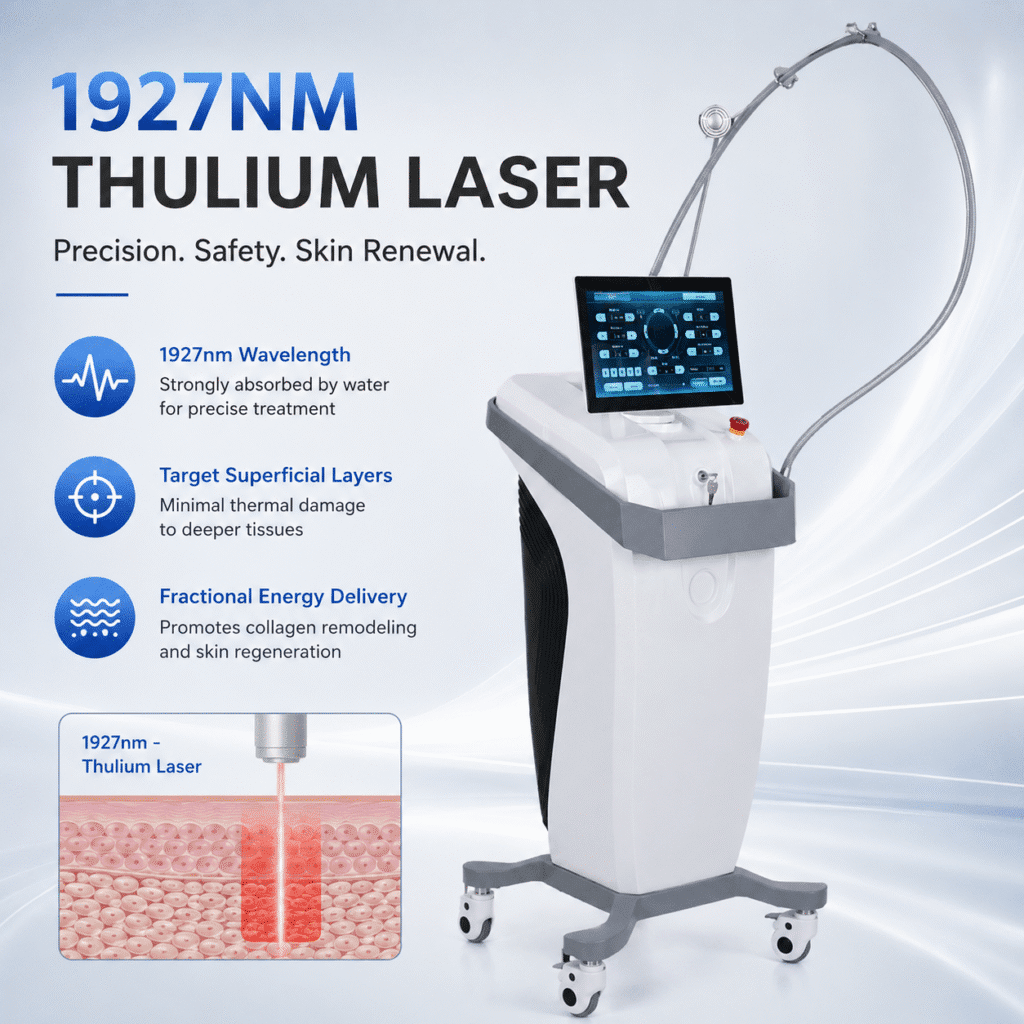
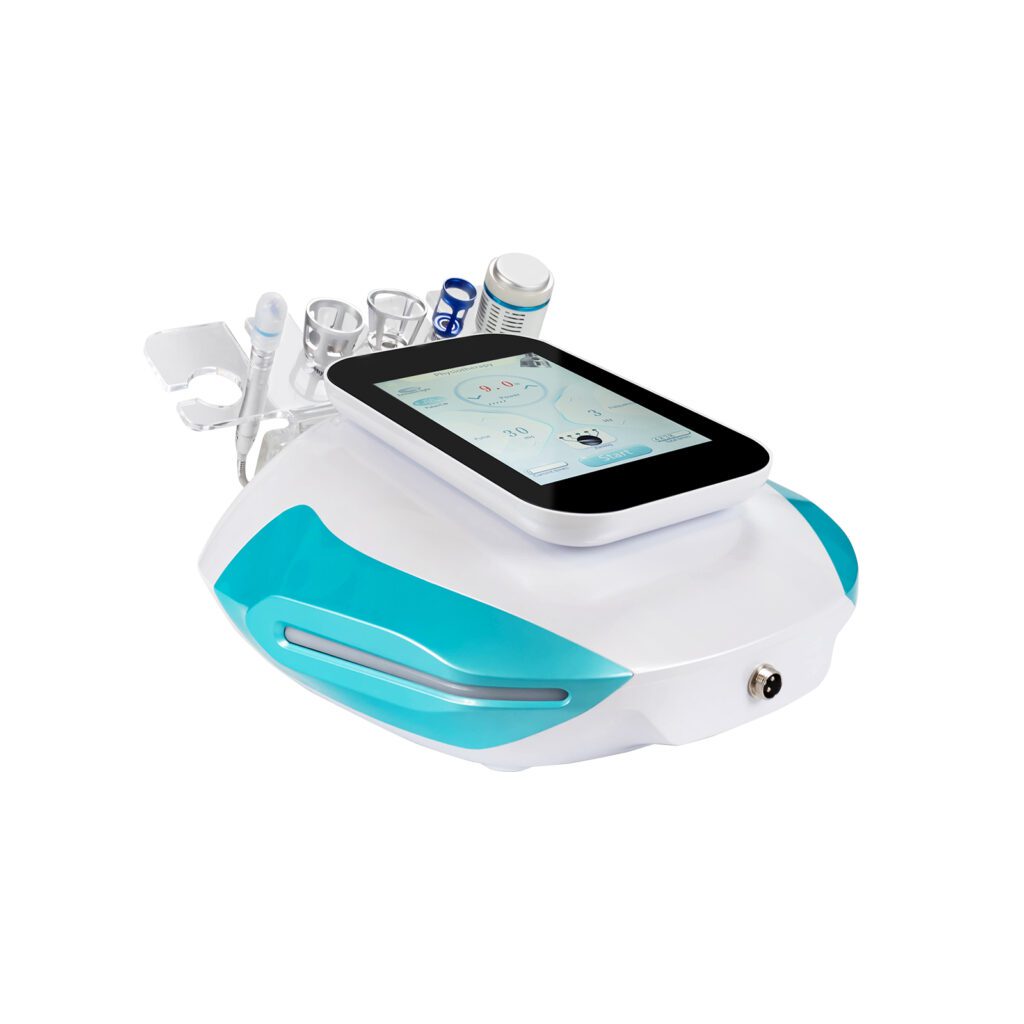
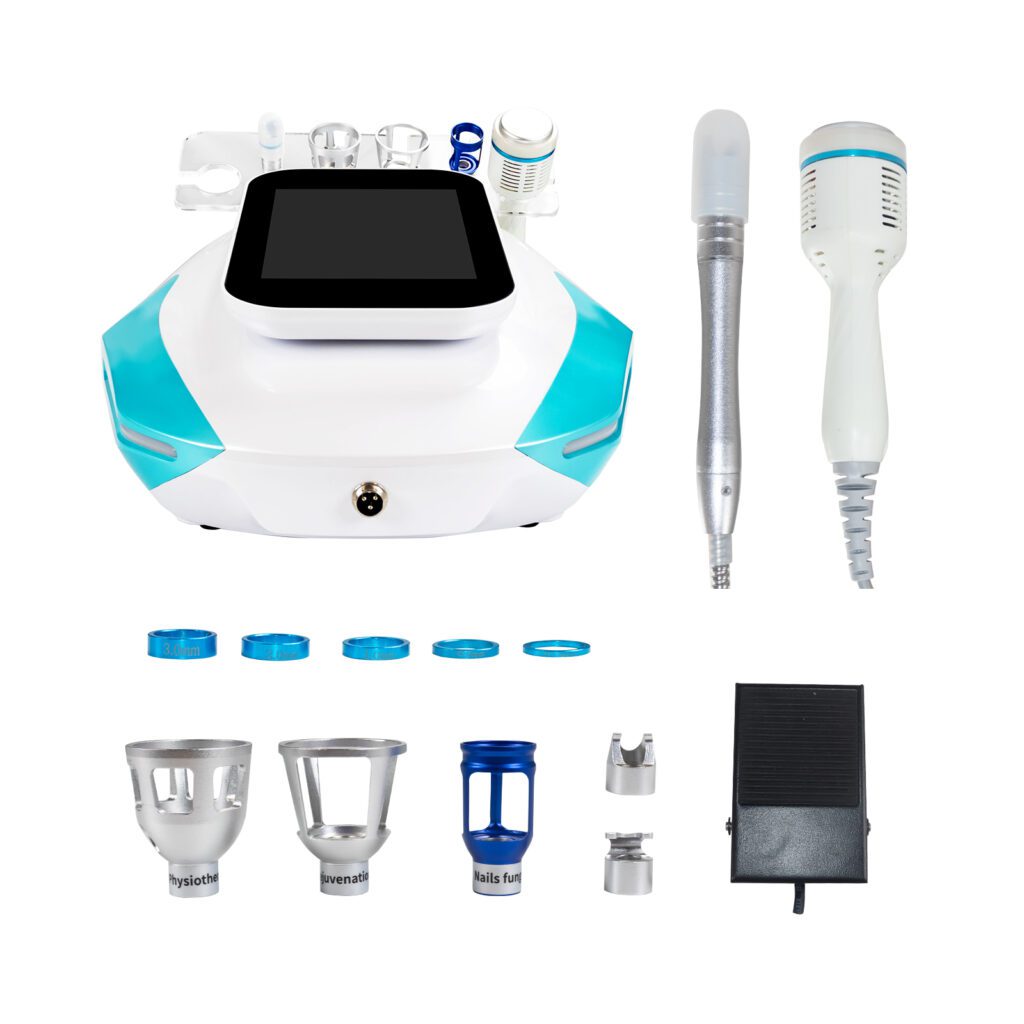
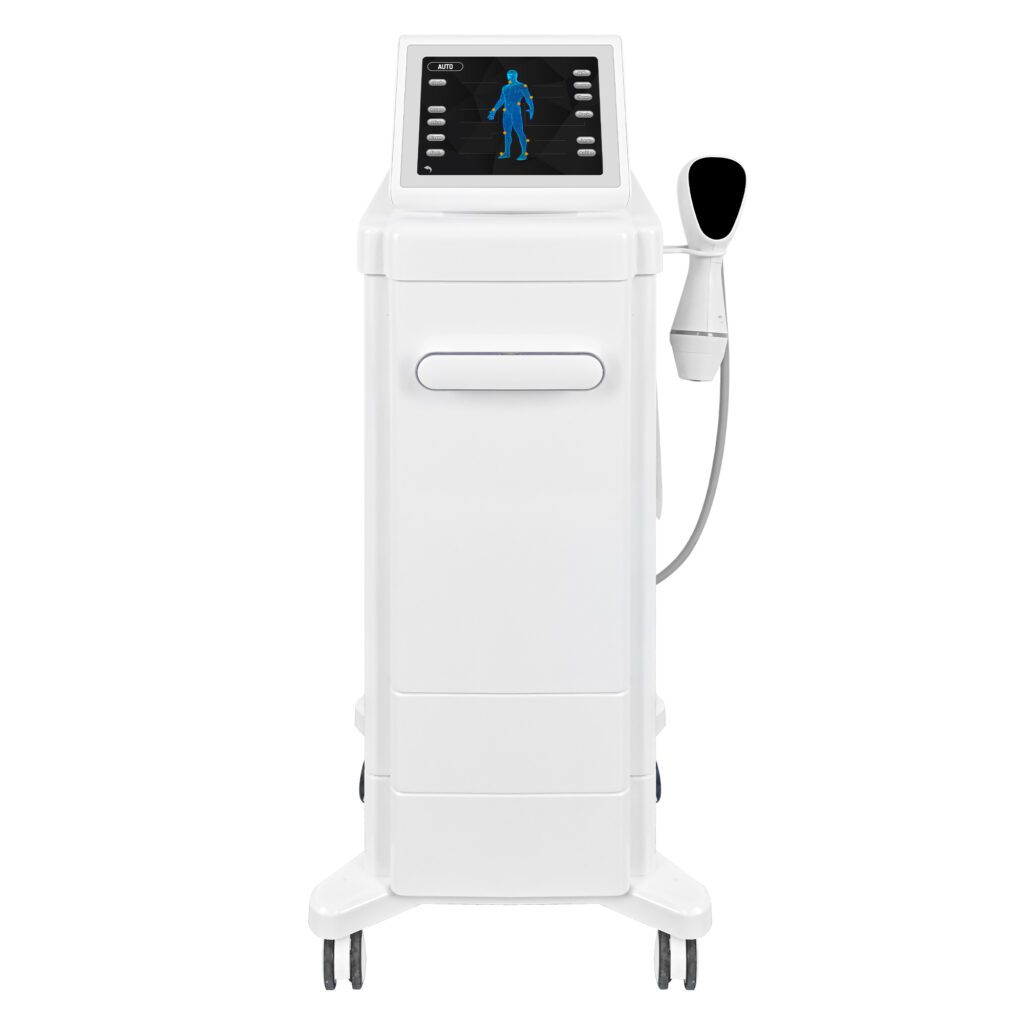
This guide explains how distributors can define opportunity stages around relevant Categorias de dispositivos de beleza SHEFMON. It provides entry and exit criteria, category-specific evidence, ownership, aging rules, backward movement, multi-category projects, and reporting guidance.
Sumário executivo
Use a decision-based CRM structure:
- Keep contacts and unqualified inquiries outside the active opportunity pipeline. Create an opportunity only when the buyer, business need, category path, owner, and next decision are credible.
- Name stages after completed buyer or internal decisions. Category Confirmed is stronger than “Interested,” and Configuration Approved is clearer than “Hot Lead.”
- Require exit evidence. A stage changes only when defined fields, documents, or buyer actions are complete.
- Separate commercial stage from configuration completeness. A fast-moving buyer may still lack handles, wavelengths, cartridges, accessories, electrical details, or support requirements.
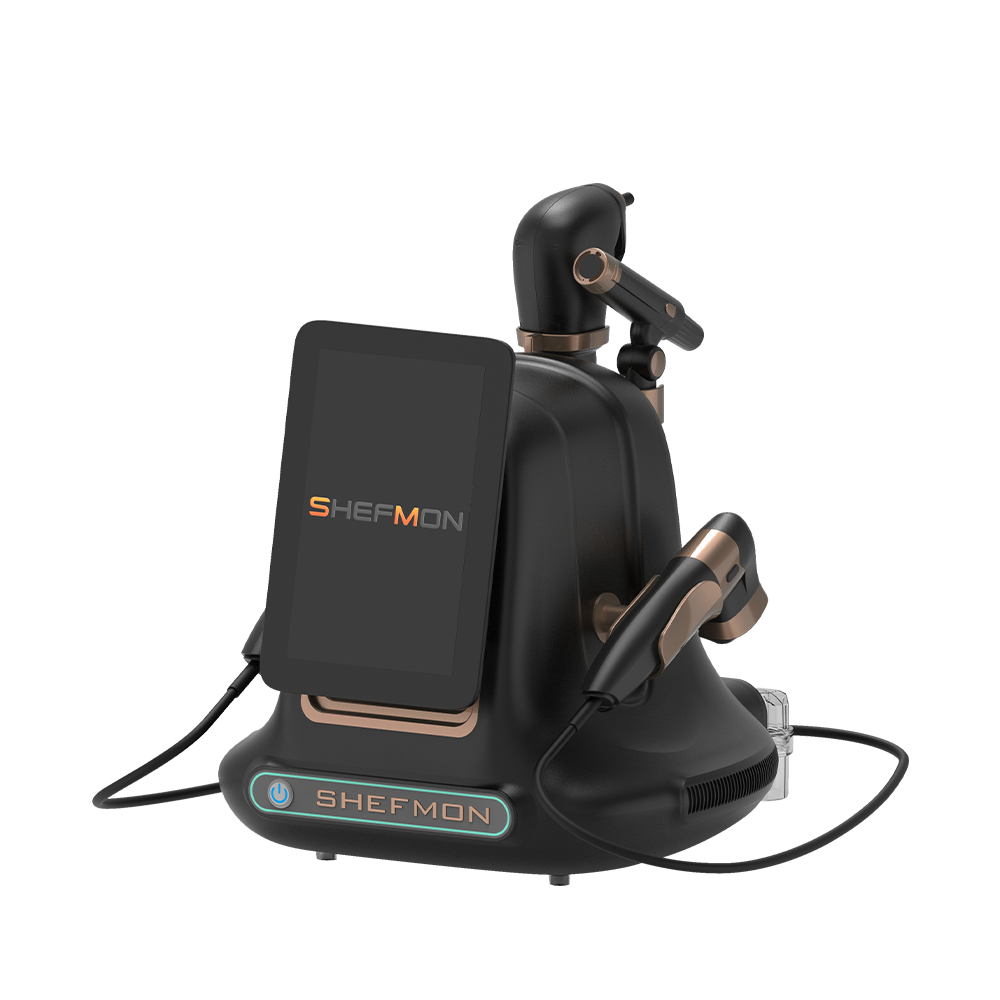
- Use category-specific gates. A0648 facial opportunities, A0426 hair-removal systems, B0155 body platforms, A0204 focused HIFU, and A0152 RF microneedling require different information.
- Allow controlled backward movement. A changed site, model, quantity, professional setting, or configuration may require revalidation.
- Define terminal and recycle states. Closed Won, Closed Lost, Deferred, Disqualified, and Nurture should have reasons and review rules.
A strong CRM stage tells the next person what is true, what remains open, who owns it, and what must happen before the opportunity advances.
1. Separate Contact, Lead, and Opportunity Records
Not every person who scans a QR code, requests a catalog, or asks for a price needs an opportunity record.
| Record type | Significado | Ação apropriada |
|---|---|---|
| Contato | Identifiable person linked to an organization or market | Verify role and communication route |
| Investigação | Contact has asked about a product, category, price, application, or partnership | Capture request and initial context |
| Lead qualificado | Buyer type, need, territory, and relevant category are credible | Realizar descoberta estruturada |
| Opportunity | A defined buyer project has an owner, primary category, next decision, and reasonable timing | Enter the active CRM pipeline |
| Nurture record | Interest is relevant but no active project or decision period exists | Use category-specific education and a review trigger |
Creating opportunities too early inflates pipeline count, weakens conversion data, and hides sales workload.
2. Design Stages Around Decisions, Not Activities
Calls, emails, demonstrations, and quotations are activities. A stage describes the verified position of the buyer project.
Por exemplo:
- “Demo completed” is not enough if the buyer still has no category decision.
- “Quote sent” is not enough if the configuration was provisional and the decision process is unknown.
- “Follow-up” does not explain whether the buyer needs a model comparison, site review, or commercial approval.
Each stage should answer:
- What has the buyer decided?
- What has the distributor verified?
- Which evidence proves it?
- What is the next decision?
- Who owns that action?
3. Use a Seven-Stage Opportunity Pipeline
The following structure is detailed enough for professional equipment without creating dozens of ambiguous steps.
| Estágio | Core decision completed | Primary output |
|---|---|---|
| 1. Opportunity Qualified | A real project and relevant buyer context exist | Qualified opportunity record |
| 2. Category Confirmed | One primary service category fits the buyer’s current goal | Category decision and excluded alternatives |
| 3. Model Shortlist | One to three relevant models or configurations remain | Shortlist with inclusion reasons |
| 4. Demonstration or Validation | A defined buyer uncertainty has been tested | Demo, site, workflow, or technical decision record |
| 5. Configuration Approved | Exact model, major options, site, staff, and support requirements are reviewable | Controlled configuration request |
| 6. Quotation Issued | A reviewed commercial offer has reached the buyer | Quote ID, version, value, validity, and decision date |
| 7. Buyer Decision | Buyer is completing final internal, commercial, or implementation approval | Decision plan and remaining conditions |
Terminal states follow the active stages: Closed Won, Closed Lost, Deferred, Disqualified, or Nurture.
4. Stage 1: Opportunity Qualified
Create an opportunity when the project has:
- identifiable buyer organization and contact;
- business type and location;
- defined service or product-line need;
- credible beauty device category path;
- proprietário de vendas;
- decision or implementation period;
- known next action; and
- no failed mandatory qualification gate.
Exit criteria
Advance when the buyer and sales team agree on the primary category to evaluate. If the buyer still asks for “any profitable machine,” remain in discovery or nurture rather than forcing a category.
5. Stage 2: Category Confirmed
This stage establishes the service direction before comparing model details.
Possible categories include:
- facial cleansing and hydration;
- facial tone and contour;
- diode laser hair removal;
- multifunction body care;
- muscle-focused body services;
- cooling-based body contouring;
- focused ultrasound lifting; and
- RF microneedling and advanced skin.
Exit criteria
Advance when the team records:
- primary category and business goal;
- buyer type and target clients;
- current service menu and overlapping equipment;
- room and staff context;
- categories considered and excluded;
- readiness gaps; and
- criteria for model selection.
If the buyer has two independent goals, create separate opportunities or a structured multi-category project rather than using one unclear stage.
6. Stage 3: Model Shortlist
Limit the active choice to one to three relevant candidates or configuration paths.
The shortlist record should show:
- model and category;
- intended service-menu role;
- reason for inclusion;
- reason other models were excluded or deferred;
- major configuration questions;
- room, staff, professional, consumable, and support implications;
- demonstration or technical validation needed; and
- buyer selection criteria.
Exit criteria
Advance when a defined demonstration, site review, comparison, or technical check is scheduled or completed to resolve the remaining selection question. If no physical demonstration is required, the opportunity may proceed directly to configuration review with an approved reason.
7. Stage 4: Demonstration or Validation
This stage covers the evidence needed to validate the shortlist. It may include:
- remote product walkthrough;
- showroom demonstration;
- specialist demonstration;
- room and workflow review;
- handle, applicator, or cartridge comparison;
- electrical and installation review;
- technical document review; or
- consultation with additional decision-makers.
Exit criteria
Advance when the buyer has selected a preferred model or clearly separated alternatives and the record includes:
- model and exact demo configuration;
- participants;
- question tested;
- findings;
- buyer decision;
- configuration changes requested;
- unresolved specialist items; and
- next configuration owner.
A demonstration that produces only “buyer liked the device” does not satisfy the exit criteria.
8. Stage 5: Configuration Approved
This stage converts the buyer’s business need into a reviewable supply specification.
Required fields can include:
- exact model and version;
- quantidade;
- Componentes padrão e opcionais;
- handles, applicators, wavelengths, cartridges, tips, and accessories;
- electrical version and plug;
- materiais de consumo e quantidades iniciais;
- room and staff constraints;
- training and support requirements;
- delivery location;
- documentation or local-review needs;
- technical exceptions; and
- alternative configurations requested.
Exit criteria
Advance when product and technical review is complete enough for controlled commercial preparation. Pending items must be explicitly allowed and visible rather than hidden in free text.
9. Stage 6: Quotation Issued
The buyer has received a controlled offer connected to the approved configuration.
The CRM should store:
- quotation ID and version;
- issue and expiry dates;
- buyer entity and destination;
- selected model and configuration revision;
- quantidade;
- currency and value;
- optional or alternative lines;
- commercial approvals;
- assumptions and exclusions;
- responsible salesperson; and
- buyer decision date.
Exit criteria
Advance when the buyer confirms receipt, decision process, remaining stakeholders, evaluation criteria, open questions, and expected decision milestone. Sending a PDF without a buyer decision plan should not automatically move the opportunity forward.
10. Stage 7: Buyer Decision
This stage contains opportunities where product and commercial information is sufficiently complete and the buyer is taking defined approval steps.
Registro:
- decision-makers and approvers;
- technical or commercial questions;
- site or implementation conditions;
- requested quote revisions;
- expected decision date;
- next meeting or action;
- competing internal priorities;
- probability basis; and
- risk of delay.
Exit criteria
Move to Closed Won when the organization’s approved order evidence exists. Move to Closed Lost, Deferred, Disqualified, or Nurture using a controlled reason when the active decision ends.
11. Keep Configuration Completeness Separate
Use a second status alongside the seven commercial stages.
| Configuration status | Significado |
|---|---|
| C0: Category only | No model shortlist yet |
| C1: Model identified | Model known; major options remain open |
| C2: Draft configuration | Major components and site context recorded |
| C3: Technical review complete | Compatibility, option status, electrical profile, and exceptions reviewed |
| C4: Commercial configuration controlled | Current quote or order uses a versioned approved configuration |
An opportunity can be at Quotation Issued while configuration status remains C2 only if the offer is explicitly provisional and policy allows it. The CRM should flag this risk.
12. Add Category-Specific Evidence for A0648
O Sistema de hidromicrodermoabrasão 9 em 1 A0648 can represent a facial foundation opportunity.
Relevant stage evidence includes:
- cleansing and hydration-oriented service goal;
- current facial menu;
- required functions and accessories;
- tips, bottles, liquids, or solutions;
- room and workflow;
- cleaning and daily checks;
- electrical details;
- staff training; and
- support and replenishment needs.
The opportunity should not enter Configuration Approved with only “9-in-1 facial machine” in the request.
13. Add Category-Specific Evidence for A0426
O A0426 diode laser hair-removal device lists 755, 810, 940, and 1064 nm wavelengths.
Relevant evidence includes:
- intended hair-removal service;
- Configuração de comprimento de onda;
- handpiece and spot-size requirements;
- sistema de refrigeração;
- electrical and room conditions;
- protective setup;
- staff capability and training;
- requisitos locais;
- accessories; and
- technical support.
An A0426 opportunity may remain in Demonstration or Validation while room, professional, or configuration questions are open, even if the buyer asks for a price.
14. Add Category-Specific Evidence for B0155
O B0155 Desktop Endos Velapro lists vacuum roller, RF, rotating massage, and 80K cavitation functions.
Relevant evidence includes:
- intended body-service roles;
- current body menu and technology overlap;
- selected handles and components;
- room, storage, and operator movement;
- cleaning and changeover;
- consultation and staff workflow;
- electrical details;
- training; and
- maintenance and support.
Do not advance based on interest in “all functions.” The buyer needs a clear handle and menu decision.
15. Add Category-Specific Evidence for A0204
O A0204 9D/7D focused HIFU system requires evidence for professional setting, intended lifting category, handpieces, cartridges, depth options, consumables, consultation, staff capability, training, room workflow, technical support, and local requirements.
Use “Specialist Review Required” as a task or substatus within Demonstration or Validation rather than creating an unclear late-stage exception. Advance only when the review produces a preferred model and controlled configuration path.
16. Add Category-Specific Evidence for A0152
O Sistema de microagulhamento por radiofrequência A0152 needs evidence covering appropriate professional setting, applicators, needles or cartridges, infection-control processes, consumables, consultation, documentation, aftercare, staff competency, training, technical support, and local review.
The CRM should distinguish:
- professional information pending;
- infection-control or room process pending;
- applicator or consumable selection pending;
- specialist review pending;
- training plan pending; and
- local review pending.
These substatuses explain why the opportunity remains in validation or configuration.
17. Define Terminal States Carefully
| Terminal state | Use when | Required reason data |
|---|---|---|
| Closed Won | Approved order evidence exists | Order reference, configuration, quantity, value, and date |
| Closed Lost | Buyer selected another path or ended the purchase | Known decision reason, alternative, and date |
| Disqualified | Opportunity does not meet category, buyer, site, professional, support, or commercial gates | Failed gate and evidence |
| Deferred | Relevant project moved beyond the active forecasting horizon | Trigger, expected review period, and owner |
| Nutrir | Interest exists but no active project or decision process remains | Category, content path, and re-entry trigger |
| Duplicate | Record belongs to an existing opportunity | Surviving opportunity ID |
Avoid using Closed Lost for every inactive record. A deferred opening project and an unsuitable buyer have different future value.
18. Define Stage Entry, Exit, and Required Fields
For every stage, publish:
- business definition;
- allowed previous stages;
- required entry evidence;
- mandatory fields;
- exit criteria;
- allowed next stages;
- proprietário responsável;
- maximum review age or warning threshold;
- backward-movement rules; and
- reporting treatment.
Configure CRM validation where practical, but avoid forcing salespeople to enter false values merely to satisfy a required field. Use “pending with owner and due date” only where policy permits.
19. Allow Controlled Backward Movement
An opportunity may need to move backward when:
- buyer changes service category;
- site or delivery location changes;
- preferred model changes;
- configuration changes materially;
- quantity changes from pilot to rollout or the reverse;
- professional or staff conditions change;
- technical review rejects an option;
- quotation expires and requirements must be revalidated; or
- a new decision-maker reopens model comparison.
Require a reason and timestamp. Do not keep the opportunity at Buyer Decision if the buyer has returned to category discovery.
20. Avoid Stage Skipping Without Evidence
Fast opportunities can pass through stages quickly, but the CRM should still capture the evidence produced at each decision.
For example, a returning buyer may move from Opportunity Qualified to Configuration Approved in one meeting because category and model requirements are already known. The system can update several stages on the same date while preserving category, shortlist, validation, and configuration records.
Stage skipping should not erase required information.
21. Manage Multi-Category and Multi-Site Projects
Create separate opportunities when categories have different:
- business goals;
- tomadores de decisão;
- models;
- configurations;
- budgets;
- timelines; or
- delivery outcomes.
For multi-site rollouts, distinguish pilot quantity, approved locations, conditional locations, and potential expansion. One pilot quote should not move the full rollout to Quotation Issued.
Use a parent project to connect related opportunities when useful.
22. Measure Stage Aging and Slippage
Acompanhar:
- date entered current stage;
- days in stage;
- next action and due date;
- buyer milestone;
- last meaningful activity;
- integridade da configuração;
- overdue internal task;
- expected close date changes; and
- reason for slippage.
Set warning thresholds from internal history by category and stage. Do not use one aging limit for A0648 salon projects and A0152 advanced clinic opportunities without evidence.
23. Assign Stage Ownership
| Stage area | Primary owner | Supporting roles |
|---|---|---|
| Qualification and category | Account salesperson | Regional manager or category advisor |
| Shortlist and demonstration | Product presenter or salesperson | Product specialist and asset coordinator |
| Configuração | Proprietário do produto | Technical reviewer and local market reviewer |
| Cotação | Sales operations or commercial owner | Product, technical, inventory, and finance roles as needed |
| Buyer decision | Account salesperson | Commercial approver and senior sponsor where relevant |
| Closed-order handoff | Order or operations owner | Salesperson, technical, training, and support teams |
A small team may combine roles. The CRM should still show which review has been completed.
24. Connect Stages to Forecasting
Do not assign universal probabilities without evidence. Calibrate stage probabilities using mature historical cohorts by:
- category;
- integridade da configuração;
- tipo de comprador;
- region;
- lead source;
- demo status;
- quote status; and
- new versus returning account.
Show sample sizes and forecast maturity. A Quotation Issued opportunity at C2 may deserve different treatment from one at C4.
25. Build a CRM Stage Dashboard
| Dashboard measure | Propósito |
|---|---|
| Opportunities by stage and category | Shows pipeline mix |
| Stage-entry and exit counts | Reveals flow and leakage |
| Median days in stage | Identifies bottlenecks |
| Configuration status by stage | Exposes late-stage specification risk |
| Backward movements | Shows rework and changing requirements |
| Stage skips with evidence | Monitors fast-path governance |
| Deferred, disqualified, and lost reasons | Improves qualification and planning |
| Quote revisions by origin | Detects configuration or commercial errors |
| Expected close-date slippage | Supports forecast review |
| Data completeness | Measures CRM usability |
Counts should appear beside rates so small categories are not overinterpreted.
26. Govern Stage Definitions
Assign one owner for the CRM stage dictionary. Review changes with sales, product, technical, commercial, operations, training, and support teams.
When a definition changes:
- record the effective date;
- update required fields and automation;
- map old stages to new stages;
- train users with examples;
- test reports and forecasts;
- preserve historical meaning; and
- monitor unexpected movement after launch.
Do not rename stages casually. Historical conversion and aging data depend on stable definitions.
27. Common CRM Stage Mistakes
- Creating an opportunity for every inquiry.
- Naming stages “Warm,” “Hot,” or “Follow-Up” without evidence.
- Moving to quotation because the buyer asked for price.
- Treating a successful demonstration as configuration approval.
- Combining sales stage and configuration status in one field.
- Keeping changed opportunities artificially late in the pipeline.
- Treating Deferred, Disqualified, and Closed Lost as the same outcome.
- Using one opportunity for unrelated facial, hair, and body decisions.
- Forecasting full multi-site rollout from a pilot.
- Changing stage definitions without preserving reporting history.
28. CRM Opportunity Stage Checklist
- ☐ Contacts, inquiries, qualified leads, and opportunities are separate records.
- ☐ Stages describe decisions rather than activities or salesperson confidence.
- ☐ Seven active stages have entry evidence, required fields, exit criteria, owner, and next states.
- ☐ Configuration completeness C0–C4 is tracked separately.
- ☐ A0648, A0426, B0155, A0204, and A0152 use category-specific evidence.
- ☐ Backward movement and fast-path progression require recorded reasons and evidence.
- ☐ Multi-category and multi-site projects are split appropriately.
- ☐ Deferred, Nurture, Disqualified, Closed Lost, and Closed Won have distinct definitions.
- ☐ Stage aging, close-date slippage, and data completeness are visible.
- ☐ Forecast probabilities are calibrated from historical results rather than assumed.
Perguntas frequentes
1. How many CRM stages should a beauty device distributor use?
Use enough stages to represent real buyer decisions without creating administrative noise. Seven active stages from Opportunity Qualified through Buyer Decision provide a practical starting framework, followed by defined terminal states.
2. Should every price request become an opportunity?
No. First confirm the buyer, business need, relevant category, location, timing, owner, and next decision. General price collection can remain an inquiry or nurture record.
3. Why separate Category Confirmed from Model Shortlist?
The buyer should choose the service direction before comparing detailed models. This prevents unrelated facial, hair-removal, body, and advanced devices from entering one confusing opportunity.
4. Is a completed demonstration automatically a new stage?
Only when it produces the required validation evidence: participants, model and configuration shown, question tested, findings, buyer decision, requested changes, and next step.
5. Why track configuration status separately?
A commercially active buyer may still have unresolved wavelengths, handles, cartridges, accessories, electrical details, or consumables. Separate C0–C4 status exposes this risk.
6. When should an A0426 opportunity reach Configuration Approved?
After the wavelength and handpiece configuration, spot-size and cooling requirements, electrical and room conditions, protective setup, staff, training, local questions, accessories, and support are sufficiently reviewed.
7. Can an opportunity move backward?
Yes. A material change in category, site, model, configuration, quantity, professional setting, or buyer decision process may require revalidation. Record the reason and date.
8. What is the difference between Deferred and Closed Lost?
Deferred means a relevant project moved outside the active decision horizon and has a review trigger. Closed Lost means the buyer ended the purchase or chose another path during the current decision cycle.
9. How should multi-site opportunities be staged?
Separate the pilot from conditional rollout quantities. Move only approved locations and quantities forward. Use related child opportunities when sites have different configurations, budgets, or decisions.
10. How should stage probabilities be assigned?
Calculate them from mature internal cohorts segmented by category, configuration completeness, buyer type, region, lead source, demo status, and quote status. Avoid universal percentages without evidence.
Conclusão
CRM opportunity stages should tell the truth about the buyer’s decision and the distributor’s evidence. A practical pipeline moves from qualified project to category confirmation, model shortlist, validation, approved configuration, issued quotation, and buyer decision before reaching a controlled terminal state.
Use category-specific evidence for A0648 facial projects, A0426 hair-removal systems, B0155 body-care platforms, A0204 focused HIFU, and A0152 RF microneedling. Keep configuration completeness separate, allow documented backward movement, and use stable stage definitions for forecasting and performance review.
Review the linha de aparelhos de beleza SHEFMON, consult the SHEFMON after-sales support overview, e contate SHEFMON with your buyer types, product categories, opportunity stages, required CRM fields, model configurations, demonstration process, quotation workflow, and support structure. SHEFMON can help provide relevant product and configuration information for clearer sales-stage records.