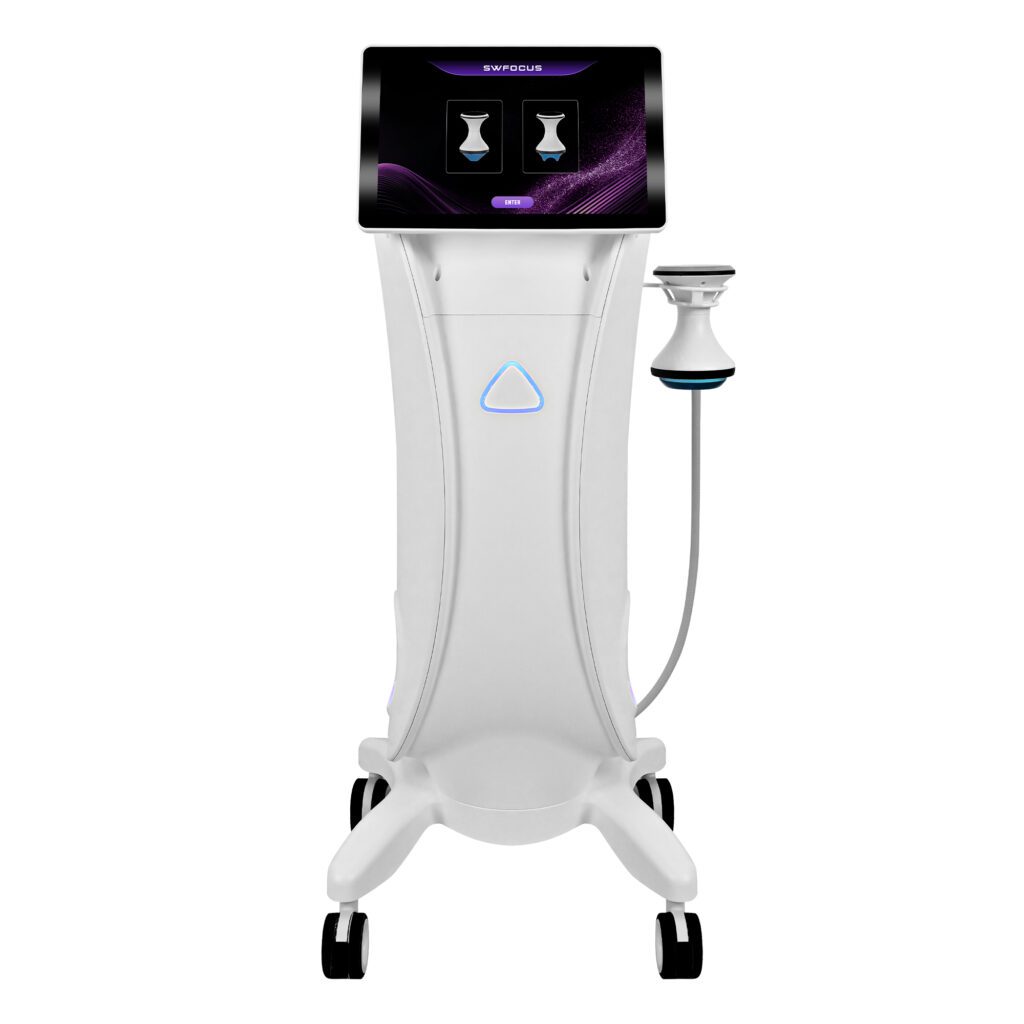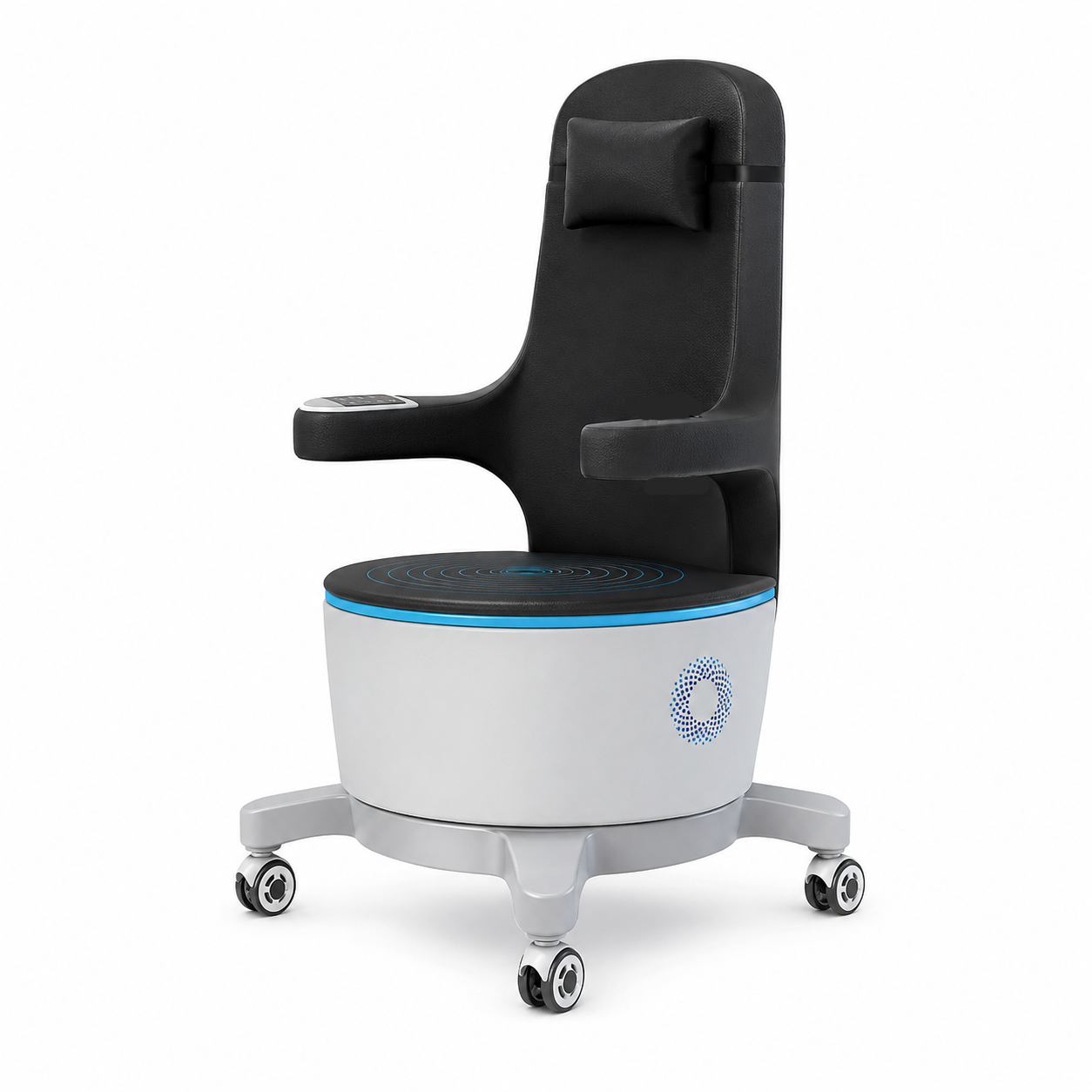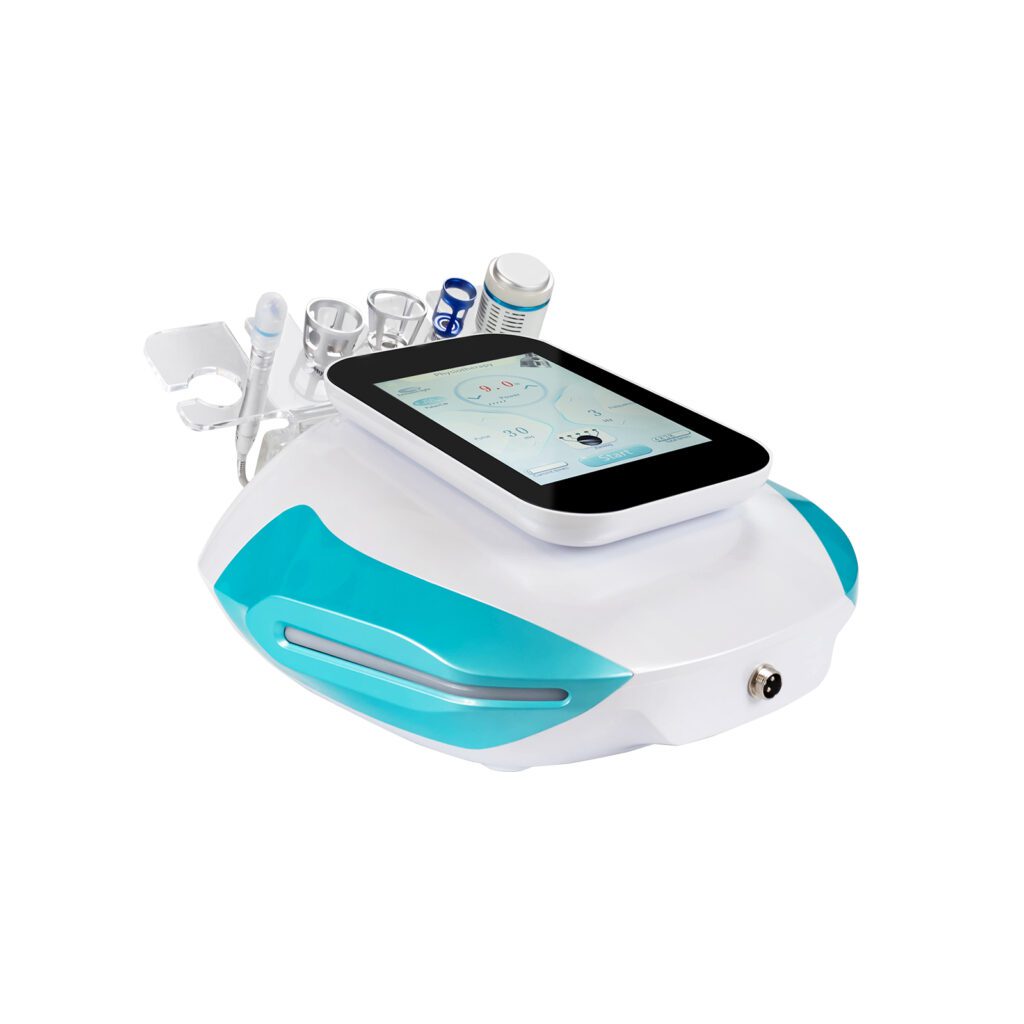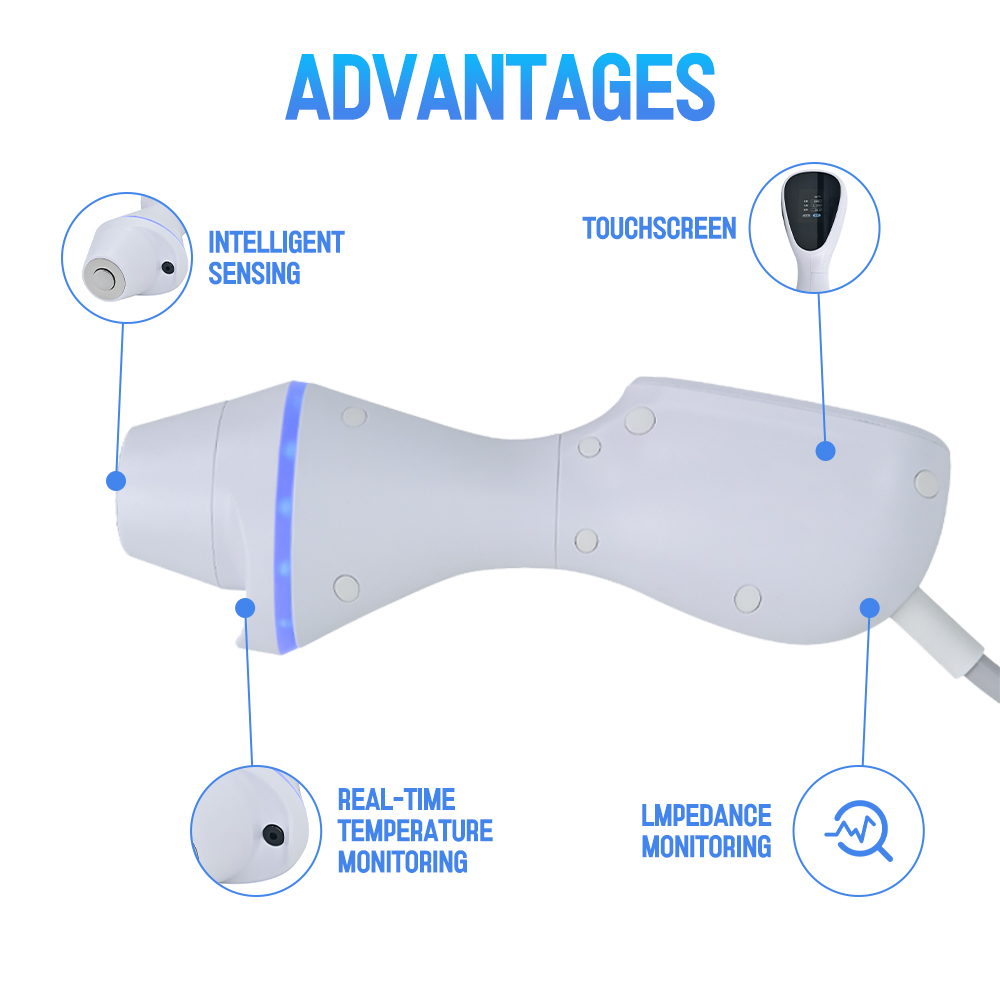
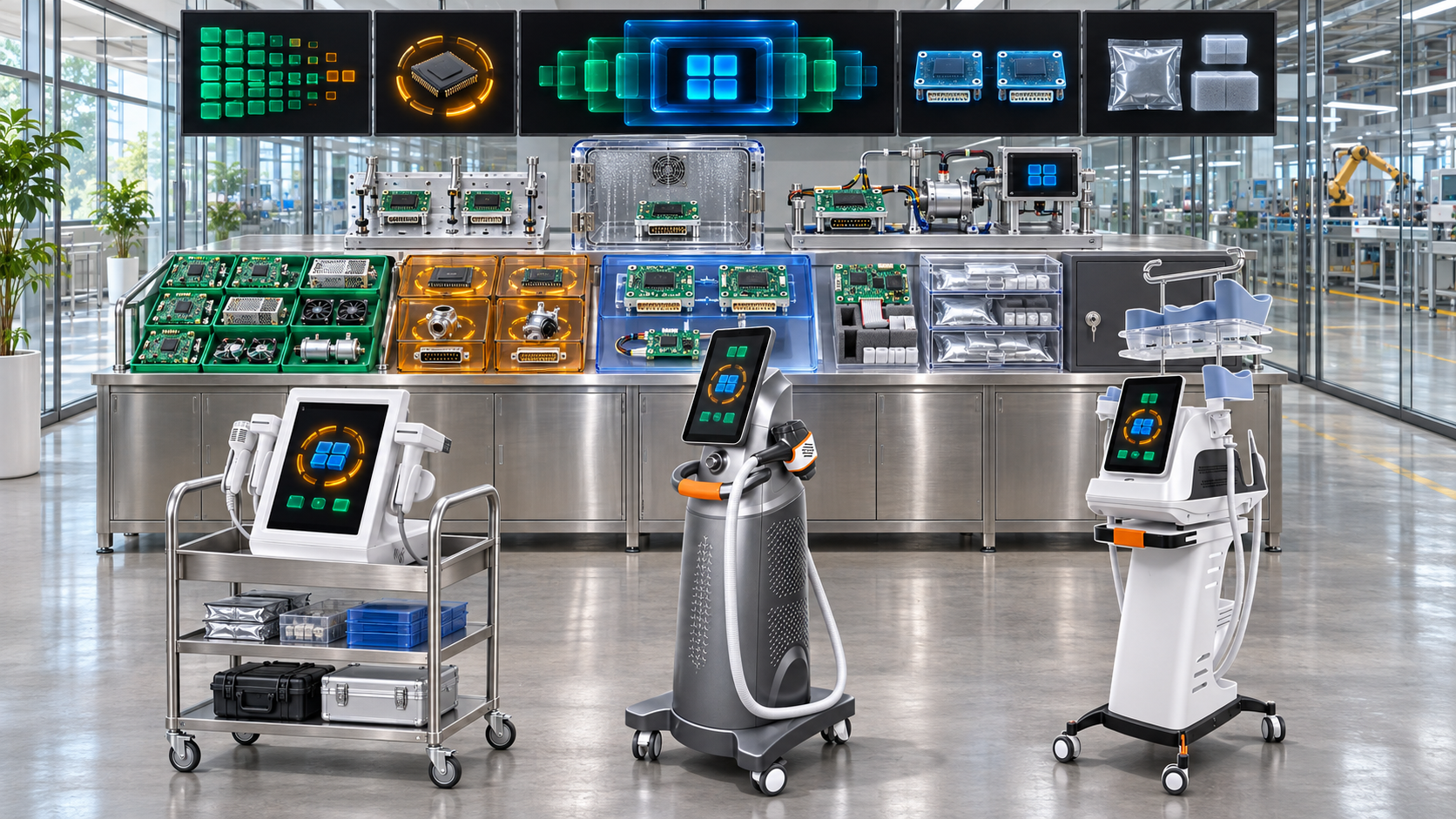
A professional beauty device may remain in salons, clinics, distributor service networks, and regional warehouses for years after its original components begin to disappear from the market. A display can reach end of life while the machine is still actively sold. A pump supplier can stop producing a model needed for field repair. A control-board processor can become unavailable before warranty obligations end. A connector, sensor, motor, laser-related module, or programmed memory can also become uneconomical to purchase even when no formal discontinuation notice arrives.
Component obsolescence planning helps factories manage this mismatch between product life and component life. It identifies lifecycle risks early, connects them to the exact models and installed units affected, evaluates alternatives, calculates final-order needs, controls redesign, and protects spare-parts support.
This guide explains how beauty device manufacturers can plan for component obsolescence across new production, active service, regional variants, shared platforms, and OEM/ODM configurations. It focuses on keeping long-life products supportable rather than treating every discontinued component as an immediate reason to retire the entire device.
Sumário executivo
A dependable component-obsolescence program should:
- Separate product life from component life. A model can remain active even when individual parts enter allocation, last-time-buy, or obsolete status.
- Detect risk before supply stops. Monitor supplier notices, lead times, order behavior, technology roadmaps, tooling, sub-tier sources, software support, and market availability.
- Maintain a controlled obsolescence register. Link each at-risk component to BOMs, suppliers, models, revisions, inventory, service parts, and installed units.
- Classify impact and urgency separately. A low-cost connector can have high service impact, while an expensive cosmetic part may have a manageable substitute.
- Use several response options. Continue buying, secure a final order, qualify an alternate, redesign a module, repair or refurbish parts, offer an upgrade, restrict configurations, or retire the product.
- Calculate final buys transparently. Include production, warranty, service, repair yield, scrap, supplier lead time, shelf life, installed-base growth, and uncertainty.
- Control storage and aging. Long-term inventory can degrade, become incompatible, or lose traceability before it is needed.
- Protect software and calibration compatibility. A successor board, display, handle, or sensor may need new firmware, parameters, tools, tests, and service instructions.
- Prevent uncontrolled sourcing. Shortages should not push purchasing toward unverifiable gray-market or counterfeit parts.
- Review long-life support continuously. Demand, failures, regulations, suppliers, installed units, and product strategy can change after the original decision.
The objective is not to eliminate all obsolescence. It is to make every lifecycle decision early enough to preserve product quality, service continuity, and informed commercial choices.
1. What Component Obsolescence Means
A component becomes obsolete when it can no longer be sourced, produced, supported, verified, or economically used under the factory’s approved conditions. Formal supplier discontinuation is only one form.
Obsolescence can result from:
- supplier end-of-life or product discontinuation;
- manufacturer exit, merger, or factory closure;
- tooling loss or deterioration;
- sub-tier material discontinuation;
- process or site retirement;
- electronic component lifecycle change;
- software, operating-system, or driver support ending;
- calibration or programming tool unavailability;
- applicable requirement or market change;
- environmental or material restriction;
- declining quality or reliability;
- minimum order quantity becoming impractical;
- lead time or price becoming unsustainable; or
- demand falling below the supplier’s support threshold.
The factory should define obsolescence broadly enough to capture commercial and technical unavailability before the last unit disappears.
2. Distinguish Product, Component, and Support Timelines
| Linha do tempo | Pergunta principal |
|---|---|
| Product development | Is the component suitable for a design that may need years of production and support? |
| Active production | Can the factory continue building approved configurations? |
| Suporte de garantia | Are compatible parts available for current warranty obligations? |
| Post-warranty service | Can installed units be repaired or upgraded under the support policy? |
| Component lifecycle | Is the supplier still producing, changing, allocating, or discontinuing the item? |
| Software/tool lifecycle | Can the part still be programmed, calibrated, diagnosed, and tested? |
| Product end of service | When will the factory stop supporting the model or configuration? |
These timelines rarely end together. Obsolescence planning aligns them through inventory, alternates, redesign, repair, and clear support decisions.
3. Identify the Main Types of Obsolescence
Supply obsolescence
The manufacturer or supplier will no longer provide the item, site, process, or sub-tier material.
Technical obsolescence
The part can still be purchased but no longer meets current performance, interface, reliability, or architecture needs.
Software obsolescence
Firmware, drivers, operating systems, development tools, security support, or programming equipment are unavailable or unsupported.
Compliance or market obsolescence
The component or its documentation no longer supports applicable market, material, electrical, labeling, or contractual requirements.
Economic obsolescence
MOQ, unit price, tooling cost, testing burden, or low demand makes continued supply impractical.
Service obsolescence
The part cannot be installed, calibrated, repaired, or supported with available skills, tools, instructions, or compatible software.
The response depends on the type. A last-time buy may help with supply obsolescence but cannot solve unsupported software or invalid market evidence indefinitely.
4. Detect Obsolescence Early
Sinais úteis incluem:
- supplier product-change and discontinuation notices;
- longer lead times;
- allocation or repeated partial delivery;
- MOQ increases;
- unexplained price changes;
- manufacturer lifecycle classifications;
- distributor stock disappearing;
- tooling or site-transfer discussions;
- quality deterioration;
- reduced technical support;
- software or driver updates ending;
- service-tool availability;
- sub-tier source changes;
- low order frequency; and
- new product generations replacing the current component.
Purchasing should not be the only monitoring function. Engineering, supplier quality, software, service, product management, and distributors can see different warning signals.
5. Put Lifecycle Obligations into Supplier Agreements
Supplier agreements, drawings, quality agreements, or purchasing specifications can define:
- advance notice of discontinuation;
- notice of site, process, material, software, and sub-tier changes;
- final-order date;
- final-delivery date;
- minimum final-order quantity;
- remaining tooling and capacity;
- continued technical and quality support;
- repair or refurbishment options;
- documentation and test-data retention;
- transfer of tooling or technical assets where agreed;
- shelf-life and storage information; and
- support for service quantities after production declines.
The factory should confirm the actual component manufacturer and manufacturing site rather than relying only on a reseller relationship.
6. Build a Component Obsolescence Register
The controlled register can include:
- internal and manufacturer part number;
- revision and approved manufacturing site;
- supplier and sub-tier source where controlled;
- lifecycle status and confidence;
- notice date, final-order date, and final-delivery date;
- affected BOMs, models, variants, and service kits;
- quantity per device;
- current inventory and open purchase orders;
- production and service demand horizon;
- installed-base exposure;
- criticality and service tier;
- approved alternates;
- software, calibration, and tooling dependencies;
- response strategy;
- owner, decision date, and open actions; and
- review cadence.
The register should link to authoritative BOM and supplier data. A standalone spreadsheet with outdated part descriptions will not support reliable where-used analysis.
7. Use Lifecycle Statuses with Clear Meaning
Useful statuses can include:
- active and preferred;
- active but monitored;
- constrained or allocated;
- not recommended for new design;
- supplier change under review;
- last-time-buy announced;
- final order placed;
- production obsolete, service stock available;
- alternate or redesign in progress;
- service-only;
- exhausted; and
- closed after product-support decision.
Status should drive system actions. A part marked not recommended for new design should not enter a new product merely because inventory remains.
8. Perform a Complete Where-Used Analysis
For every at-risk component, identify:
- parent assemblies;
- active and planned product models;
- hardware and software revisions;
- regional variants;
- OEM/ODM customer configurations;
- open quotations and orders;
- work in process and finished inventory;
- spare kits and repair stock;
- demonstration and loan units;
- verification and reliability evidence;
- manuals, labels, packaging, and training; and
- installed units by serial number or configuration where available.
One common component can affect facial, hair-removal, and body equipment simultaneously. Where-used scope determines the true business and service impact.
9. Classify Obsolescence Impact and Urgency
| Dimensão | Example assessment question |
|---|---|
| Product criticality | What happens if the part is wrong, unavailable, or changed? |
| Service impact | Does failure stop the complete device or one function? |
| Installed-base breadth | How many active units and configurations depend on it? |
| Production exposure | Which future orders or launches require it? |
| Alternate difficulty | How much design, software, verification, and market work is needed? |
| Supply urgency | How much time remains before final order or stock exhaustion? |
| Storage suitability | Can final-buy stock remain usable for the required period? |
| Financial exposure | What inventory, tooling, redesign, and support cost is involved? |
Keep impact and urgency separate. A high-impact component with several years of secure supply needs a different plan from a moderate-impact component whose final-order date is next month.
10. Decide the Product-Support Horizon
Before calculating a response, define the intended support horizon for:
- active production;
- open customer commitments;
- warranty obligations;
- post-warranty service;
- distributor stock;
- OEM customer agreements;
- software updates;
- consumable availability; and
- legacy repair.
The horizon should reflect applicable obligations, contracts, product strategy, installed-base needs, and technical feasibility. Do not publish a support period the factory cannot sustain or silently shorten an existing commitment because a supplier discontinued one part.
11. Choose among the Main Response Strategies
Possible strategies include:
- continue buying while monitoring risk;
- negotiate extended production or service supply;
- place a last-time buy;
- qualify an alternate manufacturer or part;
- redesign the component, assembly, or interface;
- use a successor module with software or mechanical adaptation;
- repair or refurbish failed modules;
- recover serviceable modules from controlled sources where appropriate;
- offer an upgrade kit;
- restrict new configurations or markets;
- stop new production but continue service; or
- retire the product or end a defined support activity.
A combined strategy is often necessary. Final-buy stock can cover the period while an alternate is developed and verified.
12. Use a Decision Matrix
| Situation | Likely direction |
|---|---|
| Stable alternate with limited impact | Qualify alternate and control transition |
| No alternate, moderate remaining demand, good shelf life | Consider last-time buy with demand scenarios |
| High installed base, repairable module | Build repair or exchange capability plus parts stock |
| Software-dependent part with unsupported tools | Redesign or migrate before tools become unavailable |
| Low installed base and very high redesign cost | Consider bounded final buy, upgrade, or product-support transition |
| Common part across several active models | Portfolio-level redesign, allocation, and validation plan |
| Custom OEM part with contractual support | Customer-specific decision, funding, approval, and inventory plan |
The matrix supports discussion but does not replace technical and commercial judgment.
13. Calculate Last-Time-Buy Demand Transparently
A final-buy model can include:
- planned production units before model retirement or redesign;
- quantity of the component per unit;
- expected warranty and post-warranty service demand;
- installed base by model, revision, region, and age;
- analogous failure and replacement evidence;
- repair and refurbishment yield;
- diagnostic accuracy and no-fault-found returns;
- production and service scrap;
- inventory already on hand and on order;
- stock held by distributors or suppliers;
- substitute or upgrade adoption;
- storage loss and shelf-life limits;
- uncertainty allowance; and
- desired support horizon.
Use low, expected, and high scenarios rather than presenting one uncertain number as exact. Record assumptions, owners, and review dates.
14. Avoid Simple Installed-Base Percentages
Buying a fixed percentage of the installed base can be misleading because:
- failure exposure changes with age and usage;
- some parts are repairable;
- configurations use different quantities;
- regional service behavior differs;
- units may already be retired;
- warranty and post-warranty policies differ;
- replacement parts can fail or become obsolete; and
- a future upgrade may reduce old-part demand.
The final-buy model should connect demand drivers to the exact component and support strategy.
15. Review Shelf Life and Long-Term Storage
Final-buy inventory is useful only if it remains usable. Assess:
- manufacturer shelf life;
- batteries, capacitors, seals, adhesives, lubricants, fluids, and elastomer aging;
- corrosion and moisture sensitivity;
- electrostatic protection;
- optical and cosmetic surface protection;
- temperature and humidity;
- packaging integrity;
- software or stored-data retention;
- periodic inspection or requalification;
- first-in, first-out or controlled rotation; and
- storage-location security and disaster risk.
The factory may need periodic functional tests, repackaging, conditioning, or data refresh. Long storage can shift risk from supply shortage to latent degradation.
16. Protect Traceability in Final-Buy Stock
Registro:
- manufacturer and supplier;
- part and revision;
- manufacturing site;
- lot, date code, or serial number;
- receipt and acceptance records;
- storage condition and location;
- shelf-life or review date;
- compatible models and serial ranges;
- issue to production or service;
- software or calibration status; and
- final disposition.
Do not merge old and successor components under one generic warehouse label if their compatibility or evidence differs.
17. Qualify Alternates before Supply Becomes Urgent
Alternate qualification can require review of:
- form, fit, and function;
- materials and tolerances;
- electrical, mechanical, thermal, optical, fluid, vacuum, or motion behavior;
- software, communication, and calibration;
- supplier manufacturing site and process;
- reliability and lifetime;
- assembly and production tests;
- packaging and service replacement;
- market, documentation, and customer impact; and
- old-to-new effectivity and traceability.
A catalog match or broker statement does not prove interchangeability. Start alternate work while original parts remain available for direct comparison.
18. Decide When an Alternate Needs a New Part Number
Use a new internal identity when the successor is not fully interchangeable in purchase, production, service, software, test, or lifecycle terms. A new number is often appropriate when:
- hardware or connector differs;
- software or parameter package changes;
- calibration method differs;
- assembly instructions or fixtures change;
- product evidence must be repeated;
- service compatibility is limited by serial range;
- market or OEM approval differs; or
- old and new stock must remain distinguishable.
Do not hide a redesign behind an unchanged part number for purchasing convenience.
19. Control Redesign as a Product Change
An obsolescence redesign should include:
- current and proposed baseline;
- requirements and interfaces;
- risk and failure effects;
- product-family where-used analysis;
- software and parameter impact;
- verification and regression plan;
- supplier and production readiness;
- BOM, drawing, test, and document updates;
- Transição de estoque;
- service and installed-base strategy;
- market and customer review; and
- post-implementation monitoring.
Urgency does not reduce the need for evidence. It increases the need for a bounded and well-managed plan.
20. Manage Software, Firmware, and Tool Obsolescence
Long-life support can fail even when physical parts remain. Monitor:
- operating-system support;
- software libraries and drivers;
- compiler and development environment;
- programming hardware;
- firmware source and build records;
- signing keys and secure access;
- calibration software;
- diagnostic tools;
- database and license dependencies;
- display and processor compatibility; and
- update and rollback methods.
Preserve controlled source, build instructions, tool versions, binaries, parameters, and verification records. A spare board is not usable if no supported method can program it.
21. Plan for Programmed and Calibrated Spares
Boards, displays, sensors, handles, drives, and energy modules may require model-specific software or calibration. The plan should define:
- blank versus preprogrammed inventory;
- common hardware with product-specific build;
- serial-number or configuration matching;
- calibration data storage and transfer;
- compatible software range;
- authorized programming locations;
- post-programming verification;
- service installation test; and
- support if the original programming tool becomes obsolete.
Stocking hardware alone may create false confidence if the digital configuration cannot be reproduced later.
22. Preserve Tooling, Process, and Supplier Knowledge
Some obsolete components depend on molds, fixtures, special processes, work instructions, drawings, or skilled personnel. Before volume declines, decide whether to:
- retain or purchase tooling;
- transfer tooling to another supplier;
- preserve process parameters and inspection methods;
- store approved samples;
- retain drawings and material specifications;
- document calibration and test setups;
- train backup personnel;
- preserve repair knowledge; and
- maintain a small controlled production capability.
Tool ownership without process knowledge may not recreate an acceptable part.
23. Prevent Counterfeit and Gray-Market Risk
Obsolete electronics and specialized modules may appear through brokers after authorized supply ends. Risk controls can include:
- approved sourcing channels;
- manufacturer and lot traceability;
- documented chain of custody;
- inspection and authenticity testing;
- electrical or functional comparison;
- destructive testing where justified;
- quarantine pending review;
- restricted use or rejection criteria; and
- escalation for unexpected markings, date codes, or packaging.
Shortage pressure should not bypass supplier approval. A component that powers on can still be counterfeit, reclaimed, aged, re-marked, or technically different.
24. Build Repair and Refurbishment Capability
Repair can extend support when new modules are unavailable or expensive. A controlled program should define:
- eligible modules;
- inspeção de entrada;
- fault diagnosis;
- approved repair parts and methods;
- workmanship requirements;
- software and calibration;
- final tests and aging;
- cosmetic criteria;
- serialization and repair history;
- warranty after repair;
- return packaging; and
- rejection or scrap criteria.
Do not return an unverified repaired module to service merely because the original symptom disappeared.
25. Use Upgrade Kits Carefully
An upgrade kit can replace an obsolete board, display, handle, power module, or interface with a supported generation. The kit may include:
- successor module;
- adapter bracket or cable;
- software or parameter package;
- labels and documentation;
- installation instructions;
- calibration or test procedure;
- compatibility limits; and
- old-part disposition.
An upgrade changes the as-maintained configuration and may affect training, product claims, market requirements, and customer acceptance. Treat it as a controlled product change, not only a spare shipment.
26. Protect Service Stock from Production Consumption
When a part becomes constrained, production demand can consume inventory reserved for installed units. Allocation rules should consider:
- confirmed new-device commitments;
- warranty and open service cases;
- installed-base size and age;
- service-blocking impact;
- alternate or upgrade availability;
- product retirement schedule;
- regional delivery time;
- contractual obligations; and
- replenishment possibility.
Service-reserved inventory should have a separate status and approval route for transfer to production.
27. Decide Where Long-Life Stock Should Be Held
Possible locations include:
- factory central warehouse;
- factory repair center;
- regional branch;
- national distributor;
- authorized service center;
- supplier-held reserve; and
- controlled consignment stock.
Central stock improves control and pooling. Regional stock reduces downtime and customs delay. The decision should consider installed-base concentration, part value, shelf life, climate, security, technician capability, transportation, and demand uncertainty.
28. Communicate with Distributors and Service Partners
Communication can include:
- affected model and serial ranges;
- component or service-part identity;
- situação atual do suporte;
- final-order or transition dates;
- remaining stock policy;
- successor or upgrade options;
- compatibility and installation requirements;
- warranty and pricing implications;
- handling of open service cases; and
- data needed from the installed base.
Avoid telling partners only that a part is discontinued. They need an operational path for active customer devices.
29. Control OEM/ODM Obsolescence Responsibilities
O SHEFMON OEM/ODM service overview describes customization areas such as exterior design, internal layout, airflow, wiring, handpiece connections, fluid or air paths, interface language, and branding.
For custom products, agreements should define:
- who owns custom tooling and specifications;
- who monitors custom-component lifecycles;
- notification timing;
- final-buy funding and ownership;
- minimum service quantities;
- approval of alternates and redesigns;
- software source and programming access;
- customer-specific labels and documentation;
- storage and scrap responsibility; and
- support after the OEM customer stops ordering new units.
Low-volume custom parts can become obsolete earlier because suppliers may not maintain tooling or small-batch capacity.
30. Include Obsolescence in New Product Development
Before approving a new component, review:
- manufacturer lifecycle status;
- product roadmap;
- years in production;
- alternate sources;
- technology maturity;
- tooling ownership;
- software and driver support;
- lead time and MOQ;
- service horizon;
- common use across the portfolio;
- substitution difficulty; and
- documentation and supplier stability.
Avoid selecting a component already marked not recommended for new design unless a documented strategy justifies it.
31. Connect Obsolescence to Common-Part Strategy
Common parts can make an alternate or final buy more economical by pooling demand. They can also spread obsolescence across several product categories.
For shared parts, assess:
- all facial, hair-removal, and body models affected;
- total production and service demand;
- different support horizons;
- application-specific software or calibration;
- inventory allocation;
- product-specific redesign evidence;
- installed-base compatibility; and
- whether one successor can truly support every application.
A portfolio-wide successor should not be forced if category requirements have diverged.
32. Example: A0648 Facial Platform Obsolescence
O SHEFMON A0648 9-in-1 diamond hydro microdermabrasion machine is a multifunction facial platform with multiple working elements and fluid- or vacuum-related operation.
A proposed obsolescence review could cover pumps, vacuum sources, bottles, tubing, seals, valves, filters, display modules, control boards, treatment handles, connectors, and accessories. A successor pump or tube should be reviewed for flow, vacuum, materials, sealing, cleaning, noise, duty cycle, assembly, and service compatibility.
The plan could combine stock for simple service items with alternate qualification for critical modules and controlled kits for fluid-path changes. This is an illustrative framework, not a claim about SHEFMON’s confidential components or lifecycle status.
33. Example: A0426 Hair-Removal Platform Obsolescence
O SHEFMON A0426 diode laser hair-removal machine publishes wavelength, handle-power, spot-size, cooling, voltage, and language choices.
A proposed review could assess treatment-handpiece sources, laser-related modules, power supplies, cooling pumps, fans, flow and temperature components, displays, control boards, connectors, and software tools. A successor may affect output, thermal behavior, handle recognition, calibration, parameters, final tests, regional content, and service instructions.
The factory should preserve exact configuration and serial compatibility rather than treating every A0426 unit as identical. This example does not describe current SHEFMON obsolescence conditions.
34. Example: B0155 Body Platform Obsolescence
O SHEFMON B0155 desktop body platform is presented with multiple handles and functions involving vacuum, rollers, RF-related operation, light, and cavitation.
A proposed plan could monitor motors, bearings, gears, rollers, vacuum components, high-cycle cables, handle connectors, control boards, display modules, and output assemblies. Repair or exchange may be more practical for complete handles, while selected wear components can remain service parts.
A successor motor or board should be assessed across every dependent handle and function. Shared-console components can create broader impact than a single model-specific applicator.
35. Govern the Transition in Product and Service Data
Update affected:
- engineering and service BOMs;
- approved manufacturers and suppliers;
- part lifecycle statuses;
- compatibility and serial-range records;
- drawings and specifications;
- inspection and test methods;
- software and parameter packages;
- work and service instructions;
- inventory allocation;
- quotation and configuration rules;
- manuals and training; and
- release and service records.
Preserve the old baseline for historical devices. Do not overwrite past configurations as though every installed unit received the successor.
36. Monitor the Strategy after Implementation
Análise:
- actual production and service consumption;
- remaining stock versus support horizon;
- repair and refurbishment yield;
- alternate-part quality and reliability;
- field failures after upgrade;
- no-fault-found returns;
- storage losses;
- supplier delivery and final-order performance;
- regional stock imbalance;
- installed units without a viable service path; and
- assumptions that require revision.
Final-buy inventory and redesign decisions should remain open to controlled adjustment as real evidence develops.
37. Component Obsolescence Metrics
Medidas úteis incluem:
- percentage of active BOM parts with lifecycle status;
- high-impact parts without an approved strategy;
- average warning time before final order;
- at-risk models and installed units;
- final-buy forecast accuracy;
- stock coverage by support horizon;
- storage or shelf-life losses;
- alternate qualification cycle time;
- emergency broker purchases;
- service cases delayed by obsolete parts;
- redesigns completed before stock exhaustion;
- legacy inventory value; and
- obsolete parts with no owner or review date.
Do not optimize only for low obsolete inventory. Insufficient stock can create unsupported devices and expensive emergency redesign.
38. Common Obsolescence-Planning Failures
Waiting for a formal discontinuation notice
Lead time, support, quality, tooling, or economic viability may deteriorate earlier.
Treating a last-time buy as the only solution
Stored parts can age, demand can exceed estimates, and software or tools can still become obsolete.
Calculating final buys from one percentage
Installed-base age, configuration, repair yield, service strategy, and support horizon are ignored.
Buying hardware without preserving software and calibration
The spare may be impossible to program or verify later.
Sourcing from brokers without authenticity controls
Counterfeit, reclaimed, re-marked, or degraded parts can enter service stock.
Ignoring common-part blast radius
One obsolete board, display, pump, or connector may affect many models.
Overwriting old compatibility data
Service teams can no longer identify the correct part for earlier serial numbers.
Keeping the decision inside purchasing
Engineering, quality, software, service, product, finance, and regional teams need to assess the complete impact.
39. Component Obsolescence Checklist
- Product, component, software, service, and warranty timelines are separated.
- Supply, technical, software, compliance, economic, and service obsolescence are defined.
- Supplier agreements include change and discontinuation notice expectations.
- Active BOM and service parts have lifecycle statuses.
- A controlled register links at-risk parts to models, suppliers, inventory, and installed units.
- Where-used analysis covers regional and OEM/ODM configurations.
- Impact and urgency are assessed separately.
- Product and service support horizons are documented.
- Continue-buy, final-buy, alternate, redesign, repair, upgrade, and retirement options are compared.
- Last-time-buy models include production, service, repair yield, inventory, shelf life, and uncertainty.
- Long-term storage and periodic verification requirements are defined.
- Final-buy stock preserves manufacturer, lot, revision, compatibility, and location data.
- Alternates are qualified before original stock becomes critical.
- New part numbers distinguish non-interchangeable successors.
- Software, programming, calibration, diagnostics, and build tools are preserved.
- Tooling, process knowledge, drawings, and supplier records are protected.
- Gray-market and counterfeit sourcing controls remain active during shortages.
- Service-reserved inventory has allocation protection.
- Distributors and OEM customers receive an operational transition plan.
- Consumption, failures, repair yield, stock, and assumptions are reviewed after implementation.
Perguntas frequentes
1. Is component obsolescence the same as product end of life?
No. One component can become obsolete while the product remains in production or service. The factory can use inventory, an alternate, redesign, repair, or upgrade to continue support.
2. When should obsolescence monitoring begin?
It should begin during component selection for new product development and continue through production, warranty, post-warranty service, and product retirement.
3. How should a factory calculate a last-time buy?
Use planned production, installed base, quantity per device, service demand, analog failure evidence, repair yield, scrap, current stock, support horizon, shelf life, alternates, and uncertainty scenarios.
4. Is buying extra stock always safer than redesigning?
No. Storage aging, demand uncertainty, unsupported software, lost tooling, and very long support horizons can make redesign or upgrade more sustainable.
5. Can an obsolete component be purchased from an independent broker?
Only through a controlled sourcing and authenticity process appropriate to the risk. Traceability, inspection, testing, condition, and chain of custody should be evaluated; availability alone is not approval.
6. Why are software tools part of obsolescence planning?
A board, display, sensor, or handle may require programming, calibration, pairing, or diagnostics. Physical stock is not useful if the required software, licenses, keys, adapters, or build records are unavailable.
7. Should final-buy stock be kept centrally or regionally?
The answer depends on installed-base distribution, customs time, part value, shelf life, security, service skill, demand uncertainty, and the need to pool limited inventory.
8. Can one successor replace an obsolete common part across every model?
Only if requirements, interfaces, software, performance, reliability, production, service, and product-specific evidence support every application. Different categories may need separate successors.
9. How should OEM buyers handle custom-component obsolescence?
Contracts should define monitoring, notice, final-buy funding, tooling ownership, alternate approval, software access, storage, support duration, and responsibility after new orders stop.
10. What should happen when final-buy stock is running out faster than planned?
Reforecast immediately, protect priority service demand, investigate consumption and failures, accelerate alternate or redesign work, review repair and upgrade options, and communicate support limitations before stock is exhausted.
Conclusão
Component obsolescence planning protects long-life beauty device support when individual parts, suppliers, tools, and technologies have shorter lifecycles than the products they serve. The strongest programs detect risk early, preserve accurate where-used and installed-base data, compare several response strategies, and treat final buys as one tool rather than the complete solution.
Long-term support also depends on software, calibration, tooling, repair knowledge, storage, authenticity, service compatibility, and disciplined allocation. Every alternate or redesign should be controlled through engineering, quality, supplier, production, service, and market review while preserving the history of older devices.
SHEFMON offers professional beauty devices across facial, hair-removal, body, and multifunction categories. Buyers can explore Máquinas de beleza profissionais SHEFMON, revise-o visão geral do controle de qualidade, learn about Personalização OEM/ODM, ou contate SHEFMON to discuss product configuration, service parts, and lifecycle-support requirements.