










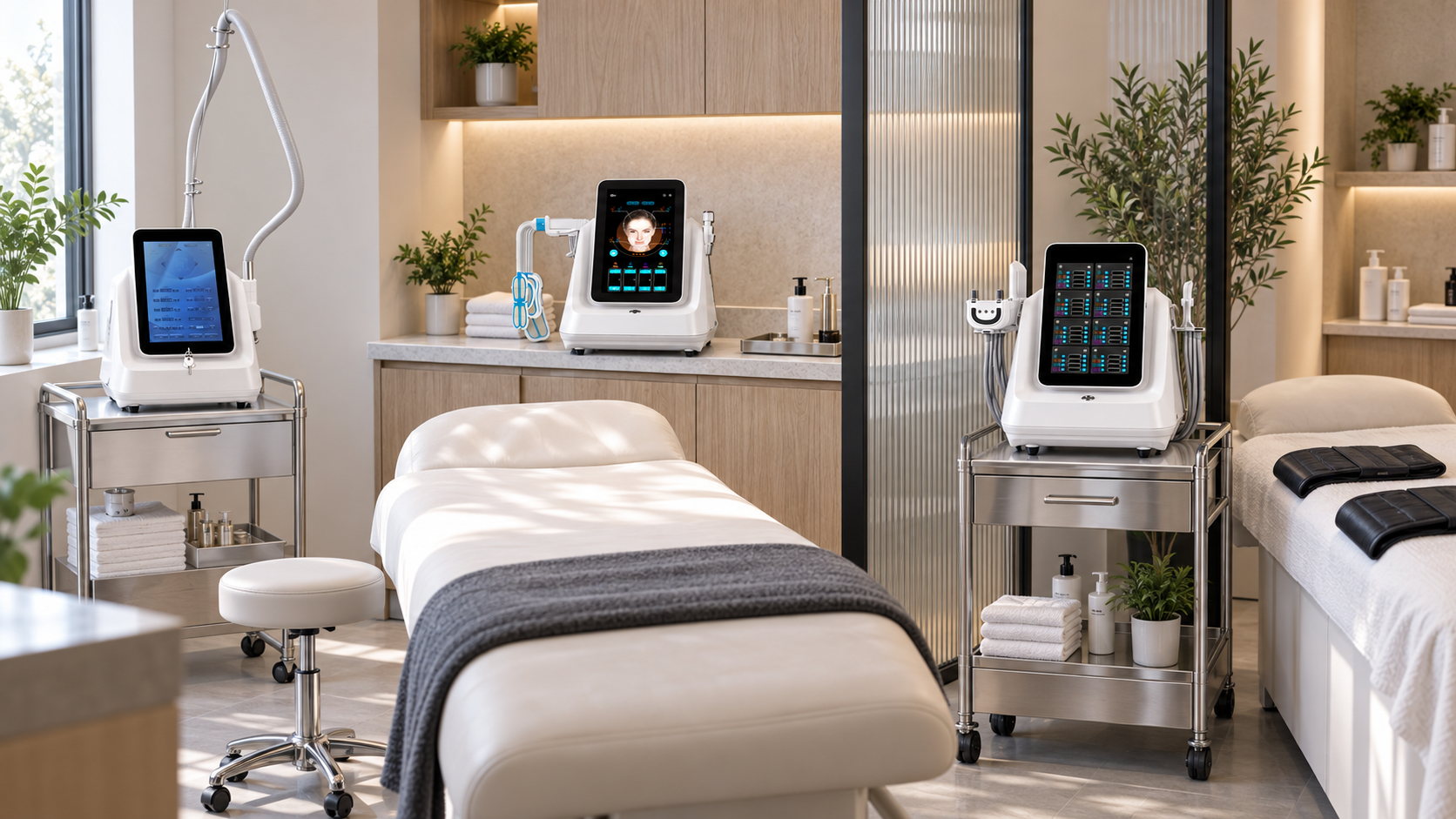
A compact beauty equipment package should reduce more than the number of machines. It should also control the space required for handles, consumables, cleaning, cables, client positioning, staff movement, and room turnover. A two-device package can still overwhelm a small treatment room if the buyer plans only around product photographs.
For many salons, the most practical compact package begins with the A0648 hydro microdermabrasion platform as the facial anchor. A second device should open one clear category: B0155 for body care, A0145 for a separate plasma-based facial pathway, or A0272-F for a facial electrical-stimulation and RF category.
This guide explains how to choose between those compact package directions, measure the complete operating footprint, build a small service menu, and avoid adding specialist equipment before the room and team are ready.
Executive Summary
- Define compactness through five footprints: machine, accessories, consumables, workflow, and training.
- Use A0648 as a one-device facial foundation when the business needs the smallest manageable starting package.
- Pair A0648 with B0155 for a compact face-and-body portfolio with two distinct service departments.
- Pair A0648 with A0145 or A0272-F when the salon wants a facial-only growth package.
- Choose one facial upgrade; A0145 and A0272-F should not both be added simply to increase the package count.
- Do not use shipping-carton dimensions as the installed working footprint. Confirm machine dimensions, handle holders, ventilation, cable clearance, trolley needs, and operator movement in writing.
- Limit the initial menu to two or three services per device.
- Include consumables, cleaning, storage, electrical supply, training, maintenance, and technical support in the package plan.
- Treat the equipment package as a business portfolio. It does not establish same-day combinations, treatment order, settings, or individual suitability.
The most compact package is the smallest operating system that supports the salon’s real service menu.
1. Compact Means More Than Small Machine Dimensions
Assess five footprints before selecting a model.
| Footprint | What it includes | Why it matters |
|---|---|---|
| Machine footprint | Device body, base, screen movement, doors, vents, and installed holders | Determines where the machine can stand safely |
| Accessory footprint | Handles, applicators, tips, cables, cartridges, stands, and spare parts | Accessories often require more storage than the console suggests |
| Consumable footprint | Solutions, contact products, protective materials, filters, single-use items, and cleaning supplies | Recurring stock needs clean, accessible storage |
| Workflow footprint | Treatment bed access, operator position, client changing, cable movement, cleaning, and waste | Determines whether the room can actually deliver the service |
| Training footprint | Number of functions, operator roles, service cards, screening, records, and maintenance tasks | A small device can create a large operational burden |
A compact package performs well when all five footprints fit the available room and team.
2. Measure the Room Before Requesting a Package
Create a simple room plan with actual measurements. Include:
- treatment bed length, width, and access on each side;
- door swing and client changing area;
- fixed cabinets, sinks, windows, and ventilation;
- grounded outlets and electrical circuits;
- device position during treatment and storage;
- trolley or cart footprint;
- handle, tip, solution, linen, and cleaning storage;
- cable routes that do not create a trip or contamination problem;
- clean and used accessory zones;
- space needed for body positioning if B0155 is included.
Send this information with the enquiry. A package recommendation is more useful when the device must fit a defined room rather than an unspecified “small salon.”
3. Start with a Two-Device Maximum
Most compact packages should begin with one anchor and no more than one extension.
| Package role | Decision rule |
|---|---|
| Anchor | Supports the salon’s main service family and can operate independently |
| Extension | Adds one different, verified client goal without duplicating the anchor |
This rule does not require the buyer to purchase two devices immediately. A one-device package may be the better launch. The extension can remain a planned second stage after the first workflow is stable.
4. One-Device Facial Package: A0648
The current A0648 product page describes a nine-function hydradermabrasion platform and highlights cleansing, exfoliation, extraction, and hydration. The page identifies it as vertical beauty equipment.
A vertical device can consolidate several related facial functions into one chassis, but “9 in 1” should not be treated as nine ready-made services. A compact launch menu can include:
- Essential Cleansing Facial;
- Hydration Facial;
- Facial Maintenance Review.
Confirm the full A0648 footprint
Request the installed machine dimensions, base dimensions, cable length, screen and handle clearances, supplied holders, filled operating weight where relevant, and required access for maintenance. Also confirm the supplied tips and handles, compatible solutions, filters, waste or fluid management, cleaning, and storage.
The product page does not provide all room-planning dimensions. Do not estimate the working footprint from images alone.
5. Two-Device Face-and-Body Package: A0648 Plus B0155
This package suits a salon that wants one facial foundation and one body-care department without purchasing several body platforms.
The current B0155 product page lists a larger body vacuum roller, a smaller face/arm/neck roller, rotating handles, RF-related functions, light, and 80K cavitation. Its desktop format can support a space-conscious equipment plan, but the package includes several handles and therefore needs organized storage.
Suggested four-service menu
| Menu section | Service | Main device |
|---|---|---|
| Facial Care | Essential Cleansing Facial | A0648 |
| Facial Care | Hydration Facial | A0648 |
| Body Care | Body Care Consultation | B0155 |
| Body Care | Targeted Mechanical Body Care | B0155 |
Do not turn every B0155 handle into a public menu item at launch. Add another function only after its purpose, client selection, contact products, settings guidance, cleaning, and operator competency are documented.
Confirm the B0155 working footprint
The live page lists package dimensions, but shipping dimensions do not establish the installed treatment footprint. Confirm:
- console dimensions and required tabletop or trolley load capacity;
- handle-holder dimensions and whether holders attach to the console;
- cable and hose length and safe routing;
- space for the body roller, smaller roller, rotating handles, and cavitation components;
- ventilation and maintenance clearance;
- accessory storage during and between appointments;
- electrical version and total room load;
- cleaning and drying space.
Avoid unsupported weight-loss, detoxification, pain-relief, lymphatic, rehabilitation, metabolic, and universal-safety claims. Keep the body menu within verified documentation, operator scope, and local requirements.
6. Two-Device Facial Package Option A: A0648 Plus A0145
The A0145 Coolplasma page lists a machine size of 48.5 × 40 × 47 cm, a gross weight of 23 kg, two handles, and eight replacement heads. Those details make it possible to begin a more concrete space review, although the final quotation and packing information still control the supplied configuration.
This pairing can support:
- A0648 cleansing and hydration-oriented facial care;
- a separate Plasma-Based Facial Consultation;
- an approved plasma service only after the salon establishes exact intended use, operator requirements, consumables or gases where applicable, heads, hygiene, records, aftercare, and local authorization.
Do not copy the page’s disease-treatment, infection, sterilization, wound-healing, acne, eczema, dermatitis, psoriasis, rosacea, scalp, scar, pigmentation, or hair-growth claims into a general salon menu without appropriate evidence, intended-use documentation, professional scope, and market authorization.
Storage impact
The console may fit on a suitable work surface, but two handles and eight heads require a labeled clean-storage system. Confirm whether every head is supplied, reusable or single-use status, compatible cleaning and disinfection, replacement intervals, and whether any gas or additional operating material is needed for the delivered configuration.
7. Two-Device Facial Package Option B: A0648 Plus A0272-F
The A0272-F product page describes facial electrical stimulation combined with RF. This model can add a facial tone and contour-oriented category without adding a body-service workflow.
Possible menu entries are:
- Facial Tone Consultation;
- Facial Tone Session under approved instructions and operator scope;
- Facial Technology Review.
Choose A0272-F instead of A0145 when client demand supports a facial tone category and the salon can manage its placement, screening, accessories, contact materials where applicable, records, and technical requirements.
The current page does not provide enough installed-dimension information for a room plan. Require exact console, stand, accessory, cable, holder, and clearance measurements before confirming that the package is compact. Avoid copying fixed schedules, prices, universal-suitability language, and guaranteed results from promotional text.
8. Compare the Three Compact Package Directions
| Package | Best fit | Main space advantage | Main operational challenge |
|---|---|---|---|
| A0648 only | New or focused facial studio | One chassis supports several related facial functions | Fluid-path care, tips, solutions, and disciplined menu scope |
| A0648 + B0155 | Facial salon adding body care | Two devices create distinct face and body departments | Body positioning plus storage for several handles and contact materials |
| A0648 + A0145 | Facial studio adding plasma-based care | Keeps the portfolio facial focused; A0145 page provides console dimensions | Head organization, intended-use verification, hygiene, and possible operating materials |
| A0648 + A0272-F | Facial studio adding a tone category | Adds a different facial technology without creating body-room turnover | Screening, placement, accessory storage, and missing installed dimensions to confirm |
Select one row. Combining all four models would no longer be a compact launch package for most small salons.
9. Use a Compact-Package Scorecard
Score each candidate from 1 to 5 before adding it.
| Factor | Suggested weight | Compact-package question |
|---|---|---|
| Service distinction | 20% | Does the device open a clear category rather than duplicate the anchor? |
| Installed footprint | 20% | Do the console, holders, trolley, cables, ventilation, and operator clearances fit? |
| Accessory and consumable storage | 15% | Can all recurring items be stored, labeled, cleaned, and reordered? |
| Room turnover | 15% | Can preparation, treatment, cleaning, drying, and reset fit the schedule? |
| Staff workload | 15% | Can named staff master the functions, screening, records, and maintenance? |
| Configuration and support | 15% | Are the exact included parts, training, warranty, maintenance, and support documented? |
A low footprint score should not be offset by a high function count. Failed electrical, professional, or local requirements are mandatory stop points regardless of the total.
10. Create Three Zones in a Compact Treatment Room
Even a single-room salon should separate the workflow into zones.
Clean storage zone
Store prepared handles, heads, tips, solutions, protective materials, linens, manuals, and aftercare documents. Use closed, labeled storage appropriate to the item.
Active treatment zone
Keep only the device, selected handle, required consumables, and documentation needed for the current service. Remove unrelated accessories from the working surface.
Used and cleaning zone
Create a controlled place for used components, waste, cleaning materials, and items awaiting drying or inspection. Do not return used accessories to clean storage before the documented process is complete.
Room drawings should show the zones as well as furniture and machine locations.
11. Use Mobile Furniture Carefully
A suitable trolley can make a desktop device easier to position, but it becomes part of the installed equipment plan.
Confirm:
- load rating for the console and accessories;
- stable top dimensions and raised edges where appropriate;
- wheel locks and cable clearance;
- ventilation around the device;
- safe handle and hose storage;
- cleanable surfaces;
- drawer space for approved items only;
- movement route that does not cross the client or operator area.
Do not place a 23 kg A0145 console on furniture that has not been checked for the load. Do not assume B0155 shipping-carton dimensions describe a safe trolley size.
12. Plan Electrical Capacity and Cable Routes
Compact rooms often have limited outlets. Obtain the voltage, frequency, power, plug, grounding, and circuit requirements for the exact units.
Check whether:
- the room circuit can support the planned devices and other equipment;
- extension leads or multi-outlet adapters are prohibited by device or local requirements;
- power cables can reach without crossing walkways;
- water, solutions, contact materials, and cleaning areas are separated appropriately from electrical connections;
- devices have safe shutdown and storage procedures;
- ventilation openings remain unobstructed.
Two machines fitting physically does not mean the electrical installation can support them.
13. Reduce the Consumable Footprint
Create a package-level inventory rather than separate informal drawers for each operator.
Use four lists:
- Included items: console, standard handles, tips, heads, cables, holders, manuals, and startup materials;
- Required buyer items: approved solutions, contact products, protective materials, cleaning supplies, linens, waste containers, and storage;
- Optional items: additional heads, handles, tips, spare parts, and upgrades shown separately in the quotation;
- Recurring items: filters, solutions, single-use products, contact materials, replacement heads or tips, and wear parts.
Set minimum and maximum stock levels based on realistic appointments and lead times. Compact storage should not encourage mixing unapproved products or removing labels to save space.
14. Limit the Menu Before Launch
A compact package should produce a compact menu.
| Device count | Recommended launch scope |
|---|---|
| One | Two core services plus a review |
| Two | Two services per device or service family |
| Three | Add only when the third category has a separate room, owner, demand, and operating workflow |
Service names should describe a client goal, not an attachment. Consultation-led entries are appropriate when suitability must be confirmed.
The number of functions, heads, or handles does not set the number of public services.
15. Separate Device Switching from Treatment Combining
A compact room may use the same bed for different devices at different times. This is a scheduling decision. It does not mean the devices should be used together on one client.
Build room-change procedures covering shutdown, cleaning, accessory return, surface reset, consumable replacement, documentation, and setup for the next service family.
Same-day device combinations, order, areas, settings, and timing require qualified assessment, exact device guidance, intended use, operator scope, and local authorization. A compact equipment package is not a combined-treatment protocol.
16. Assign a Package Owner
One person should maintain the complete package even if several people operate the devices.
Responsibilities include:
- configuration and accessory register;
- clean-storage map and labeling;
- consumable reorder points;
- cleaning and maintenance records;
- operator competency and approved service cards;
- room-layout updates;
- fault and downtime records;
- warranty, parts, and technical-support communication;
- review of public service language.
Compact operations depend on disciplined return-to-place routines. Missing heads, mixed tips, and unrecorded substitutions quickly remove the space advantage.
17. When Is a Third Device Justified?
Add a third device only when:
- the first two workflows are stable;
- clients repeatedly request a different service goal;
- the category has a named trained operator;
- installed dimensions and storage fit without blocking room access;
- electrical and ventilation requirements are confirmed;
- consumables, cleaning, records, and support are prepared;
- the device has a separate menu role;
- room turnover remains workable.
For a facial-and-body package, A0272-F or A0145 may be a third-stage facial expansion. For a facial-only package, B0155 may open body care. The business should add one category at a time.
18. Specialist Devices That Usually Need a Separate Space Decision
The A0423 diode laser may fit some rooms physically, but a laser category adds controlled access, suitable eyewear, assessment, cooling and water-system maintenance, records, aftercare, and an adverse-event process. It should not be placed in a compact package merely because the console can fit.
Focused HIFU, RF microneedling, muscle-focused equipment, and cryolipolysis also require their own professional, consumable, applicator, hygiene, room, monitoring, or follow-up decisions. “Compact” should never be used to bypass readiness for a specialist category.
19. Staged Compact-Package Launch
Stage 1: Map the room and menu
Measure the room, define the main service family, select the anchor, and write two or three service cards.
Stage 2: Confirm the working configuration
Obtain exact dimensions, electrical details, supplied accessories, optional items, consumables, cleaning, training, warranty, maintenance, and support.
Stage 3: Install and test the workflow
Reconcile delivery with the packing list. Test trolley stability, zones, cable routes, operator movement, preparation, cleaning, storage, and appointment timing.
Stage 4: Controlled launch
Open limited appointments, monitor room turnover, consumables, documentation, faults, staff observations, and client questions. Correct the system before increasing capacity or adding another model.
20. Compact Package Checklist
Before ordering, confirm that:
- the package has one anchor and no more than one initial extension;
- each device has a different menu role;
- console dimensions and installed working clearances are documented;
- shipping dimensions have not been used as a substitute for machine dimensions;
- the trolley, table, or stand has appropriate dimensions and load capacity;
- handles, heads, tips, cables, solutions, and cleaning materials have labeled storage;
- power, voltage, plug, grounding, ventilation, and cable routes are suitable;
- appointment times include preparation, cleaning, drying, records, and reset;
- the exact standard and optional configuration is written into the quotation;
- consumables, replacement items, maintenance, warranty, and support are understood;
- staff training, screening, service cards, aftercare, and escalation are ready;
- public copy avoids guaranteed results and unsupported medical or weight-loss claims;
- package ownership is not presented as a same-day device protocol;
- the business can postpone a third device if the room or workflow is not ready.
Frequently Asked Questions
1. What is the simplest compact SHEFMON package for a facial salon?
A0648 can form a one-device facial package around cleansing, exfoliation, extraction, and hydration-oriented care. Confirm its installed dimensions, handles, tips, solutions, cleaning, and storage before planning the room.
2. What is a compact face-and-body package?
A0648 plus B0155 can create separate facial and body-care categories with two devices. The package still needs body positioning space, handle storage, contact products, cleaning, and safe room turnover.
3. Should a compact salon choose A0145 or A0272-F?
Choose A0145 for a separately governed plasma-based facial direction or A0272-F for a facial electrical-stimulation and RF category. Use verified client demand, intended use, staff scope, dimensions, accessories, consumables, and room workflow to decide.
4. Is A0145 physically compact?
Its current page lists machine dimensions of 48.5 × 40 × 47 cm and a gross weight of 23 kg. Buyers must still account for two handles, eight listed heads, ventilation, cables, trolley load, cleaning, and operating materials.
5. Is B0155 suitable for a small room?
Its desktop format may support a space-conscious setup, but the official page mainly provides package dimensions rather than a complete installed footprint. Confirm the console, holders, handles, cable and hose clearances, trolley, ventilation, and body-treatment workspace.
6. How many services should a two-device package launch?
Four is a manageable starting point: two services or booking routes per device. Add another only after demand and the operating workflow are stable.
7. Does a compact package require mobile trolleys?
Not always. A trolley is useful only when its load rating, size, wheel locks, ventilation, cable routes, storage, and cleanable surfaces suit the device and room.
8. Can the two devices be used together during one appointment?
Package ownership does not establish same-day suitability. Combination, order, areas, timing, and settings require qualified assessment, exact device instructions, and local authorization.
9. When should a compact salon add a third device?
Add one when the first two devices have stable workflows, a different client goal is repeatedly requested, and staff, room, electrical supply, storage, consumables, records, maintenance, and support are ready.
10. What room information should a buyer send SHEFMON?
Send a measured floor plan, treatment-bed position, door and cabinet locations, available outlets and circuits, trolley or table limits, storage, ventilation, sink and cleaning area, intended services, staff, country, and preferred device configuration.
Conclusion
A compact SHEFMON equipment package should fit the complete treatment-room operation. A0648 can anchor a focused facial menu. B0155 can add a separate body-care department, while A0145 or A0272-F can create a facial-only expansion. The buyer should select one extension according to demand and confirm the full machine, accessory, consumable, workflow, and training footprint.
Measure first, keep the launch menu small, document every included and optional component, and add a third category only after the room and team are ready. This creates a package that remains usable after installation rather than one that is compact only on a product list.
Explore SHEFMON beauty devices or contact SHEFMON to compare current dimensions, configurations, accessories, documentation, training, and support for a compact beauty equipment package.

























