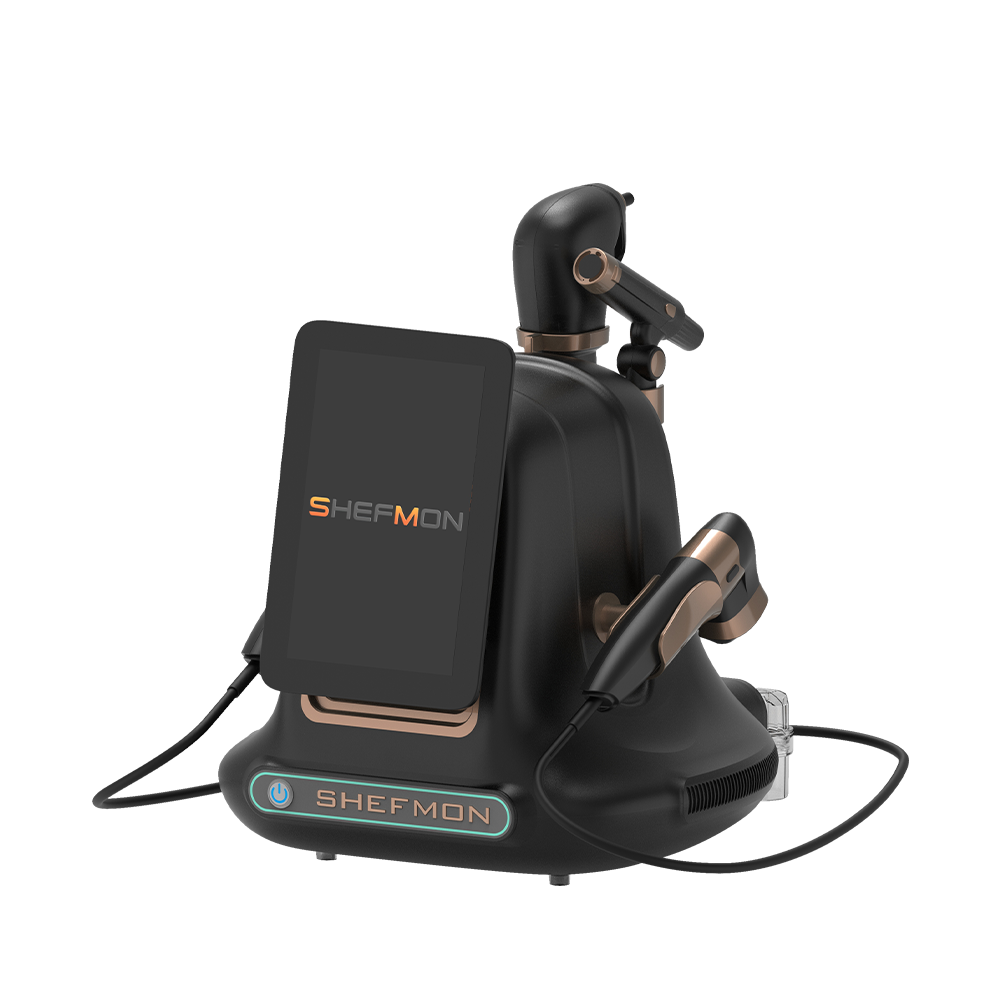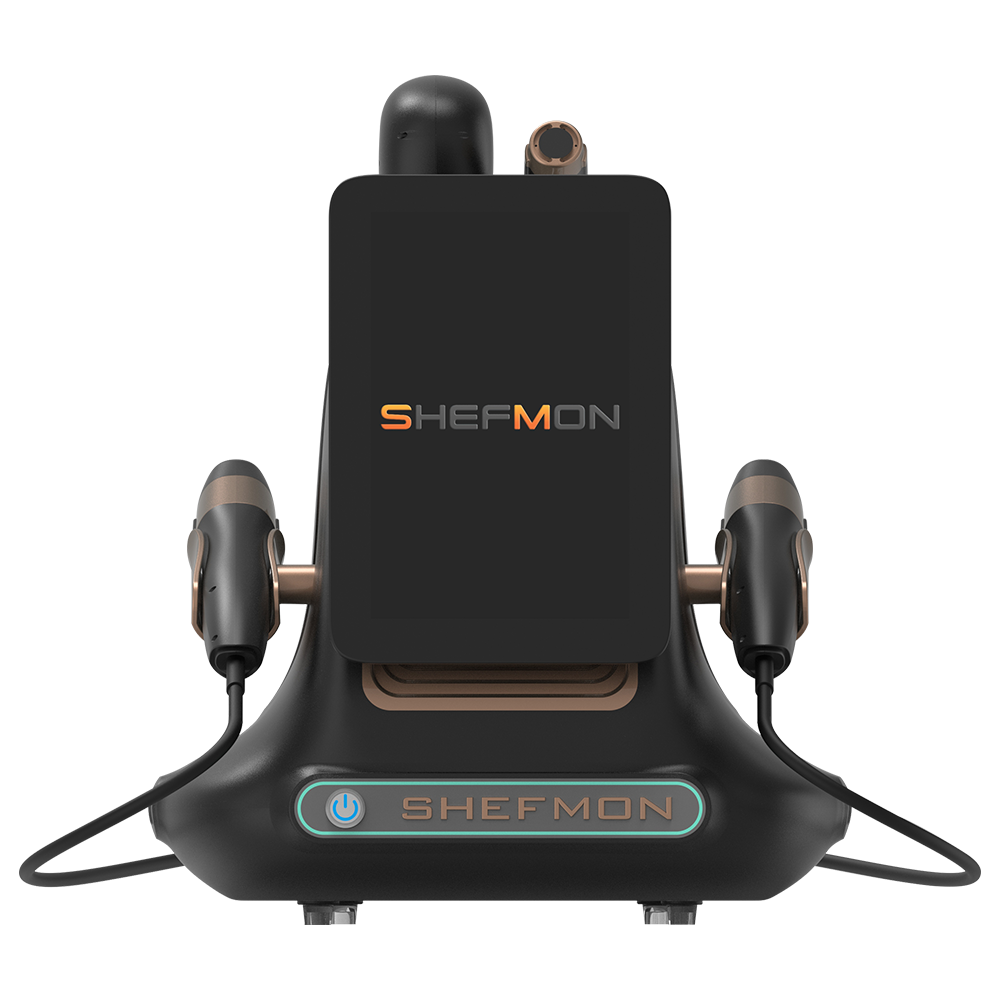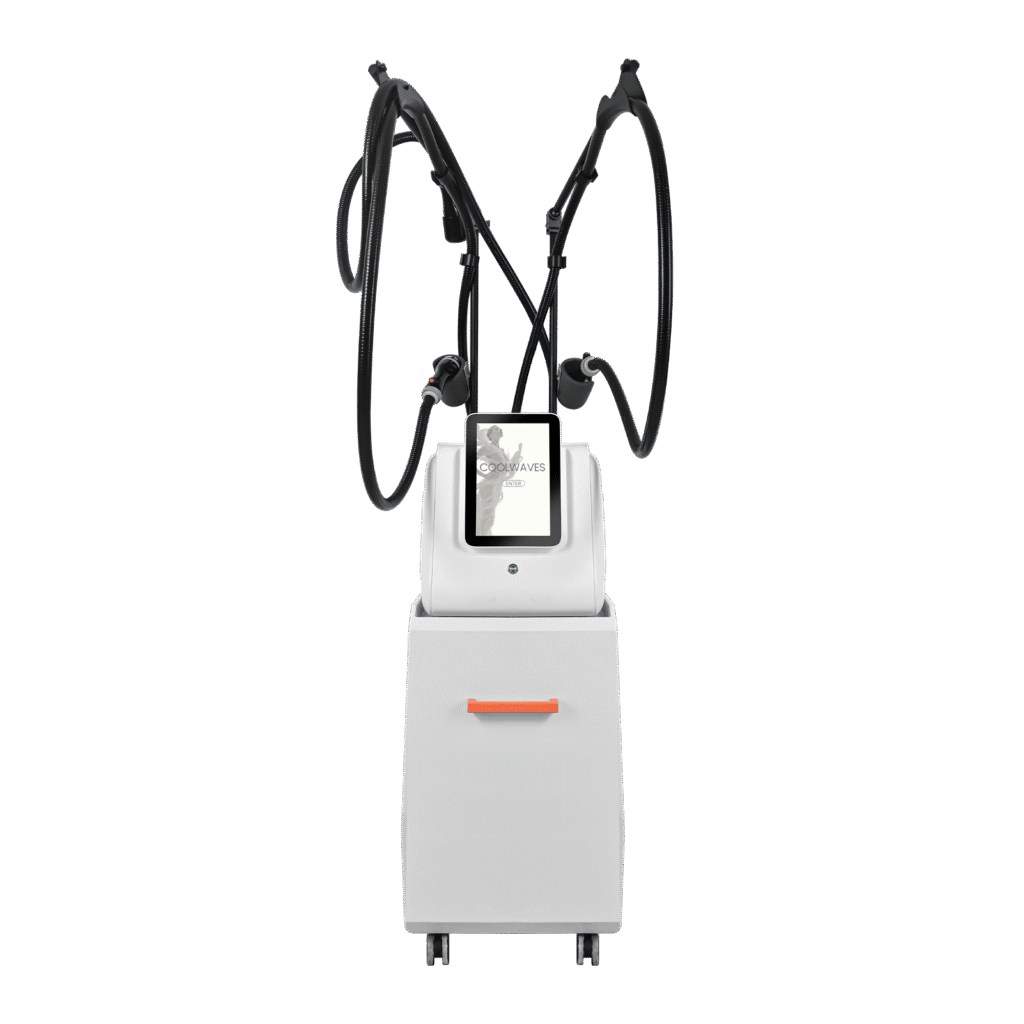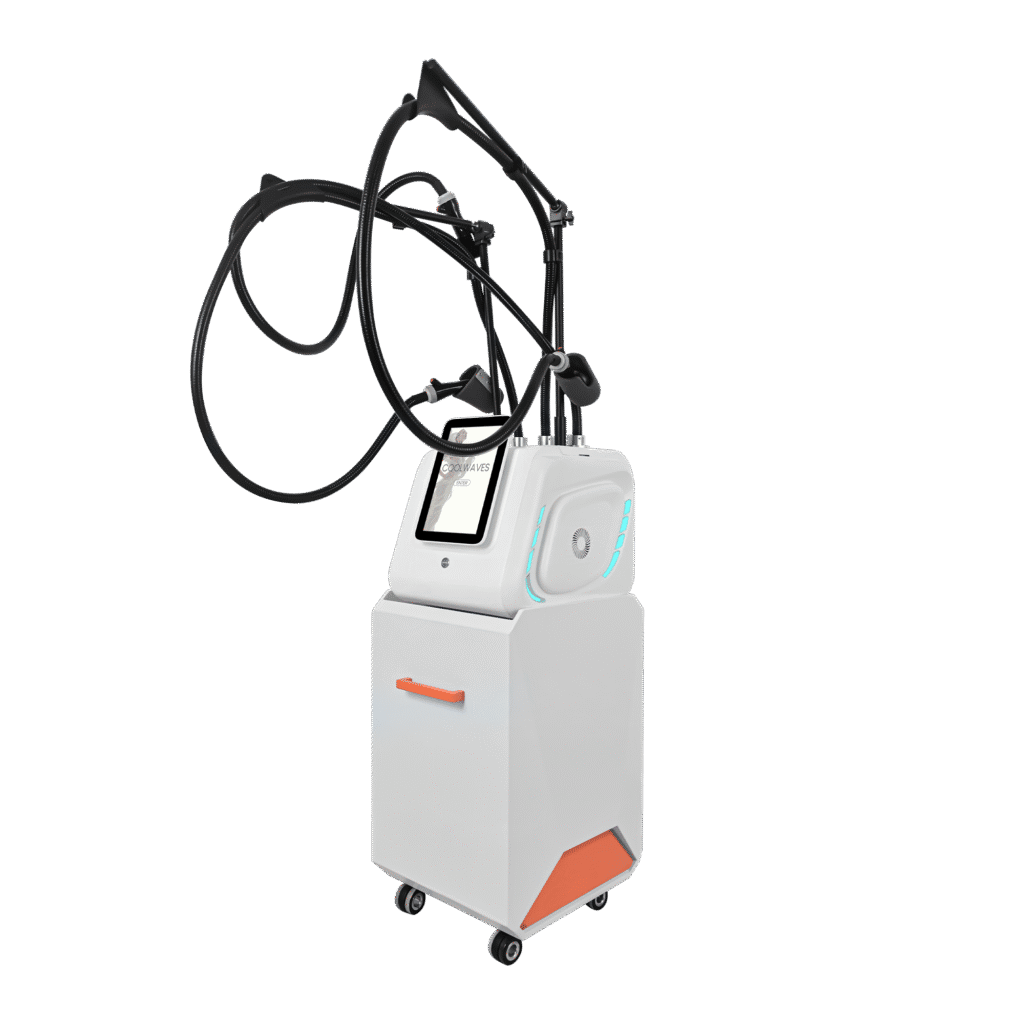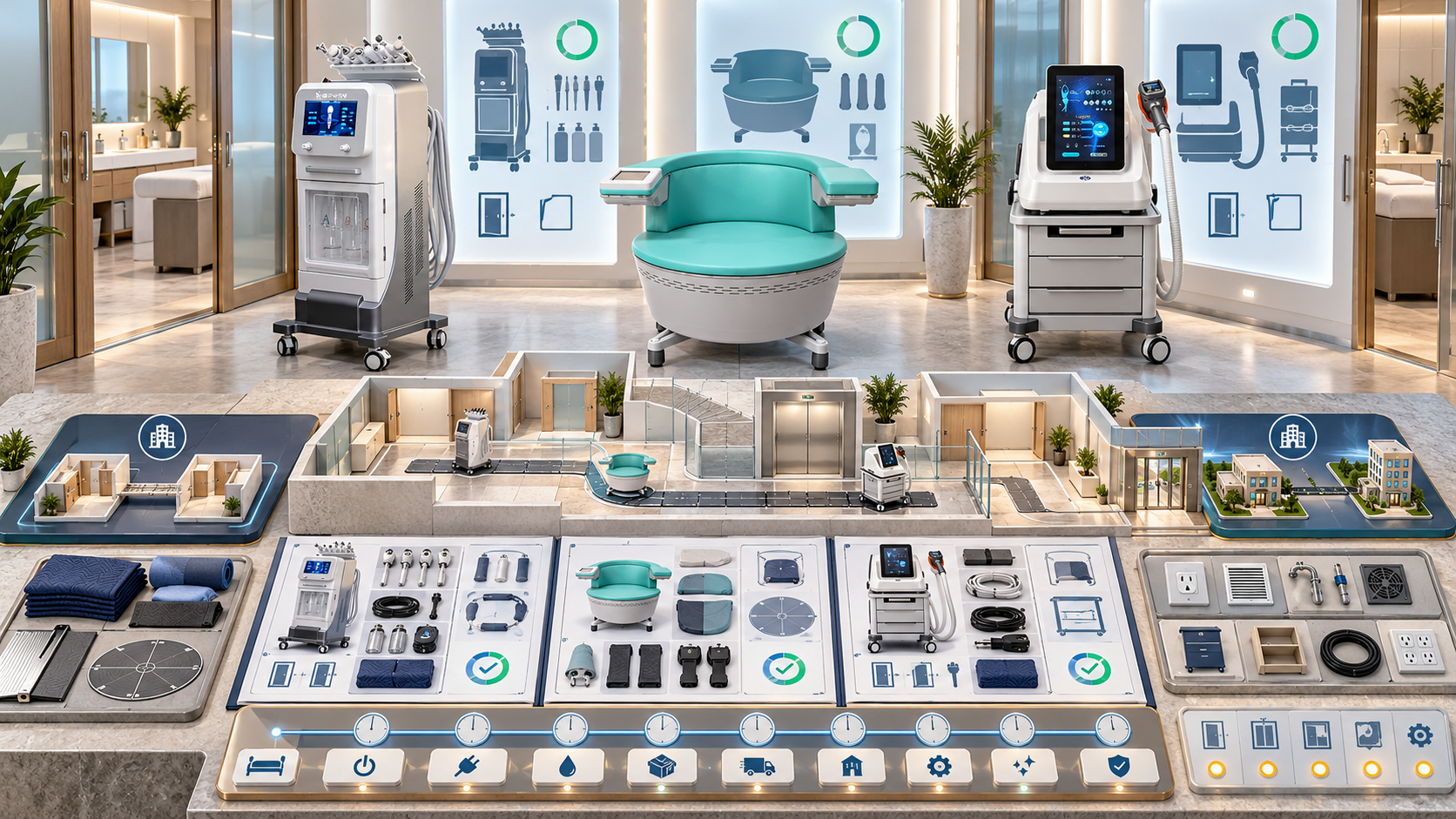
A beauty device may need to move a few meters into another treatment room, across a floor, between branches, or into temporary storage. Every move changes the device’s environment and can affect cables, handles, liquid pathways, cartridges, accessories, room utilities, booking availability, and staff responsibility. A console that fits through the destination door may still arrive without the correct electrical conditions, component storage, authorized operator, or time for acceptance checks.
A move plan connects the physical route to the service menu. This guide explains how salons, med spas, skin clinics, body studios, and multi-location groups can survey routes, schedule downtime, prepare SHEFMON facial, laser, HIFU, RF-microneedling, and body-care devices, control components in transit, accept the equipment in the new room, and reopen services only after destination readiness is confirmed.
ملخص تنفيذي
- Classify the move by distance, frequency, environment change, transport method, and service impact before choosing the controls.
- Confirm from current model information whether the device is intended for routine movement, occasional relocation, or fixed installation.
- Survey the full route, including doors, corners, ramps, thresholds, stairs, lifts, floor surfaces, weather exposure, and loading points.
- Map every affected service, booking, room, operator, handle, consumable, and backup option before setting the movement window.
- Record the device’s serial, configuration, condition, component inventory, open restrictions, and current status immediately before departure.
- Use model-specific shutdown, preparation, handling, packing, and restart information rather than inventing one procedure for all categories.
- Keep detachable handles, cartridges, applicators, cables, bottles, and accessories identified and protected throughout the move.
- Treat arrival, room placement, setup, technical verification, and booking release as separate milestones.
- Update location and custody records without erasing the device’s previous room or site history.
- Review the move after controlled use to capture damage, workflow problems, missing items, booking impact, and improvements for the next relocation.
1. Define the Move Before Planning It
Use a move type that reflects the actual work.
| Move type | Typical example | Planning level |
|---|---|---|
| In-room repositioning | Moving the unit to another approved position in the same treatment room | Confirm movement is permitted, protect cables and components, recheck clearances and utilities |
| Room-to-room move | Moving from Facial Room 1 to Facial Room 3 on the same floor | Survey the internal route, coordinate bookings, control accessories, and reaccept the destination room |
| Inter-floor move | Moving through corridors and a lift to another department | Add lift, threshold, turning, access, and shared-area controls |
| Same-site building move | Moving to another wing or building | Add protected transport, weather, loading, custody, and destination setup |
| Inter-location move | Moving between separate salon or clinic sites | Use packing, transport, custody, receipt, configuration reconciliation, and destination release controls |
| Temporary service move | Placing a device in another room or site for a limited schedule | Define start, end, responsible owner, repeat-move limits, and return checks |
| Storage or service move | Moving an inactive unit to storage, repair, or technical review | Control status, environment, access, documentation, and return-to-use requirements |
A short move can still require a full review if the destination room has different utilities, access conditions, service scope, or operators.
2. Decide Whether Movement Is Appropriate
Before building the schedule, ask:
- Does the current device information permit the intended movement and orientation?
- Is the unit designed with approved wheels, handles, stands, or transport features?
- Can liquids, removable parts, or sensitive components be prepared correctly?
- Will repeated movement increase setup, inspection, cleaning, or maintenance needs?
- Can the route carry the device’s assembled or packed size and weight?
- Does moving the unit interrupt a critical service category?
- Is another approved room or device a better option?
- Does the destination need changes that cannot be completed before arrival?
- Is qualified technical support required for disconnection, movement, setup, or verification?
If the evidence is unclear, place the move in Technical Review Required and use the agreed support channel before proceeding.
3. Create a Movement Risk Class
One practical classification is:
| Class | Movement profile | Minimum planning response |
|---|---|---|
| M1 | Minor repositioning inside an approved room with no disconnection or environment change | Pre-move check, clear path, controlled repositioning, post-move check |
| M2 | Room-to-room move within the same controlled floor | Route survey, booking block, component control, destination room acceptance |
| M3 | Inter-floor or same-site building move | Formal movement team, lift and access plan, protective packing, custody log, setup verification |
| M4 | Inter-location transport | Full condition baseline, packing plan, carrier or vehicle controls, receipt inspection, location update, controlled relaunch |
| M5 | Exceptional move involving damage, uncertain configuration, unsuitable route, market change, or unresolved technical status | Specialist review and written decision before movement |
The organization can use different labels, but the class should increase when movement creates more environmental change, handling, disconnection, or operational risk.
4. Appoint One Move Coordinator
The coordinator brings the workstreams together without replacing specialist decisions.
| Workstream | المالك النموذجي | Required output |
|---|---|---|
| Business and scheduling | Operations or service lead | Approved move window and booking plan |
| Device identity and status | Equipment owner | Asset, serial, configuration, condition, and restriction baseline |
| Route and facility | Facility or site lead | Measured route, destination layout, utility, access, and obstacle plan |
| Technical preparation | Authorized technical role | Model-specific preparation, handling, setup, and check requirements |
| المكونات والمخزون | Inventory or room owner | Labeled movement list and destination reconciliation |
| Custody and transport | Logistics or designated mover | Handoff, package, vehicle, and delivery evidence |
| Destination acceptance | Receiving equipment owner | Receipt, discrepancy, setup, and room-readiness record |
| Staff and service release | Training, professional, and service owners | Authorization and booking-release decision |
For a small salon, one person may coordinate several workstreams. Each approval should still show who made it and on what evidence.
5. Build a Service Impact Map
List what becomes unavailable during preparation, movement, setup, and verification.
For every affected service, record:
- اسم الخدمة العامة؛;
- exact device and function;
- required handle, cartridge, applicator, or accessory;
- current room and destination room;
- المشغلون المعتمدون؛;
- booked appointments during the movement window;
- setup, cleaning, and reset time;
- consumables already reserved;
- approved backup unit or location, if any;
- client communication owner;
- earliest reviewed reopening time.
A multifunction platform may affect several menu items even if only one physical unit moves. Conversely, a detachable component move may affect only one function.
6. Choose the Movement Window from Real Capacity
The movement window should include more than travel time. Reserve time for:
- final source appointment and room reset;
- shutdown and model-specific preparation;
- component reconciliation and packing;
- route control and movement;
- destination receipt and placement;
- settling or environmental conditioning where required by current guidance;
- setup and verification;
- room cleaning and stock preparation;
- staff handover;
- contingency before the next appointment.
Do not schedule the first destination booking at the estimated arrival time. Reopen only after the release record is complete.
7. Survey the Entire Route
Measure the path from the device’s current operating position to its final destination position.
يأسر:
- assembled and packed device dimensions;
- device and package weight where available;
- door widths and swings;
- corridor widths;
- tight corners and turning areas;
- floor transitions and thresholds;
- ramps and slopes;
- stairs and landings;
- lift door, car, load, and booking conditions;
- low ceilings, signs, lights, pipes, and overhead obstacles;
- floor surfaces, rugs, gaps, and uneven areas;
- public waiting areas and busy staff routes;
- exterior loading zones;
- rain, heat, cold, dust, or sunlight exposure;
- destination access hours and security.
Walk the route with a measurement plan before the move. A floor plan may omit door closers, fixed furniture, temporary displays, or a corner that prevents the required turn.
8. Distinguish Device Footprint from Movement Envelope
The console footprint does not show the space required to move it. The movement envelope can include:
- handles or holders that project beyond the console;
- wheels and their turning path;
- a separate stand or trolley;
- cables, hoses, or tubes that must be secured;
- detachable modules packed beside the main unit;
- protective corner materials;
- required upright orientation;
- people positioned around the load;
- ramps, dollies, or lifting equipment;
- clearance that prevents impact with walls and door frames.
Use the larger of the assembled movement envelope and the approved packed envelope when testing the route.
9. Check Destination Room Readiness First
Do not remove the device from a working room until the new room is prepared. Confirm:
- device placement and stable support;
- operator and client circulation;
- access to controls and emergency functions;
- cable, hose, and handpiece reach;
- voltage, frequency, plug, outlet, and local electrical review;
- water, drainage, cooling, ventilation, or network needs where relevant;
- privacy and controlled access;
- clean, used, quarantined, and bulk storage;
- cleaning and hand-hygiene resources;
- waste or sharps process where applicable;
- maintenance access;
- room and device booking resources;
- authorized destination staff;
- destination support and escalation contacts.
Use photographs, measurements, and a layout rather than a verbal statement that the room is “big enough.”
10. Record the Pre-Move Device Baseline
Immediately before preparation, capture:
- internal asset ID;
- exact model and serial;
- configuration revision;
- source site, department, room, and device position;
- operational status;
- current restrictions or holds;
- exterior and accessible cable condition;
- installed handles, modules, cartridges, or applicators;
- detachable accessories and quantities;
- current maintenance status;
- open technical cases;
- photographs from agreed angles;
- date, time, and verifying person.
The baseline distinguishes a pre-existing issue from a movement-related discrepancy. Do not rely on old acceptance photographs.
11. Reconcile Detachable Components
Create a movement list for every item that will travel separately from the console.
| مجال | What to capture |
|---|---|
| Item identity | Controlled name, part or serial where present, and photograph |
| Relationship | Parent device, compatible configuration, function, and assigned room |
| حالة | Active, restricted, quarantined, loan, awaiting review, or retired |
| Condition | Visible condition and known issue reference |
| تحضير | Approved cap, holder, case, wrapping, or orientation requirement |
| طَرد | Package ID and location within the move |
| Destination | Room, cabinet, holder, or quarantine location |
| Receipt | Quantity, condition, receiver, and discrepancy |
Do not place loose handpieces, connectors, cartridges, tips, or cables together in an unlabelled box.
12. Decide What Must Not Move with the Device
Exclude or separately control:
- unidentified accessories;
- المكونات التالفة أو المعزولة؛;
- expired, leaking, opened, or poorly stored consumables;
- unrelated room stock;
- sharps or waste;
- cleaning chemicals that cannot travel under the chosen method;
- client records and uncontrolled printed data;
- personal staff items;
- parts already assigned for return or repair;
- accessories belonging to another asset;
- liquids or containers that current model guidance requires to be handled differently.
Record each excluded item and its next destination. Removing it from the move does not remove it from inventory or support responsibility.
13. Use Model-Specific Shutdown and Preparation
The technical preparation record should reference the exact current information used. Depending on the device, preparation may involve approved steps for:
- ending active operation;
- shutdown and disconnection;
- cooling or settling time;
- fluid-path, tank, or container preparation;
- handle and applicator removal;
- cartridge or reusable-head handling;
- cable and hose securing;
- software, account, or network state;
- screen and connector protection;
- wheel or stand locking;
- orientation and movement restrictions;
- first-startup checks after relocation.
This list identifies planning topics, not a universal procedure. The actual steps should come from current model information or the designated support route.
14. Select the Right Movement Method
Possible methods include approved movement on integrated wheels, a suitable equipment trolley, protected hand carry for a verified portable unit, a lift-assisted internal move, a dedicated vehicle, or a specialist equipment mover.
The choice should consider:
- device and component weight;
- center of gravity and tipping risk;
- approved orientation;
- fragility of screens, connectors, tanks, handles, and stands;
- route surface and slope;
- number and capability of movers;
- lifting and manual-handling requirements;
- public-area separation;
- weather and vehicle exposure;
- packaging and restraint needs;
- insurance and custody conditions;
- setup support at destination.
Do not drag a device by its cable, hose, handle holder, applicator, or screen. Do not use improvised lifting points.
15. Protect the Route and Other People
For internal moves, prepare the route before the device leaves the room:
- remove movable obstacles;
- secure doors in an approved position;
- reserve lifts and loading areas;
- control public and staff traffic;
- protect floors and thresholds appropriately;
- place spotters at blind corners;
- confirm communication signals for the movement team;
- keep emergency routes clear;
- prevent unattended stops in corridors;
- prepare a safe pause point if movement must stop;
- coordinate security or building management where required.
The move team should know who can stop the movement when the route becomes unsafe.
16. Label Packages and Maintain Custody
Each package should connect to the move record. Use:
- move ID;
- device asset and serial reference;
- package number and total package count;
- contents summary;
- source and destination;
- orientation or handling information supported by current guidance;
- status such as Active Component, Quarantine, Documents, or Supplies;
- seal or closure reference where used;
- responsible sender and receiver.
For cross-location moves, record each handoff with date, time, location, package count, visible condition, and responsible party. Carrier delivery confirms custody, not detailed equipment acceptance.
17. Handle Room-to-Room Moves as Controlled Events
A move within one salon still needs a record when the device changes its approved operating room.
At minimum:
- block both source and destination rooms for the required period;
- verify the destination layout and utilities;
- identify the device and components;
- prepare them under current guidance;
- clear and control the route;
- move the unit using the approved method;
- place it in the documented destination position;
- reconnect or set up within authorized scope;
- complete applicable checks;
- update the room assignment and booking resources;
- release the service through the defined authority.
Repeated daily room switching can create hidden inspection, setup, cleaning, and damage exposure. Review whether a permanent room, duplicate device, or changed schedule is more practical.
18. Add Transport Controls for Inter-Location Moves
An inter-location move adds:
- packing baseline and package list;
- collection appointment;
- vehicle suitability and load restraint;
- weather and environmental protection;
- carrier instructions;
- tracking and custody events;
- loss, delay, and damage response;
- destination delivery access;
- receipt inspection before unpacking;
- storage status if setup cannot occur immediately;
- destination acceptance and relaunch plan.
Keep transport insurance, ownership, and warranty questions in their appropriate records. A movement plan should reference those decisions without inventing coverage.
19. Inspect Before Unpacking and Setup
At arrival, first compare:
- expected and received package counts;
- labels and device identity;
- external package condition;
- orientation or seal condition where recorded;
- evidence of impact, water, puncture, crushing, or opening;
- delivery timing and custody record;
- visible condition of the device before connection.
Place damaged or uncertain items on hold and preserve evidence. Do not continue setup merely to meet the booking schedule.
20. Reconcile the Destination Inventory
After controlled unpacking, compare the contents with the movement list:
- main-unit model and serial;
- handles and handpieces;
- modules and applicators;
- cartridges and reusable heads;
- cables, adapters, controls, stands, and holders;
- bottles, containers, tubes, filters, or fluid accessories;
- manuals and controlled documents;
- sealed consumables accepted for the move;
- quarantined or separately routed items.
Record Missing, Unexpected, Damaged, Identity Unclear, or Accepted for Setup for each exception. Avoid borrowing a similar-looking component to clear the discrepancy.
21. Control Placement, Connection, and First Startup
The destination setup record should show:
- final room and position;
- clearance and movement check;
- device stability or wheel-lock status;
- تم التحقق من الظروف الكهربائية والبيئية؛;
- correct component connections;
- storage of detachable items;
- person performing or supporting setup;
- current documents used;
- first-startup time;
- messages, sounds, leakage, heat, cooling, suction, or other observations relevant to the category;
- checks completed and results;
- new restrictions or support questions.
Power-on is one checkpoint. The business still needs room, workflow, stock, and staff release.
22. Update Location, Room, and Booking Records
Close the prior room assignment at the actual movement time and open the new assignment when the unit is accepted into destination custody. Update:
- current site, department, and room;
- effective start and end dates;
- custody and equipment owner;
- component assignments;
- current configuration if an approved change occurred;
- room and device resources in the booking system;
- maintenance access and schedule owner;
- support contact and escalation route;
- current status and restrictions.
Historical service events should retain their original event-time location. Do not rewrite all prior records to the new room.
23. Verify Destination Staff Readiness
Confirm that the people scheduled after the move are authorized for:
- the exact model or installed unit;
- current configuration;
- required handle, cartridge, or applicator;
- named service and task;
- destination room and site;
- opening and closing checks;
- cleaning, stock, and record duties;
- technical issue and client-concern escalation;
- any supervision or professional condition.
If the same operator moves with the device, room-specific controls and local access may still require a review.
24. Revalidate the Service Workflow
Conduct a dry run from booking to room reset. Check:
- the device and room can be booked together;
- authorized staff appear correctly;
- clients receive the correct preparation information;
- supplies are reachable without crossing used-item pathways;
- cables and hoses reach the intended service area without tension;
- controls remain accessible;
- consultation and service records show the correct location;
- cleaning and reset fit the appointment duration;
- waste and sharps routes work where relevant;
- the hold and escalation process is visible to reception;
- destination stock can support the initial schedule.
Fix workflow gaps before adding more appointments.
25. Release Services in Stages
Use statuses such as:
- Arrived—Not Checked;
- Inventory Reconciliation;
- Room Setup;
- Technical Verification;
- Workflow Validation;
- Staff Review;
- Restricted Release;
- Fully Available;
- Hold—Discrepancy;
- Hold—Technical;
- Hold—Room;
- Hold—Authorization.
Release only the functions and services that passed their checks. A multifunction device can be available for one service while another handle or workflow remains restricted.
26. Adapt the Move Plan to the Device Category
| فئة الجهاز | Movement preparation focus | Destination verification focus |
|---|---|---|
| Hydra or multifunction facial | Bottles, containers, fluid pathways, tubes, filters, tips, handles, and spill prevention | Correct pathway setup, compatible solutions and tips, suction or flow checks under approved guidance, cleaning, and stock |
| إزالة الشعر بالليزر الثنائي | Handpiece protection, cooling or water-system preparation, console stability, room control, and cable restraint | Electrical and room suitability, cooling-related checks, handpiece status, controlled access, authorization, and release |
| الموجات فوق الصوتية عالية الكثافة | Handle and cartridge identification, secure component packing, configuration snapshot, and stock separation | Cartridge compatibility, component condition, current configuration, professional workflow, records, and restricted launch |
| الوخز بالإبر الدقيقة بترددات الراديو | Desktop unit stability, handpiece protection, reusable-item separation, needle-head stock exclusion or control | Clean workflow, compatible consumables, waste and sharps route, operator scope, documentation, and support access |
| Mechanical body-care | Applicator and roller protection, cable management, stands or holders, and larger working envelope | Bed access, applicator storage, cable reach, device stability, cleaning, privacy, and appointment turnover |
The exact preparation and verification must follow the current information for the delivered model.
27. Plan Moves for Relevant SHEFMON Devices
| مثال شيفمون | Typical room role | Move-plan priorities |
|---|---|---|
| جهاز تقشير البشرة بالماس المائي A0648 9 في 1 | Facial maintenance and multifunction skin-care room | Liquid-path preparation, bottles, tubes, tips, filters, handles, destination cleaning workflow, and repeatable room reset |
| جهاز تجميل لإزالة الشعر بالليزر الثنائي A0426 755/1064/810/940 نانومتر | Controlled hair-removal room | Handpiece and cooling-related preparation, route stability, verified utilities, room controls, authorized setup, and booking release |
| جهاز HIFU المُركّز بتقنية 9D/7D A0204 5 في 1 | Advanced facial and body room | Handle and cartridge inventory, configuration preservation, secure packing, destination stock, staff scope, and controlled relaunch |
| A0152 جهاز كمبيوتر مكتبي بتقنية الترددات الراديوية MNRF بعمق 8 | Advanced skin-service room | Desktop transport stability, handpiece protection, compatible needle-head records, clean workflow, sharps process, and authorization |
| B0155 سطح المكتب Endos Velapro | Face and body-care room | Main-unit support, applicator identification, cable protection, working envelope, privacy, cleaning, and service turnaround |
The model examples show why movement planning must follow configuration and service use. They do not mean the five devices share one handling method.
28. Use the Support Route Before an Uncertain Move
ال SHEFMON after-sales support overview describes manuals, setup guidance, training, remote support, diagnostics, repair guidance, and spare-parts support. Before a move, ask the agreed contact for model-specific clarification when the current records do not resolve:
- shutdown or disconnection scope;
- liquid or cooling-system preparation;
- detachable-component handling;
- approved orientation;
- protective packaging;
- environmental or settling conditions;
- setup or first-startup checks;
- evidence required after movement;
- whether technical attendance is appropriate.
Confirm the support route and any commercial conditions for the exact device, market, order, and destination.
29. Prepare for Movement Disruptions
The plan should define responses for:
- route blocked at the scheduled time;
- lift unavailable;
- device does not fit the surveyed turn;
- wheel, stand, or transport aid issue;
- weather exposure risk;
- package count mismatch;
- carrier delay;
- visible impact or damage;
- missing component;
- destination room not released;
- electrical or environmental discrepancy;
- unexpected startup message;
- trained operator unavailable;
- opening stock incomplete.
For each scenario, state who stops the move, where the device can be held, who receives the escalation, what happens to bookings, and which evidence is required.
30. Review the First Operating Period
After controlled release, review:
- movement-related damage or looseness;
- recurring messages or unstable behavior;
- liquid, cooling, suction, cable, handle, or applicator concerns relevant to the category;
- room layout and operator movement;
- device and component storage;
- appointment duration and reset time;
- stock location and replenishment;
- staff questions;
- booking conflicts;
- cleaning and maintenance completion;
- client communication issues;
- outstanding move actions.
Record findings as new events. Do not change the original movement baseline to make later observations appear pre-existing.
31. Measure Move Quality
تشمل التدابير المفيدة ما يلي:
- planned versus actual service unavailability;
- appointments moved or cancelled because of the relocation;
- move completed within the approved window;
- component discrepancies at receipt;
- damage or support cases discovered after movement;
- destination acceptance time;
- time from arrival to restricted and full release;
- room or utility corrections required after arrival;
- staff or authorization gaps;
- missing stock and emergency reorders;
- repeat movement of the same unit;
- open actions after the post-move review.
Use these measures to improve route surveys, timing, component control, and room planning. Avoid rewarding speed that bypasses acceptance.
32. Control Frequently Moved Devices
If a device moves often, create a specific mobility policy. Define:
- permitted rooms and routes;
- maximum or reviewable movement frequency;
- trained movers;
- approved movement method and equipment;
- standard component holders or cases;
- pre- and post-move checks;
- room utility baselines;
- booking buffers;
- movement log;
- damage and near-miss reporting;
- maintenance review triggered by movement history;
- conditions that end routine mobility.
If frequent moves consume significant time or create recurring damage, consider changing the schedule, dedicating a room, adding a compatible unit, or redesigning the menu.
33. Beauty Device Move Checklist
- Move type, class, purpose, coordinator, and timing are approved.
- Current model information supports the intended movement approach.
- Affected services, bookings, rooms, staff, and backup options are mapped.
- The full route and movement envelope are measured.
- Destination room, utilities, storage, cleaning, and access are ready.
- Asset ID, serial, configuration, status, condition, and open cases are recorded.
- Detachable components have identities, packages, and destinations.
- Excluded, quarantined, damaged, and unrelated items are separated.
- Shutdown and preparation use model-specific guidance.
- The movement method, team, route controls, and contingency are suitable.
- Packages and custody changes link to one movement record.
- Arrival inspection occurs before connection or setup.
- Destination inventory matches the movement baseline.
- Placement, setup, and first-startup evidence are complete.
- Location, room, component, maintenance, and booking records are updated.
- Destination operators and service workflows are ready.
- Booking release follows verification rather than arrival time.
- Post-move review and remaining actions have owners and dates.
الأسئلة الشائعة
1. Is moving a beauty device within the same room worth documenting?
Document it when placement, utilities, cable routes, working clearance, maintenance access, or approved operating position changes. A minor movement can use a shorter record than an inter-site relocation.
2. Can a wheeled beauty device move between rooms every day?
Only if current model information, the route, room conditions, preparation, inspection, staff training, and maintenance plan support repeated movement. Wheels alone do not prove that daily relocation is appropriate.
3. How much downtime should a room-to-room move require?
Use the real sequence: final service, reset, preparation, component control, movement, placement, setup, checks, room preparation, staff handover, and contingency. Travel time is only one part of the window.
4. Should detachable handles travel on the main console?
Follow the current instructions for the exact configuration. In the plan, give every detached or attached component a protected position, identity, condition record, and destination assignment.
5. What if the device fits through the door but not around a corridor corner?
Stop and revise the route or approved packing configuration. Do not force, tilt, dismantle, or use unapproved lifting points to solve a route-survey failure.
6. Can appointments reopen immediately after power-on?
No. Power-on does not confirm component inventory, room workflow, utilities, technical status, staff authorization, supplies, cleaning, records, or booking controls. Use the defined release process.
7. How should a temporary move be recorded?
Record the temporary room or site, start and planned end dates, responsible owner, included components, condition, booking scope, maintenance owner, and return checks. Preserve both movement events in the asset timeline.
8. What happens if damage is found at arrival?
Keep the affected unit or component unavailable, preserve packaging and condition evidence, notify the assigned technical and transport contacts, open the appropriate case, and avoid setup until a decision is issued.
9. Do staff need retraining when the device moves rooms?
Review the destination room, utilities, setup, storage, cleaning, access, and service workflow. Existing device competence may remain relevant, but room-specific responsibilities and permissions can change.
10. When should SHEFMON be contacted before a move?
Contact SHEFMON through the agreed route when the approved records do not answer model-specific questions about preparation, detachable parts, orientation, packing, environment, setup, first-startup checks, or post-move support. Provide the model, serial, configuration, route type, destination, and exact uncertainty.
خاتمة
Beauty device movement should be planned as a service transition, not a furniture task. A reliable process classifies the move, surveys the route, prepares the destination, protects bookings, records the device baseline, controls every component, uses model-specific handling information, separates arrival from release, and preserves location history after the equipment enters its new room.
راجع مجموعة أجهزة التجميل من شيفمون when confirming the exact model and category for a room or location plan. For model-specific questions about preparation, packing, configuration, setup resources, or the applicable support route, اتصل بشيفمون with the model, serial, current configuration, move type, source and destination conditions, route details, and unresolved question.