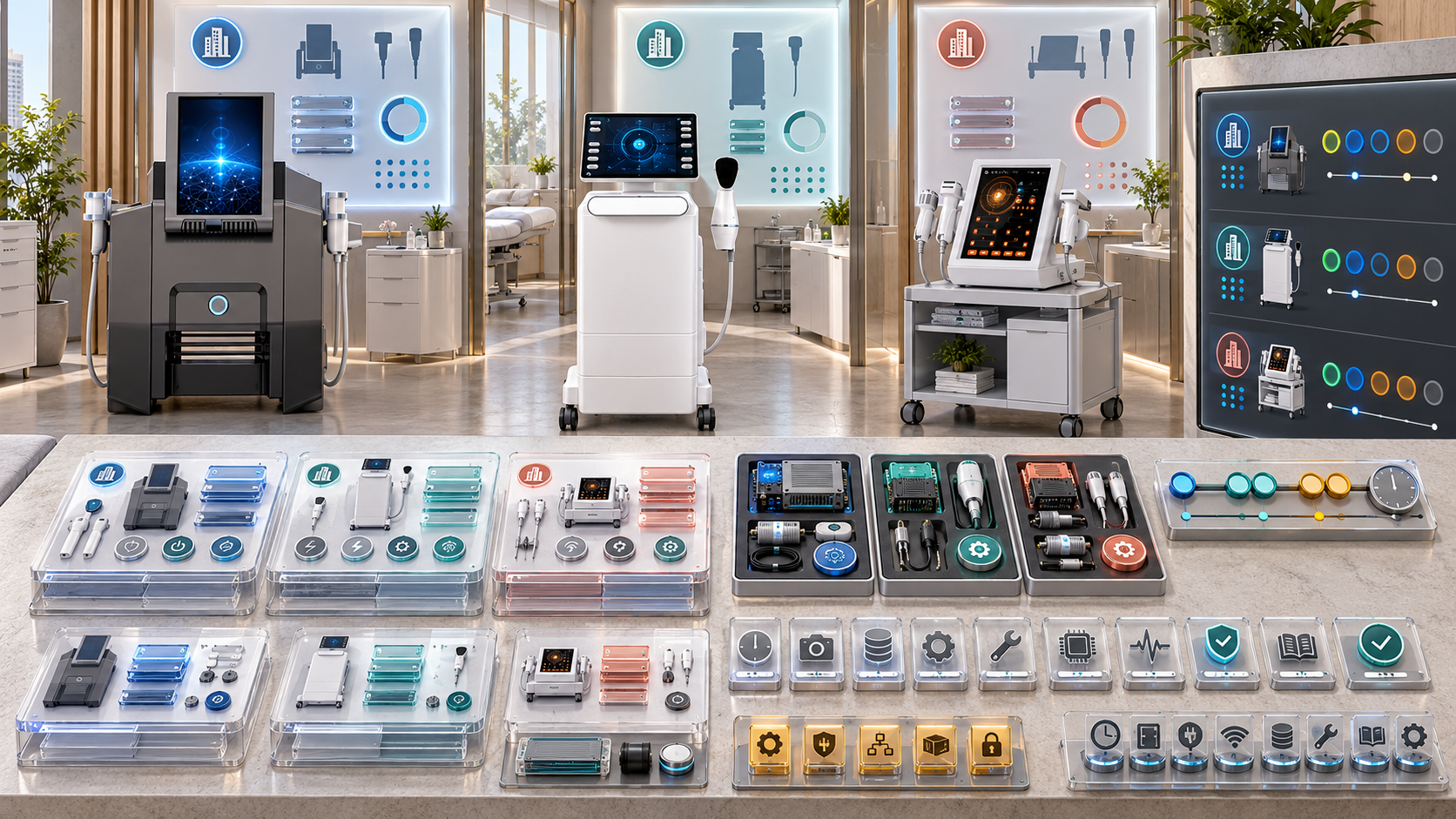
An upgrade announced for a beauty device category does not automatically apply to every unit already installed. Two devices with the same model name may have different configuration revisions, handles, electrical profiles, software states, service histories, or destination requirements. One may qualify for a confirmed component addition, another may need a companion change, and a third may require replacement rather than an in-field upgrade.
Installed-base upgrade tracking connects an approved change to each physical unit that may be affected. This guide explains how salons, med spa groups, skin clinics, body studios, and distributors can identify eligible SHEFMON facial, laser, HIFU, RF-microneedling, and body-care devices; plan upgrade waves; track components, documents, training, downtime, and verification; and preserve an accurate before-and-after configuration for every unit.
요약 보고서
- Define the upgrade precisely before searching the installed base: affected model, revision, configuration, market, components, method, prerequisites, and intended outcome.
- Separate feature or component upgrades from corrective repair, like-for-like replacement, maintenance, relocation, and complete unit replacement.
- Build the eligible population from verified unit records rather than from invoice totals or broad product-family names.
- Preserve a locked pre-upgrade baseline for each serial, including configuration, components, software or document state where relevant, site, status, and open cases.
- Use statuses for Not Assessed, Eligible, Conditional, Not Eligible, Deferred, Scheduled, In Progress, Verification Hold, Complete, Rolled Back, and Cancelled.
- Pilot an approved change on a controlled group before expanding across multiple salons, clinics, or distributor customers.
- Track the exact kit, component, document, instruction, training, and approval revision used for every upgraded unit.
- Update service menus, staff authorization, stock, maintenance, and support records only after the new configuration passes its release gate.
- Measure completion against eligible units, not the entire installed base, and keep declined or unreachable units visible.
- Never infer that a public option or newer-model feature can be retrofitted; obtain confirmation for the exact unit and revision before offering the upgrade.
1. What Counts as a Beauty Device Upgrade?
An upgrade is an approved change intended to add, expand, improve, or standardize capability beyond the unit’s current verified configuration.
Possible upgrade types include:
- adding a confirmed compatible handle, applicator, module, or accessory;
- replacing a component with an approved enhanced successor rather than an identical replacement;
- changing an approved software or control version where applicable;
- adding a verified service function supported by the installed platform;
- changing a component set to an approved later configuration;
- updating required documents, training, or procedures as part of the technical change;
- replacing the entire unit when no supported in-field path exists.
The word “upgrade” should not be used merely because a change is newer or more expensive. The approved source must state what changes, which units qualify, and how the result will be verified.
2. Separate Upgrades from Other Lifecycle Events
| Event | 주요 목적 | Installed-base treatment |
|---|---|---|
| Routine maintenance | Preserve the approved operating state | Record maintenance event; do not change configuration unless the work does |
| Corrective repair | Restore function after a verified problem | Link diagnosis and repair; classify any changed component accurately |
| Like-for-like replacement | Replace an item with the approved equivalent | Update component history without claiming new capability |
| 치받이 | Move an eligible unit to a different approved configuration or capability | Create an upgrade record with before-and-after states |
| Relocation | Change room, site, or custodian | Update effective location; configuration may remain unchanged |
| Whole-unit replacement | Exchange the physical main unit or move to a successor platform | Create a new asset for the new serial and link the lifecycle transition |
| Recall or mandatory corrective action | Address a defined affected population under the controlling notice | Track under its required process; do not relabel it as an optional upgrade |
One technical visit can contain several event types. Record each purpose and outcome separately.
3. Create an Upgrade Master Record
Every upgrade program needs one controlled definition.
| 데이터 그룹 | Required content |
|---|---|
| 신원 | Upgrade ID, name, category, owner, revision, status |
| Scope | Models, configurations, revisions, components, serial ranges or other eligibility rules |
| 제외 사항 | Incompatible revisions, markets, statuses, configurations, or open conditions |
| 변화 | Before state, approved after state, added/removed/replaced items |
| Prerequisites | Technical review, maintenance, room, utility, stock, document, training, or authorization needs |
| 방법 | Approved work source, permitted performer, location, and required tools or materials |
| Verification | Checks, evidence, acceptance criteria, reviewer, and release authority |
| 운영 | Expected downtime, booking impact, stock change, service-menu impact, and support route |
| 광고 | Offer, approval, warranty, cost, or entitlement references where applicable |
| 타임라인 | Pilot, release waves, completion target, review dates, and end-of-offer date |
| Change control | Superseded revisions, pauses, corrections, cancellations, and rollback rule |
Do not create a campaign from marketing copy alone. The master record should point to the approved technical and commercial sources.
4. Start with a Verified Installed Base
An upgrade campaign can only be as accurate as the underlying unit records. Each installed device should have:
- stable asset ID;
- exact model and serial;
- accepted original configuration;
- current configuration and revision;
- current customer, site, department, and room;
- destination market and electrical profile;
- installed durable components;
- applicable software or control version where recorded and relevant;
- 현재 문서;
- operational and support status;
- open faults, claims, or restrictions;
- last verification date;
- responsible account and technical owners.
If identity or configuration is uncertain, classify the unit as Assessment Required rather than assuming eligibility.
5. Build the Candidate Population
Use the upgrade scope to search the installed base. A candidate query may filter by:
- product category;
- 정확한 모델;
- configuration code and revision;
- serial or manufacturing range when an authoritative source defines one;
- installed handle, module, or component;
- hardware or software revision;
- 시장 및 전기 프로필;
- current lifecycle state;
- installation or acceptance cohort;
- 사이트 유형;
- current support status.
The candidate population is a review queue, not the final eligible group. Every unit still needs validation against the controlling rules.
6. Assess Eligibility at Unit Level
For each candidate, answer:
- Is the physical unit identity verified?
- Does its model match the approved scope exactly?
- Is the current configuration known?
- Do hardware, software, component, or market revisions meet the rule?
- Are all prerequisites satisfied?
- Does an open technical case or condition block the work?
- Is the destination room suitable for the post-upgrade state?
- Are compatible components and required documents available?
- Can qualified staff perform, verify, and support the change?
- Has the customer or business approved the applicable commercial and operational conditions?
Store the answer, evidence, assessor, date, and upgrade-master revision used.
7. Use Clear Eligibility Outcomes
| 결과 | 의미 | 다음 동작 |
|---|---|---|
| Eligible | Unit meets the current upgrade rule | Offer or schedule within the approved program |
| Conditionally Eligible | One or more named prerequisites remain | Complete the prerequisites, then reassess |
| Not Eligible | A verified rule excludes the unit | Record the reason and any approved alternative path |
| Assessment Required | Identity, configuration, or evidence is incomplete | Collect label, component, revision, or support evidence |
| Deferred | Eligible unit will not proceed now | Record reason, owner, and review date |
| Declined | Customer or internal owner rejects the optional upgrade | Preserve decision and communication date |
| 대체됨 | A newer upgrade revision or different pathway now controls | Link to the replacement program |
| No Longer Active | Unit is retired, replaced, lost, or otherwise outside active scope | Close campaign action while retaining history |
Do not use Not Interested when the real reason is Unknown Configuration or No Contact. Different reasons require different follow-up.
8. Lock the Pre-Upgrade Baseline
Before scheduling work, create a time-stamped baseline for the physical unit:
- asset ID, serial, and model;
- customer, site, room, and custodian;
- configuration code and revision;
- installed components and their identifiers;
- current version values relevant to the upgrade;
- device and function status;
- current service-menu dependencies;
- maintenance state;
- open technical, warranty, or support cases;
- existing restrictions;
- photographs or other evidence required by the program;
- baseline verifier and date.
The baseline should remain readable after the upgrade. Do not overwrite it with the new current state.
9. Define the Target Configuration
The target record must state exactly what the unit should become after approved completion.
포함하다:
- target configuration code and revision;
- components added, removed, replaced, or retained;
- compatible consumables and replacement items;
- software or settings state where applicable and controlled;
- required documents and their revisions;
- required staff learning or authorization changes;
- new maintenance tasks or intervals where confirmed;
- service-menu functions that may be enabled after release;
- functions that remain unavailable;
- room, utility, or storage changes;
- support and warranty implications from the governing source.
A target such as “latest version” is not specific enough to verify.
10. Control Upgrade Kits and Materials
If an upgrade uses a kit, define it as a controlled configuration.
길:
- kit ID and revision;
- applicable upgrade-master revision;
- compatible models and unit revisions;
- included components and quantities;
- required companion items;
- excluded or separately ordered items;
- tools or service materials;
- documents and labels;
- packaging and storage conditions;
- batch, lot, or serial data where relevant;
- kit lifecycle status;
- allocation to a specific unit or wave;
- unused, returned, quarantined, or consumed disposition.
Do not combine loose parts into an unofficial kit because they appear similar to the approved contents.
11. Preserve Removed-Component History
For every component changed during an upgrade, record:
- removed component ID and parent asset;
- removal date and reason;
- condition at removal;
- disposition: returned, stored, repaired, retired, quarantined, or reassigned under approval;
- installed component ID;
- compatibility source;
- installation date;
- person who performed the work;
- verification result;
- effect on the unit configuration;
- any warranty, shipment, or credit reference.
The current-state view should show the new component, while the event history preserves both items.
12. Plan a Pilot Before Fleet-Wide Release
Choose a pilot group that can test the real variation in the installed base. Consider:
- more than one relevant configuration revision;
- representative site conditions;
- common and less common component combinations;
- experienced staff and reliable recordkeeping;
- access to technical support;
- manageable booking exposure;
- clear rollback or containment options;
- willingness to provide structured feedback.
Define pilot success before work begins. Review installation time, verification results, documentation clarity, component fit, staff questions, downtime, service workflow, and early support cases.
A successful upgrade on one demonstration unit does not prove that every installed configuration is eligible.
13. Release the Upgrade in Waves
A wave plan can group units by:
- region or travel route;
- customer or multi-location group;
- site readiness;
- 모델 및 구성;
- component availability;
- service demand and acceptable downtime;
- support capability;
- warranty or commercial program;
- staff training readiness;
- priority based on an approved business rule.
Keep each wave small enough to support problems without disrupting the whole installed base. Pause later waves when pilot findings, kit discrepancies, repeated cases, or source revisions change the risk.
14. Create a Unit-Level Upgrade Work Order
The work order should inherit the master definition but remain specific to one unit.
포함하다:
- upgrade ID and revision;
- unit asset ID, model, serial, and site;
- verified current configuration;
- eligibility decision and evidence;
- target configuration;
- assigned kit and component IDs;
- prerequisite completion;
- planned date and expected service impact;
- permitted performer;
- work source and document revision;
- required checks;
- booking and room controls;
- customer or internal approval;
- support and escalation contact;
- final outcome and release status.
Do not schedule from a customer list that lacks unit serials.
15. Coordinate Booking and Downtime
Map the upgrade to each affected service. Reserve time for:
- final pre-upgrade service and room reset;
- baseline check;
- device preparation;
- upgrade work;
- unexpected discrepancy handling;
- verification;
- configuration and document updates;
- cleaning and room preparation;
- staff handover;
- booking-system release;
- contingency before the first appointment.
For multi-function platforms, identify whether the whole unit or only one function must be unavailable. Continue unaffected services only when the technical status and operational controls permit it.
16. Track Upgrade Statuses Separately
Suggested status dimensions include:
Eligibility status
Not Assessed, Assessment Required, Eligible, Conditional, Not Eligible, Deferred, Declined.
Work status
Not Scheduled, Scheduled, Kit Allocated, In Progress, Work Complete, Verification Hold, Complete, Rolled Back, Cancelled.
Operational status
Active—Old Configuration, Planned Hold, Upgrade Hold, Restricted Release, Active—New Configuration, Technical Hold.
Data status
Baseline Complete, Evidence Missing, Configuration Update Pending, Record Verified, Audit Exception.
One status field cannot describe all four questions.
17. Record Deviations Without Hiding Them
Possible deviations include:
- serial or revision differs from the campaign list;
- kit is incomplete;
- component label is unclear;
- physical configuration does not match the record;
- prerequisite maintenance is overdue;
- room or electrical condition is unsuitable;
- installation cannot be completed;
- verification result falls outside the acceptance rule;
- document revision is wrong;
- staff authorization is not ready;
- customer changes the appointment or scope.
Give every deviation an ID, unit, evidence, immediate status, owner, decision, due date, and effect on later waves. Do not change eligibility retroactively to make the dashboard appear complete.
18. Define Stop, Rollback, and Containment Rules
Before the pilot, decide:
- which conditions stop work on one unit;
- which conditions pause an entire wave;
- when installed components remain in place under hold;
- whether an approved rollback exists;
- who may authorize rollback;
- how removed and reinstalled items are recorded;
- what evidence is required after rollback;
- how bookings and customers are managed;
- who reviews recurrence across units;
- when the master upgrade revision must change.
Do not promise rollback unless the approved technical pathway supports it.
19. Verify the Upgraded Unit
Completion should require more than “part installed.” Record:
- unit and new configuration identity;
- components installed and removed;
- work and document revisions used;
- required functional or technical checks;
- observed results;
- remaining limitations;
- room and accessory readiness;
- applicable staff handover;
- maintenance and support updates;
- verifier and release authority;
- date and time of operational release.
If one new function remains restricted, the configuration can be technically changed while the service remains unavailable.
20. Update the Installed-Base Record Through Events
After verified completion:
- keep the original accepted configuration;
- preserve the pre-upgrade baseline;
- add the dated upgrade event;
- update the current configuration to the approved target;
- close old component assignments;
- open new component assignments;
- update compatible consumable relationships;
- link new documents and training evidence;
- update maintenance and support relationships;
- record operational release and any restrictions.
The unit should show what it was, what changed, why it changed, and what it is now.
21. Update Documents and Product Data
An upgrade may affect:
- unit configuration schedule;
- asset record;
- operator and technical instructions;
- component and consumable compatibility tables;
- maintenance checklist;
- room opening and closing checks;
- technical case forms;
- training modules;
- service-menu description;
- booking resource and duration;
- quotation history;
- warranty or service registration;
- customer-facing handover material.
Use revision-controlled documents. Do not distribute a new file while leaving the old one active in shared folders without a clear status.
22. Update Training and Authorization
Determine which roles need:
- awareness of the change;
- updated sales or consultation information;
- operator learning;
- supervised practice;
- competency assessment;
- technical training;
- stock and component identification training;
- reception and booking updates;
- new access permissions;
- authorization review.
Prior authorization for the old configuration does not automatically cover a new handle, function, consumable, workflow, or professional condition.
23. Update the Service Menu Deliberately
An upgraded device should not create a new public service automatically. First decide whether the change:
- improves delivery of an existing service;
- adds a distinct function requiring a new service;
- replaces an older service path;
- affects appointment time;
- needs a new consultation or professional route;
- changes component or consumable costs;
- needs different records, consent, aftercare, or follow-up;
- creates overlap with another device;
- remains technical capability that the business will not offer.
Only publish the menu change after the equipment, staff, room, stock, records, and escalation pathway are ready.
24. Plan Components and Consumables for the Transition
Upgrade tracking should show:
- old items still needed by units awaiting upgrade;
- new items needed by completed units;
- dual-stock period;
- item-to-configuration compatibility;
- opening quantities at upgraded sites;
- replacement and reorder codes;
- stock reserved for future waves;
- unused upgrade-kit contents;
- old components awaiting return or disposition;
- date when legacy stock can be reduced;
- risk of supplying a new item to an old configuration.
Do not retire legacy consumables from the catalog or warehouse while active compatible units remain in the installed base.
25. Adapt Upgrade Tracking to Device Categories
| 기기 카테고리 | Eligibility fields to emphasize | Completion evidence to emphasize |
|---|---|---|
| Hydra or multifunction facial | Installed functions, handles, bottles, tubes, tips, filters, accessories, and current pathway | Updated function and tool inventory, pathway checks under approved guidance, cleaning, stock, and menu readiness |
| 다이오드 레이저 제모 | Exact model, wavelength/handle configuration, power or spot-size option where controlled, cooling, electrical profile, and revision | Installed handpiece or component identity, technical verification, room status, authorization, and service release |
| 하이푸 | Base platform revision, handle set, cartridge family, component compatibility, and current professional pathway | New handle/cartridge assignments, compatible stock, documents, training, and restricted or full release |
| RF 마이크로니들링 | Handle arrangement, compatible needle-head family, unit revision, room and workflow readiness | Current handle and consumable map, traceability controls, authorization, records, and support status |
| Mechanical body-care | Main unit, applicator set, cable and connector version, room space, and service role | Applicator assignments, storage, cleaning, booking time, staff readiness, and configuration record |
These are tracking fields, not proof that a particular retrofit exists.
26. Apply the Framework to SHEFMON Devices
| 셰프몬 예시 | Installed-base question | Upgrade-tracking priority |
|---|---|---|
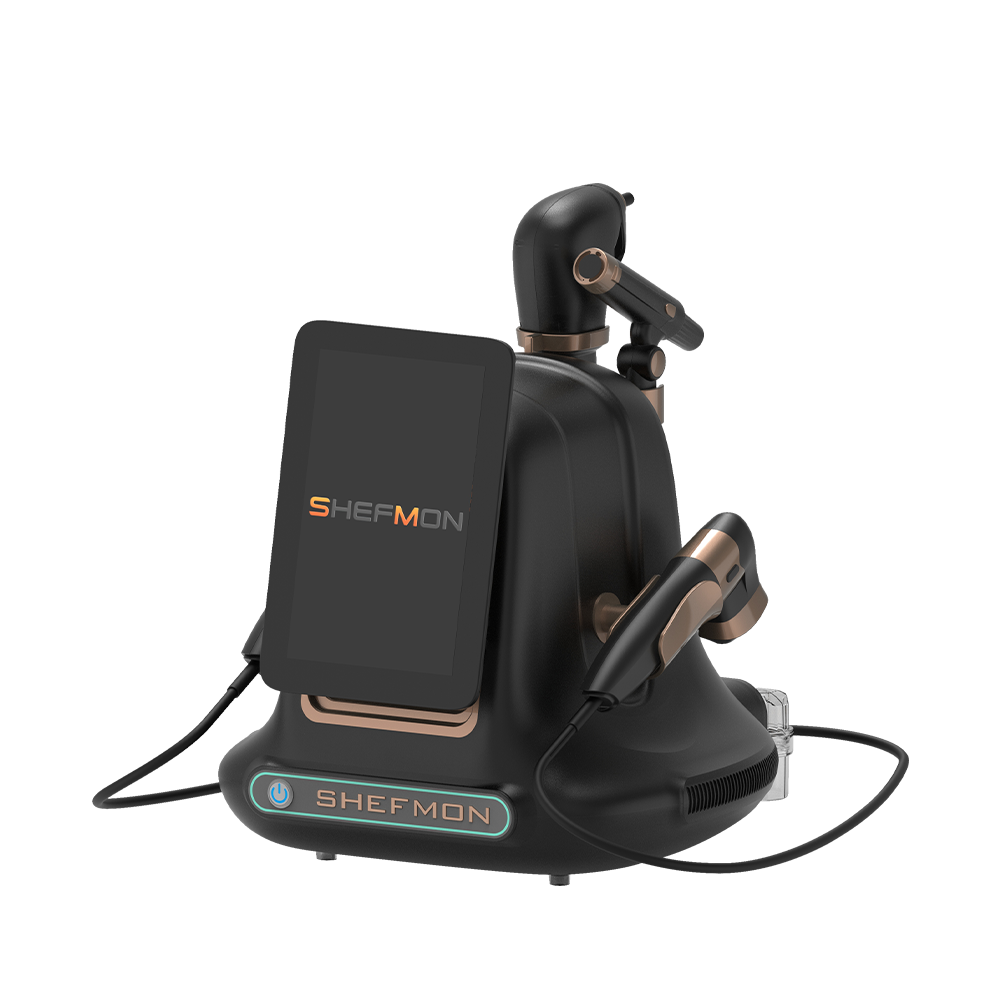
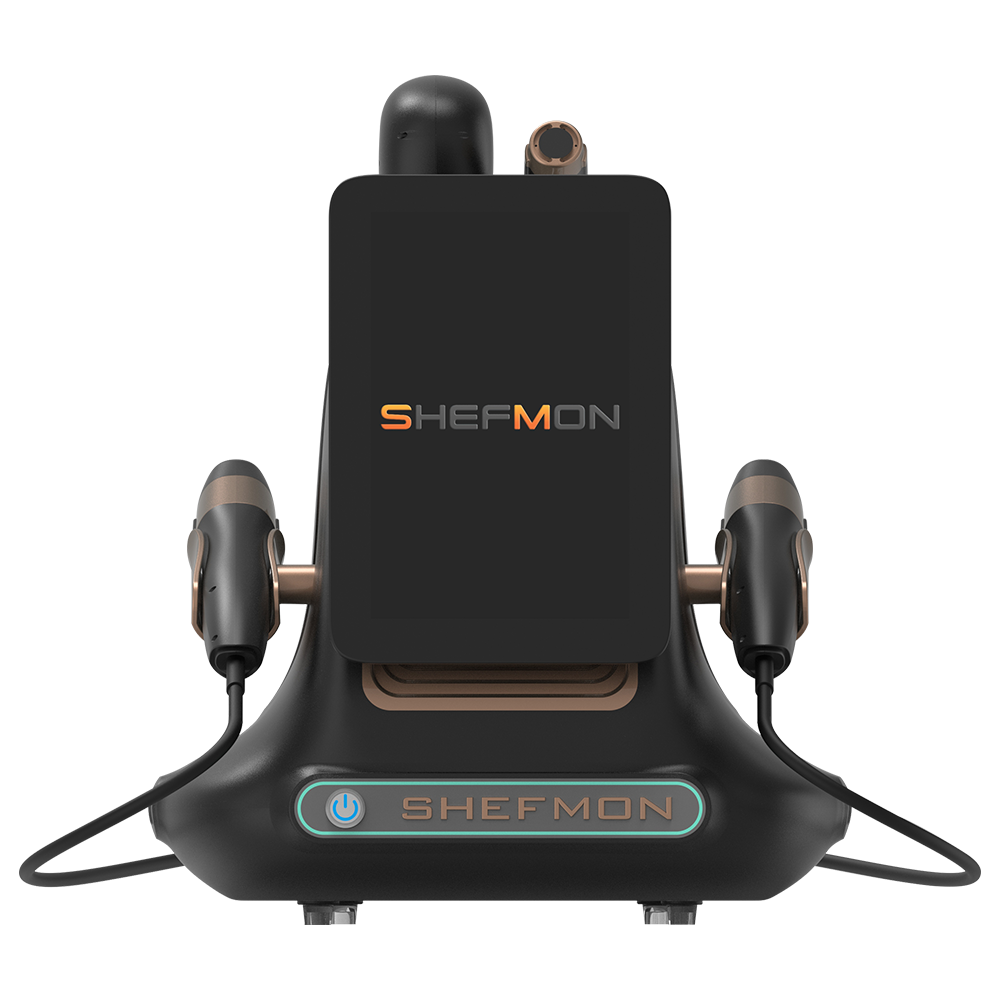
| A0648 9-in-1 다이아몬드 하이드로 마이크로더마브레이션 필링 머신 | Which functions and supplied tools does each facial unit currently have? | Record verified additions or changes to handles, accessories, tips, filters, containers, and service-menu support |
| A0426 755/1064/810/940nm 다이오드 레이저 제모 미용 기기 | Which exact wavelength, handle, spot-size, cooling, and electrical configuration is installed? | Confirm unit-specific compatibility before any enhanced or replacement handpiece/configuration offer |
| A0204 9D/7D 집중형 HIFU 기계 5-in-1 | Which handles and cartridges belong to the current accepted package? | Track approved component additions, cartridge relationships, training, documents, and new service restrictions |
| A0152 데스크탑 MNRF 깊이 8 마이크로니들링 RF | Which handle arrangement and compatible needle-head types apply to each unit? | Preserve version-specific handle, consumable, room, authorization, and traceability changes |
| B0155 데스크탑 엔도스 벨라프로 | Which body and smaller-area applicators are assigned to each platform? | Track confirmed applicator additions or changes, cable/component identity, room workflow, cleaning, and menu scope |
Public product options do not establish that an installed unit can be upgraded in the field. Confirm the exact path before adding it to the upgrade master.
27. Use the Support Route for Compatibility Confirmation
그만큼 SHEFMON after-sales support overview describes manuals, training, setup support, diagnostics, repair guidance, replacement recommendations, and spare-parts support. For an installed-base upgrade, ask the agreed contact to confirm questions such as:
- Is the change supported for this exact model and revision?
- Is it an in-field change or a whole-unit replacement path?
- Which components and companion items are required?
- Who may perform and verify the work?
- Which instructions and documents apply?
- Does the change affect maintenance, consumables, or support records?
- What evidence identifies successful completion?
- Are any markets, electrical profiles, or configurations excluded?
Provide the unit serial, current configuration, label evidence, destination market, proposed target, and precise question.
28. Track Multi-Location and Distributor Campaigns
For each customer or region, show:
- total candidate units;
- assessed units;
- eligible and conditional units;
- units not eligible and reasons;
- declined, deferred, and unreachable units;
- scheduled units by wave;
- kit allocation and stock status;
- completed units;
- units on verification hold;
- rollbacks or cancellations;
- open deviations and support cases;
- current configuration-data completeness;
- site and account owner.
Allow the summary to drill into specific serials. A percentage without a unit list cannot support operations.
29. Measure Upgrade Progress Correctly
유용한 조치에는 다음이 포함됩니다.
- assessment completion rate = assessed candidates / candidate units;
- eligibility rate = eligible units / assessed units;
- scheduled rate = scheduled eligible units / eligible units approved to proceed;
- verified completion rate = released upgraded units / units started;
- outstanding conditional units by prerequisite;
- deviation rate by upgrade-master revision;
- average downtime by completed unit;
- first-pass verification rate;
- post-upgrade case and recurrence rate;
- configuration records updated within the required period;
- document and training completion rate;
- legacy and new component stock by active configuration.
Always show the numerator, denominator, and population definition. “90% upgraded” is meaningless if retired, ineligible, and unassessed units are mixed together.
30. Audit the Program
Sample completed and incomplete units. Check whether:
- physical serial matches the campaign record;
- eligibility follows the correct upgrade revision;
- the before state is preserved;
- installed components match the work order;
- kit and component identities are traceable;
- removed items have dispositions;
- verification evidence supports the release;
- current configuration is updated;
- documents and training use current revisions;
- maintenance, warranty, and support records are aligned;
- declined and deferred units remain visible;
- dashboard totals reconcile to unit records;
- corrections retain an audit trail.
Audit physical evidence and relationships, not only whether fields are filled.
31. Common Upgrade-Tracking Errors
피하다:
- treating every unit of one model as identical;
- using invoice quantity as the installed population;
- calling repair or like-for-like replacement an upgrade;
- assuming a newer component is backward compatible;
- promising retrofit of a product-page option without confirmation;
- overwriting the original configuration;
- allocating kits without serial-level assignments;
- scheduling before prerequisites and stock are ready;
- opening services when technical work is complete but staff and records are not;
- removing legacy consumables too early;
- hiding declined, deferred, unreachable, or ineligible units;
- reporting completion against an undefined denominator;
- closing a wave while verification holds remain unresolved.
32. Installed-Base Upgrade Checklist
- Upgrade master, scope, revision, owner, and sources are approved.
- Upgrade is distinguished from maintenance, repair, replacement, and mandatory corrective action.
- Installed-unit identity and current configuration data are reliable.
- Candidate units are generated from explicit scope rules.
- Each unit has an evidence-based eligibility outcome.
- Pre-upgrade baseline and target configuration are locked.
- Kits, components, documents, and instructions use controlled revisions.
- Pilot population and success criteria are defined.
- Waves reflect site, stock, support, training, and booking capacity.
- Unit work orders identify serials, kits, prerequisites, and verification.
- Deviations, stop rules, and rollback decisions are controlled.
- Removed and installed components remain traceable.
- Configuration, consumable, maintenance, support, and document records update through events.
- Training, authorization, room, stock, and menu changes pass readiness review.
- Completion is measured against the correct eligible population.
- Declined, deferred, not eligible, and unassessed units remain visible.
- Post-upgrade cases and early performance are reviewed before later waves.
- Final audit can reconcile dashboard totals to physical units.
자주 묻는 질문
1. Is every new component an upgrade?
No. A like-for-like replacement restores the approved state, while an upgrade changes the supported configuration or capability. Classify the event from the approved source and actual outcome.
2. Can all devices with the same model number receive the same upgrade?
Not automatically. Configuration, revision, installed components, software state, electrical profile, market, maintenance, and support status can differ. Assess each physical unit.
3. What is the minimum information needed to assess eligibility?
At minimum, verify the asset ID, model, serial, current configuration, relevant component or version data, site, market profile, operating status, open cases, and evidence required by the upgrade rule.
4. Should an eligible unit be counted as completed after the work is performed?
Only after the required verification, record updates, staff handover, and operational release are complete. Work Complete and Active—New Configuration should remain separate statuses.
5. How should a declined upgrade be recorded?
Keep the unit in the campaign history with the decision date, decision maker, applicable upgrade revision, reason category, communication record, and any future review date.
6. What happens when a unit fails verification?
Place it on verification or technical hold, preserve evidence, follow the approved containment or rollback route, protect affected bookings, and reassess later waves if the finding could affect other units.
7. Can old consumables be removed after the first upgrades finish?
No. Maintain legacy items while active old-configuration units still require them. Use installed-base counts and verified compatibility to manage the transition.
8. How should whole-unit replacement appear in the campaign?
Close the old unit’s upgrade path with the replacement decision, create a separate asset for the new serial, link the two units, and preserve the old device’s full history.
9. Which completion percentage should management use?
Use released upgraded units divided by the eligible units approved to proceed, and show assessed, conditional, ineligible, declined, deferred, and unassessed populations separately.
10. When should SHEFMON confirm an upgrade path?
Seek confirmation whenever exact-model compatibility, revision eligibility, required components, in-field feasibility, permitted work, verification, documents, maintenance impact, or market applicability is unclear. Do this before quoting or scheduling the change.
결론
Installed-base upgrade tracking turns a broad product change into controlled unit-level decisions. A reliable program defines the upgrade, finds the right candidate population, verifies eligibility by serial and configuration, preserves the before state, controls kits and waves, records every component change, verifies the result, and updates the current device, staff, stock, service, and support records before release.
검토 셰프몬 뷰티 디바이스 제품군 when standardizing model names and categories in an installed-base register. To confirm a possible upgrade for a specific device, 셰프몬에게 연락하세요 with the model, serial, current configuration, component and revision evidence, destination market, proposed target, and exact compatibility question.