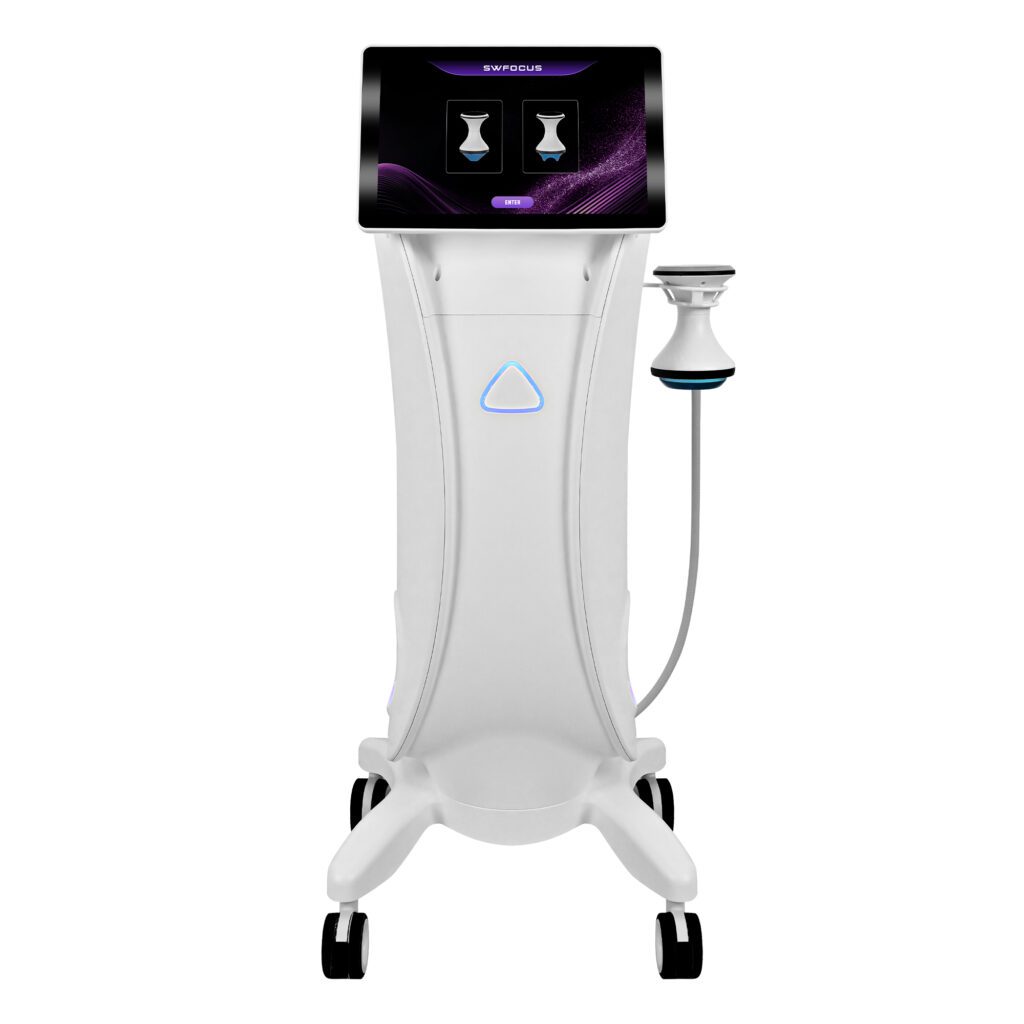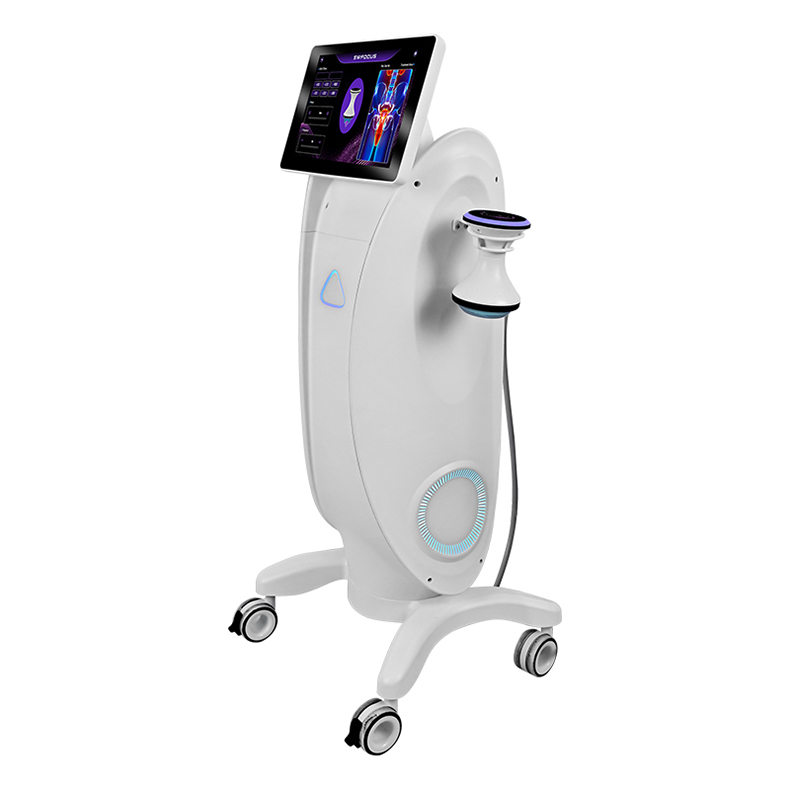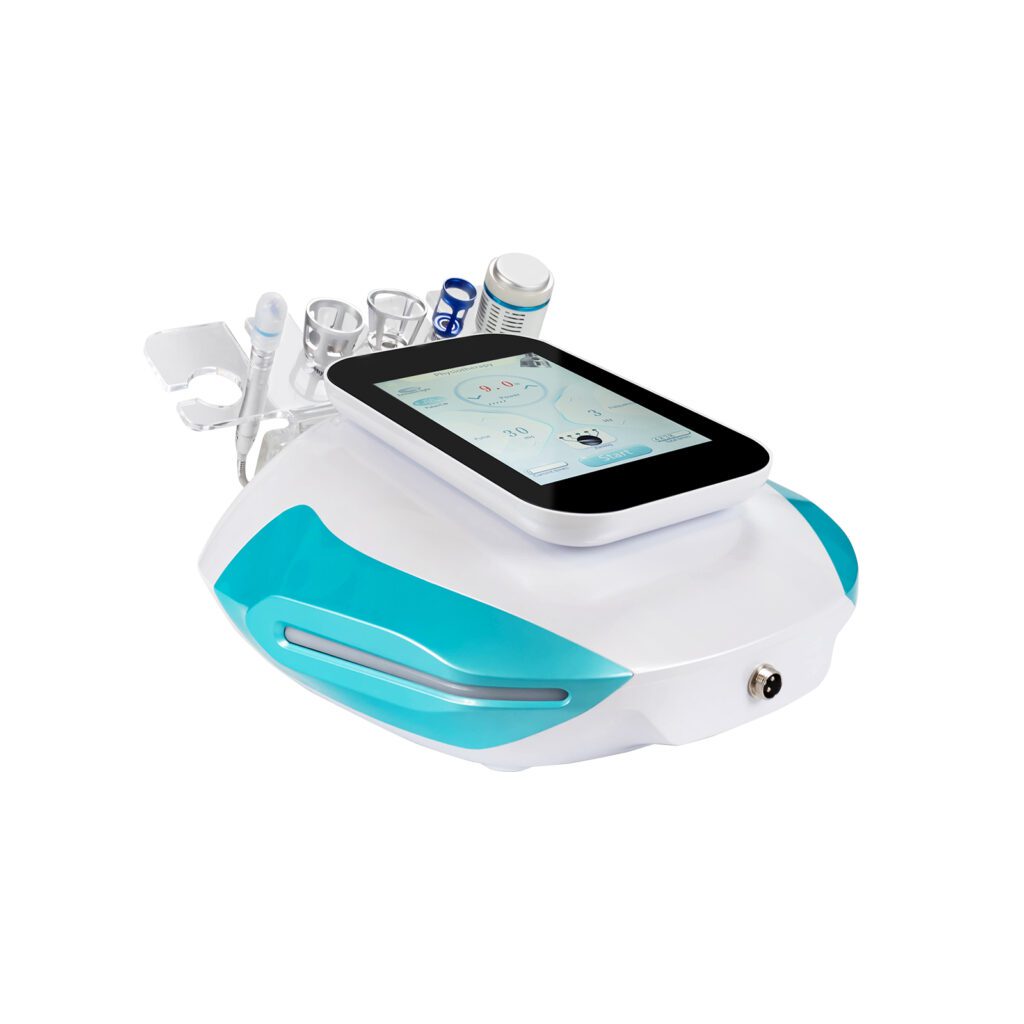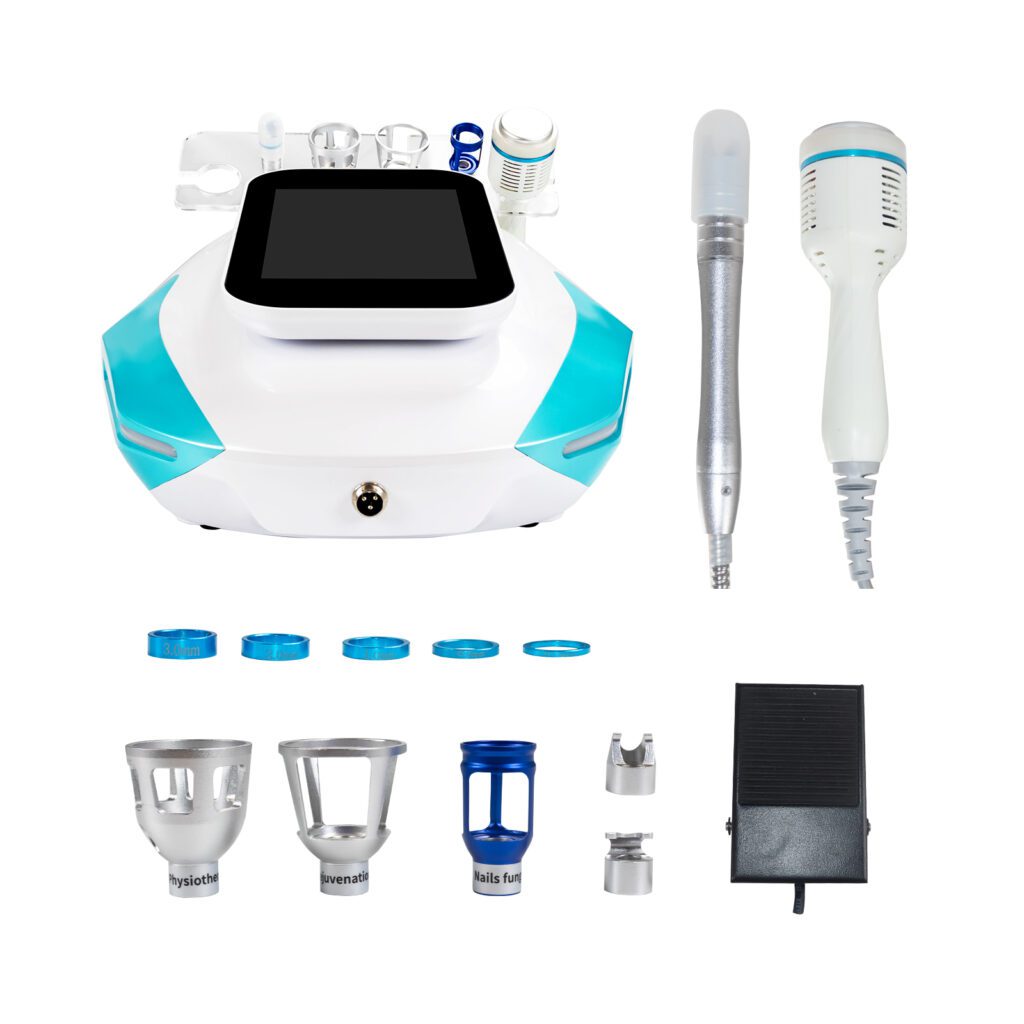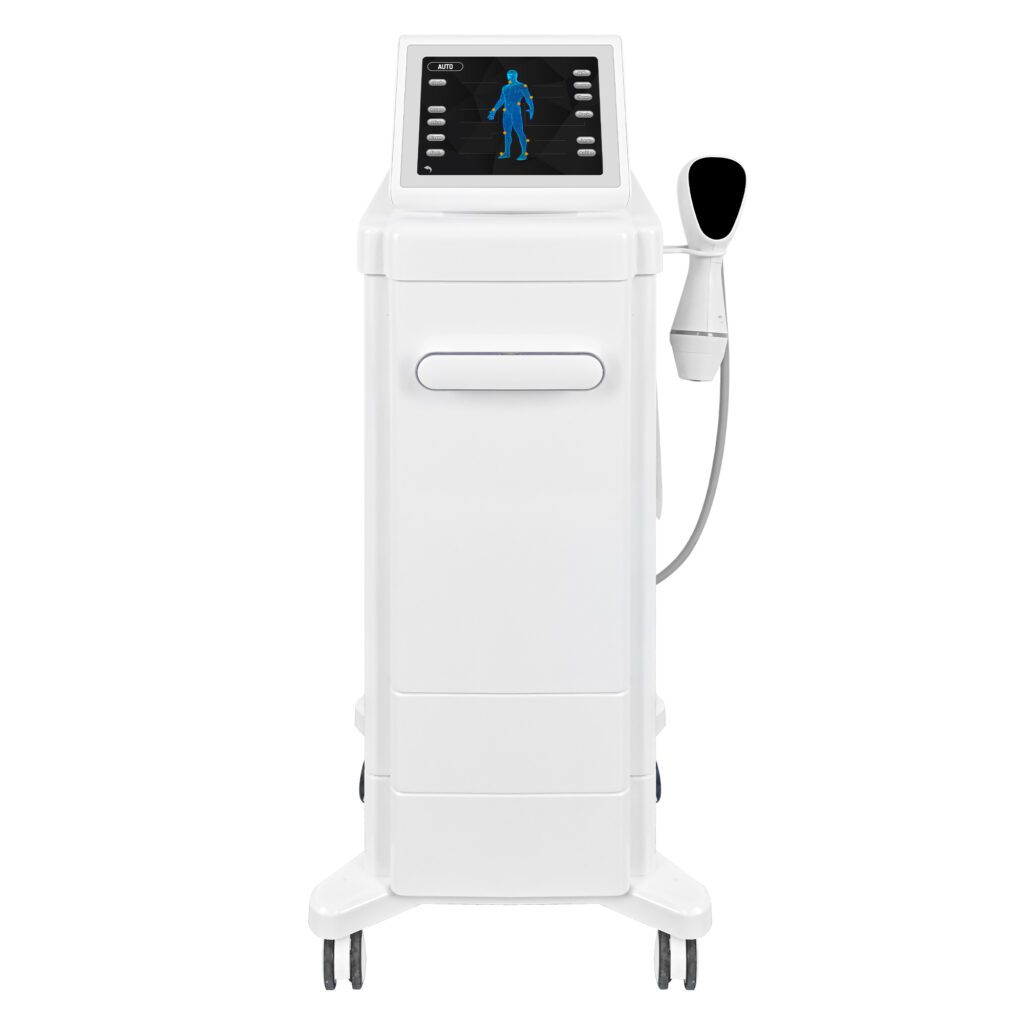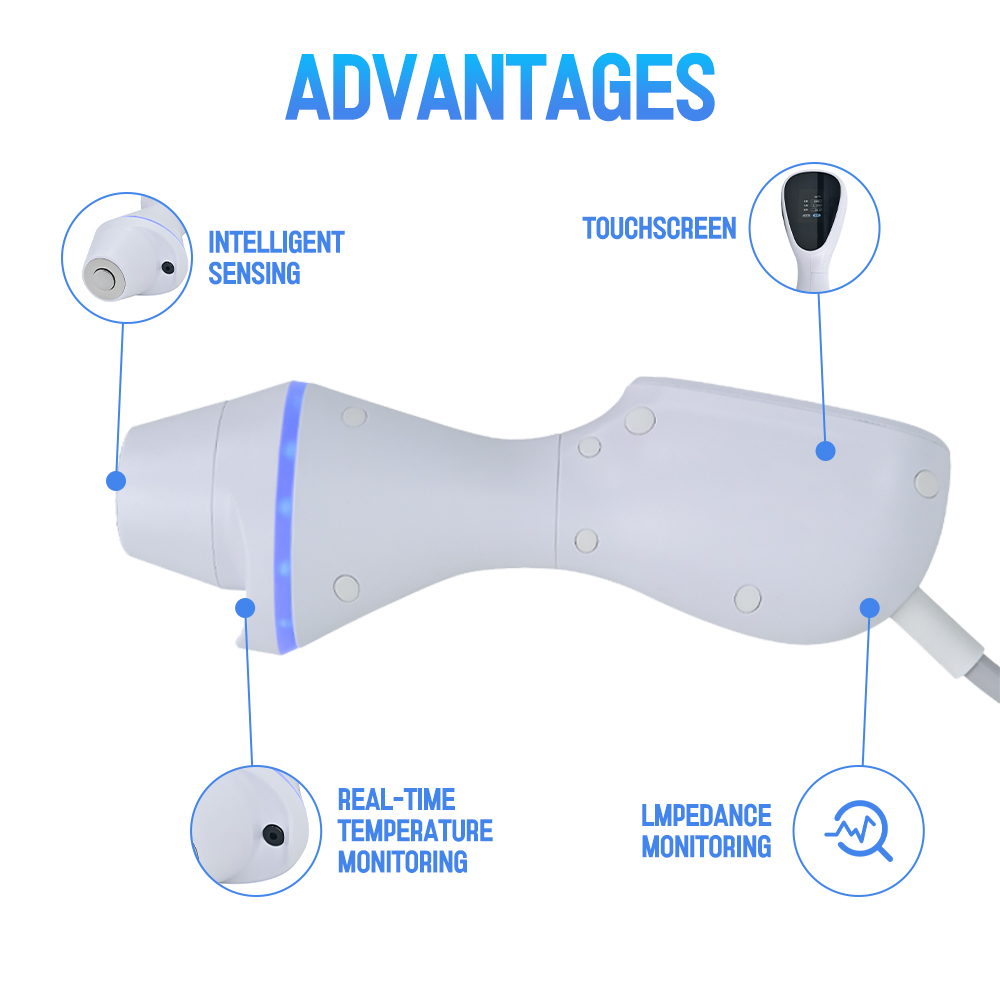
A beauty device can pass subsystem tests and still fail the operator at the screen. The correct handpiece may be connected while the interface shows the wrong mode. A parameter may be technically within range but displayed in an unclear unit. An alarm may stop output without telling the operator what to check next. Cleaning and client changeover may depend on steps that are missing from both the software and the manual.
Interface and workflow testing examines the product as the intended user experiences it: from unpacking and setup through startup, configuration, treatment-mode preparation, operation, interruption, recovery, changeover, maintenance, and shutdown. The goal is to confirm that software, hardware, handpieces, accessories, consumables, warnings, and documentation support one coherent sequence before the model is released.
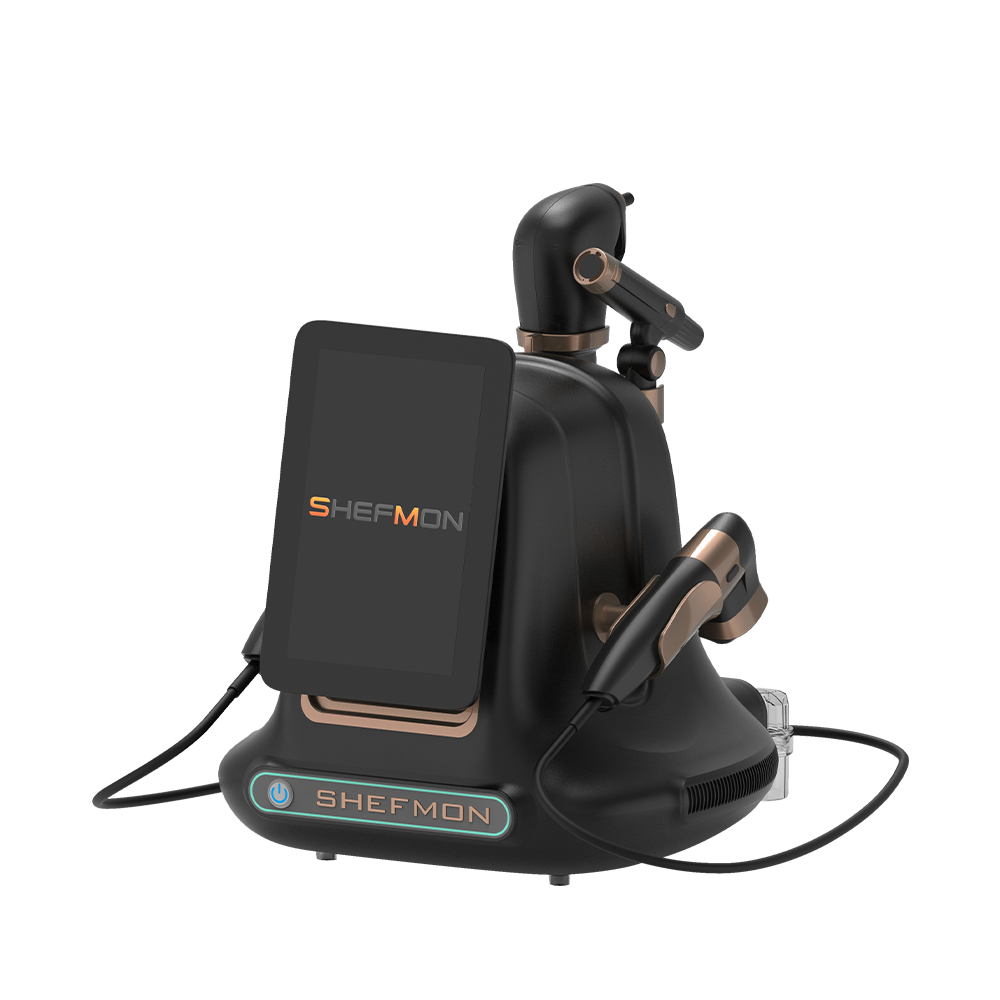
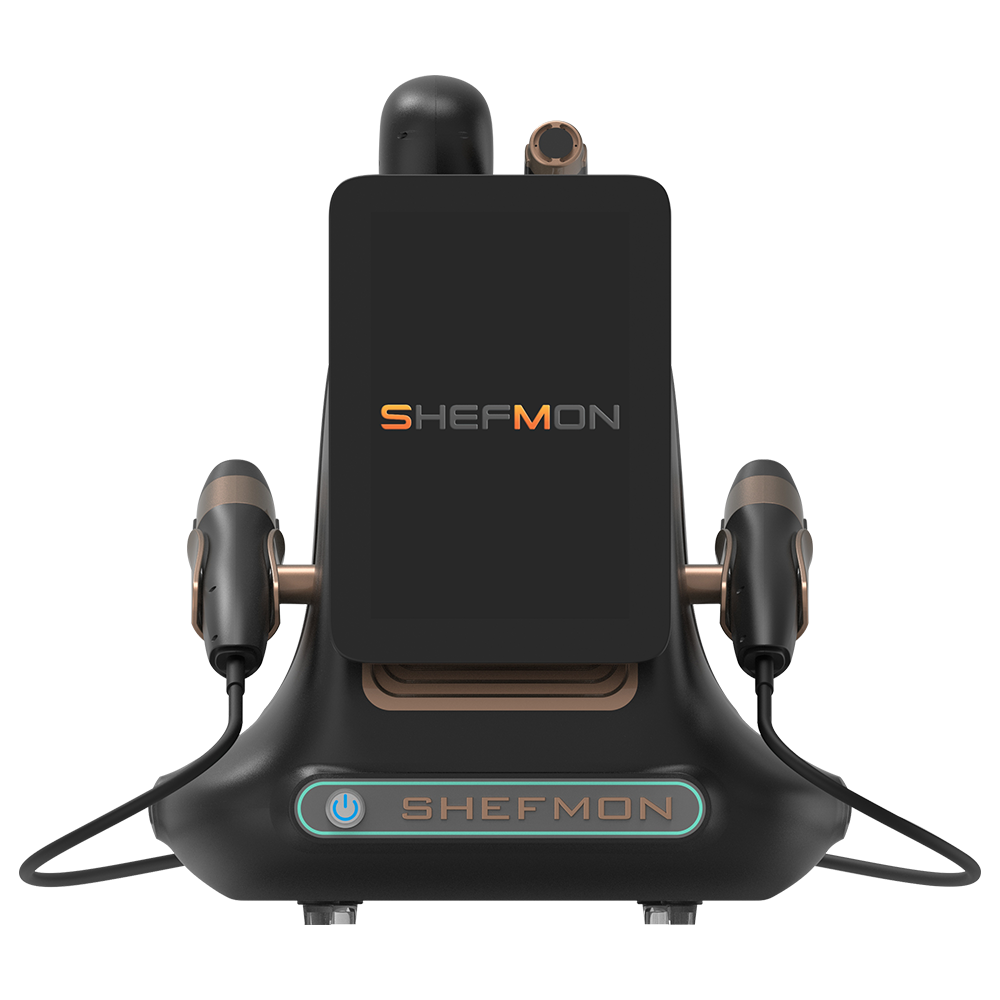
This guide explains how beauty device factories can plan task-based testing, identify critical workflows, evaluate interface states and hardware responses, record usability findings, run regression testing, and confirm the exact production software and configuration. SHEFMON products are used as public category examples rather than as claims about private interface designs or internal test results.
요약 보고서
Before releasing a beauty device, the factory should:
- Test complete tasks, not isolated screens. Operators need to move through setup, selection, activation, monitoring, interruption, completion, cleaning, and storage.
- Use the final configured system. Console hardware, software build, language, handpieces, accessories, consumables, sensors, and regional settings must be identified.
- Separate interface content from system behavior. Correct labels do not prove that the device sends the right command or responds correctly to hardware conditions.
- Define users and operating contexts. An engineer, distributor trainer, experienced operator, new operator, and service technician follow different workflows and have different permissions.
- Verify every parameter boundary. Units, defaults, minimums, maximums, steps, presets, confirmation, and software-to-hardware mapping should match the approved configuration.
- Exercise normal, alternate, and error paths. The ideal sequence alone will not reveal disconnected handles, empty bottles, cooling faults, interrupted power, invalid consumables, or incomplete maintenance.
- Evaluate transitions between functions. Multifunction devices need clear rules for changing modes, handpieces, parameters, and client workflows.
- Test language and terminology in context. Translation, truncation, symbols, warnings, units, and help content should be reviewed on the actual screen.
- Turn observations into traceable issues. Every problem needs a task, state, configuration, consequence, owner, correction, and retest result.
- Lock the released interface baseline. Production loading, version identification, manuals, training, quotations, and service information must match the software buyers receive.
Successful testing shows that intended users can complete defined tasks and that the machine responds as specified throughout the workflow. It does not justify treatment claims or replace the qualified technical, safety, and market review required for the product.
1. What Is Beauty Device Interface and Workflow Testing?
Interface testing evaluates what users see, select, enter, hear, and receive as feedback. Workflow testing evaluates the full sequence of actions and system responses needed to complete a task.
The scope can include:
- touchscreen pages and navigation;
- physical buttons, switches, foot controls, indicators, and emergency controls where applicable;
- handpiece or applicator connection and recognition;
- mode, parameter, preset, and language selection;
- live status and progress information;
- warnings, alarms, errors, and recovery instructions;
- consumable or cartridge identification and replacement;
- setup, cleaning, changeover, maintenance, and shutdown tasks;
- manuals, labels, training, and service information; and
- production software loading and version confirmation.
This article uses interface primarily to mean the human-machine interface. Electrical and mechanical connector validation remains important but is covered only where it affects the user workflow.
2. Why Testing Must Occur before Product Release
Interface problems can create consequences beyond visual quality. They can cause:
- selection of the wrong function or handpiece;
- misunderstanding of a unit or parameter;
- incomplete setup;
- delayed response to a fault;
- skipped cleaning or maintenance;
- inconsistent training;
- incorrect service diagnosis;
- mismatch between language versions;
- quotations or manuals that describe another software build; and
- production units that behave differently from approved samples.
Late discovery is expensive because the correction may affect code, graphics, translations, manuals, training videos, test scripts, production loading, distributor material, and units already built.
3. Test Four Layers of the User Experience
| 층 | 주요 질문 | Example evidence |
|---|---|---|
| 콘텐츠 | Are names, units, instructions, warnings, and translations correct? | Approved screen text and language review |
| Interaction | Can the user find, select, confirm, change, and exit functions as intended? | Task completion and navigation observations |
| 시스템 동작 | Does software command the correct hardware and respond to sensors and states? | Integrated tests with recorded configuration |
| End-to-end workflow | Can the intended user complete the full service and support sequence? | Scenario-based testing from setup through follow-up tasks |
A screen can pass content review while the command mapping is wrong. Hardware can respond correctly while the operator cannot understand what to do next. The four layers should therefore be tested together before release.
4. Define the Released User and Use Context
The test plan should identify:
- target business type;
- intended professional user;
- expected training and experience;
- treatment-room layout and environmental conditions;
- normal client flow and appointment pattern;
- device location and operator position;
- standard and optional handpieces;
- accessories, tips, cartridges, bottles, or other consumables;
- cleaning and maintenance responsibilities;
- destination markets and languages; and
- service and technical-support roles.
A workflow that works for the development engineer may not be clear to the operator seeing the product for the first time.
5. Identify Every User Role and Permission
가능한 역할은 다음과 같습니다:
- business owner or administrator;
- trained operator;
- senior or advanced operator;
- trainer;
- distributor demonstration specialist;
- maintenance staff;
- service technician; and
- production tester.
For each role, define accessible functions, protected settings, saved data, service screens, update authority, and expected training. Test both permitted and prohibited actions. A protected function should remain inaccessible through alternate navigation, restart, language change, or interrupted operation.
6. Create a Controlled Test Configuration
Each result should identify the system tested:
- model and prototype or production serial number;
- hardware and control-board revision;
- display hardware;
- software and firmware build;
- 인터페이스 언어;
- voltage and regional configuration;
- connected handpiece, applicator, tip, or cartridge;
- 액세서리 및 소모품;
- sensor, cooling, vacuum, fluid, or other subsystem state;
- user role and account where applicable;
- test data or saved settings; and
- deviations from the intended release.
Testing an unidentified engineering unit cannot confirm the software buyers will receive.
7. Build a Workflow Inventory
List the tasks the user must complete across the product lifecycle.
| Workflow group | Tasks to include |
|---|---|
| Initial setup | Unpack, inspect, position, connect accessories, fill or install items, power on, choose language |
| Daily opening | Inspect the device, confirm supplies, connect handles, run checks, prepare settings |
| Consultation and preparation | Select service category, confirm configuration, review required information, prepare the client workflow |
| 작업 | Choose mode, set parameters, activate, monitor, pause, adjust, complete, record where applicable |
| Changeover | Stop output, remove or change items, clean, replenish, reset, prepare for the next client |
| 유지 | Check filters, fluids, connections, counters, prompts, diagnostics, and scheduled tasks |
| Error recovery | Respond to disconnection, empty supply, full waste, cooling issue, sensor state, software interruption, or unsupported item |
| Daily closing | Complete cleaning, drain or store as applicable, shut down, disconnect, secure accessories |
| 서비스 | Identify versions, view diagnostics, replace approved modules, test after repair, document work |
The inventory should include tasks that occur rarely but have serious consequences if performed incorrectly.
8. Select Critical and Frequent Workflows
Not every task has equal importance. Prioritize workflows based on:
- frequency;
- consequence of error;
- number of steps and decisions;
- dependency on hardware state;
- user experience level;
- handpiece or consumable changes;
- regional or language differences;
- difficulty of recovery;
- service burden; and
- history from previous products, demonstrations, or support cases.
Critical workflows require stronger acceptance criteria and broader regression coverage. Frequent low-risk tasks also deserve attention because small inefficiencies accumulate across daily use.
9. Write Scenario-Based Test Cases
A useful scenario states:
- user role;
- starting condition;
- goal;
- available instructions or training;
- 장치 구성;
- expected actions;
- expected system responses;
- completion criteria;
- observations to collect; and
- conditions that end or invalidate the test.
For example, a scenario might ask a trained operator to replace an approved applicator, confirm that the interface recognizes it, select the permitted mode, adjust a parameter, respond to a simulated connection warning, and return the system to a ready state.
10. Test First Startup and Initial Setup
Check the sequence from packaged or reset condition to ready state:
- physical setup instructions;
- power and accessory connection;
- screen boot behavior;
- product and software identification;
- language selection;
- date, time, unit, or regional settings where applicable;
- acceptance of required notices;
- initial self-check;
- detection of connected items;
- prompt for missing fluid, bottle, filter, handle, or other required item;
- default user role; and
- clear confirmation that the device is ready.
Test interrupted setup and incorrect sequences. The system should not leave the operator in an unexplained or partially configured state.
11. Test Startup, Shutdown, and Restart States
평가하다:
- normal power-on time and feedback;
- startup self-check and detected faults;
- restoration of approved settings;
- connection of handles before and after startup;
- normal shutdown path;
- protection against accidental exit during operation;
- shutdown with incomplete maintenance tasks where relevant;
- restart after software interruption;
- restart after power loss;
- behavior after an emergency stop or protective interruption where applicable; and
- preservation or clearing of counters, settings, and error history.
The test plan should state which data must persist and which should reset.
12. Test Navigation and Information Architecture
Review whether users can locate:
- primary service modes;
- connected handpiece or applicator;
- parameter controls;
- start, pause, stop, and return actions;
- settings and language;
- maintenance tasks;
- consumable or cartridge information;
- warnings and troubleshooting;
- model and software version;
- training or help content where provided; and
- service information appropriate to their role.
Count unnecessary steps and record loops, dead ends, ambiguous back buttons, hidden confirmation, and inconsistent menu placement. Navigation terms should match manuals and training.
13. Test Handpiece and Applicator Recognition
For every released combination, test:
- connection before startup;
- connection after startup;
- correct name or image;
- approved modes and parameters;
- disconnection while idle;
- disconnection during a permitted or active state under controlled conditions;
- reconnection;
- connection of another approved item;
- unsupported, damaged, or unreadable item response where relevant;
- software and hardware version boundaries; and
- diagnostic information for service.
Recognition should lead to the correct workflow. Displaying the item name is insufficient if the wrong parameter set remains active.
14. Test Mode Selection
The interface should make the active function clear. Evaluate:
- mode name and description;
- associated handpiece or consumable;
- permitted user role;
- default settings;
- confirmation when changing modes;
- handling of unsaved values;
- prohibited combinations;
- return to a safe idle state;
- visible status after a mode change; and
- correct hardware activation.
Multifunction equipment should not rely on color alone to show which subsystem is selected.
15. Test Parameter Units, Ranges, and Steps
For each mode and configuration, verify:
- label and unit;
- minimum and maximum;
- adjustment increment;
- default value;
- preset value where provided;
- relationship between linked parameters;
- permitted changes during operation;
- boundary behavior;
- reset after mode or handle change;
- displayed precision;
- software-to-hardware command mapping; and
- values shown in manuals and training material.
Test entry below, above, and between allowed values when the interface permits manual input. The device should handle invalid selections predictably.
16. Test Presets and Saved Settings
Presets can improve speed while also hiding assumptions. Confirm:
- source and approved purpose of each preset;
- associated mode and handpiece;
- displayed values and units;
- ability to review before activation;
- permitted editing;
- storage by user, client, or device as designed;
- behavior after software update;
- reset and deletion;
- language independence; and
- prevention of use with an incompatible configuration.
Do not use a preset name as a substitute for visible parameters or professional judgment required by the intended workflow.
17. Test Activation, Pause, Stop, and Completion
The operating sequence should clearly communicate state. Test:
- readiness before activation;
- required confirmation;
- screen control and physical control interaction;
- foot control where applicable;
- active output indication;
- elapsed, remaining, pulse, count, or progress information where provided;
- permitted adjustment during operation;
- pause and resume;
- normal stop;
- immediate interruption path;
- end-of-session behavior;
- saving, clearing, or summarizing data where designed; and
- return to changeover or ready state.
The user should be able to distinguish ready, active, paused, stopped, completed, and fault states.
18. Test Live Feedback and Status Information
Live information can include:
- selected mode and handpiece;
- actual versus selected state;
- output or operating indicator;
- timer, count, progress, or remaining-use value;
- temperature, cooling, vacuum, flow, contact, or sensor status where applicable;
- consumable state;
- connection status;
- maintenance reminder; and
- warning priority.
Check update speed, stability, units, visibility, and behavior when the underlying signal becomes unavailable. A stale value should not appear current without indication.
19. Test Warnings, Alarms, and Error Messages
Every message should answer as much as appropriate:
- 무슨 일이에요?
- Which function or component is affected?
- Has output stopped, paused, or remained available?
- What should the operator check?
- Can the operator recover, or is service required?
- Which information should be recorded for support?
Test the message in context, including sound, color, symbol, placement, persistence, priority, and translation. Avoid exposing technical codes without meaningful operator guidance; retain codes where they help authorized service.
20. Test Error Recovery
Recovery testing should cover the complete path from fault detection to a controlled ready state. Depending on the device, scenarios may include:
- disconnected or mismatched handpiece;
- empty supply bottle or full waste container;
- blocked tube, filter, airflow, or vacuum path;
- cooling or temperature condition;
- sensor or communication interruption;
- invalid tip or cartridge;
- incorrect sequence;
- software freeze or restart;
- interrupted power; and
- maintenance condition.
Confirm that the operator does not need undocumented engineering steps. If service is required, the interface should stop repeated attempts that could worsen the condition.
21. Test Transitions on Multifunction Devices
When several functions share one console, test transitions rather than only individual modes.
확인하다:
- changing from one handpiece to another;
- retaining or clearing prior parameters;
- pump, cooling, vacuum, RF, ultrasound, motor, or other subsystem state as applicable;
- conflicts between connected items;
- prohibited simultaneous functions;
- cable, holder, bottle, and accessory changeover;
- prompts for cleaning or replacement;
- workflow after partial completion;
- return to the correct home state; and
- cumulative heat or resource use across consecutive modes.
A function can pass independently while its transition from another function remains confusing or technically incomplete.
22. Test Consumable, Tip, and Cartridge Workflows
Where the device uses identified or replaceable items, evaluate:
- package and item identification;
- installation and removal;
- correct orientation and retention;
- recognition or manual selection;
- permitted parameters;
- count, remaining-use, or replacement information where designed;
- response to an incorrect, damaged, unreadable, opened, or previously used item as applicable;
- replacement during the allowed sequence;
- disposal information;
- software state after replacement; and
- reorder information in documentation.
The interface, label, manual, and actual product policy should use consistent language about use and replacement.
23. Test Cleaning and Client Changeover
Create a realistic sequence from completion of one service to readiness for the next. Check:
- safe stop and output status;
- removal of disposable or replaceable items;
- waste handling;
- cleaning prompts and instructions;
- access to handles, tips, bottles, tubes, filters, holders, and surfaces;
- protection of connectors and electronics;
- confirmation or maintenance counters where designed;
- replenishment of supplies;
- reset of client-specific settings or data where applicable;
- storage of reusable items; and
- confirmation that the device is ready again.
Qualified specialists should review instructions related to cleaning, reprocessing, intended use, or market requirements. This guide does not prescribe one method for every category.
24. Test Daily Opening and Closing Workflows
Daily opening can require inspection, supply confirmation, connection, self-check, fluid preparation, and test operation. Daily closing can require cleaning, draining, storage, record completion, shutdown, and disconnection.
Evaluate whether:
- the steps appear in the right order;
- software prompts match the physical task;
- incomplete actions are visible;
- supplies and tools are identified;
- the operator can confirm success;
- the state persists correctly overnight;
- scheduled tasks are distinguished from daily tasks; and
- the next operator can understand the device status.
These workflows are often missed when testing focuses only on active service screens.
25. Test Maintenance and Service Workflows
For the authorized role, test:
- maintenance reminders;
- filter, fluid, bottle, tip, cartridge, or part identification;
- access to counters and operating history where provided;
- diagnostic screens;
- error-code presentation;
- software and hardware version information;
- guided maintenance steps;
- completion confirmation and reset authority;
- post-maintenance functional checks;
- service escalation information; and
- preservation of required records.
Service functions should be protected from ordinary users while remaining practical for authorized technicians.
26. Test Language and Localization
Language testing should occur on the actual interface, not only in a spreadsheet. Review:
- complete translation coverage;
- technical accuracy;
- consistent terminology across screens, labels, manuals, and training;
- text truncation and wrapping;
- button and field size;
- symbols, punctuation, decimal conventions, date, time, and units;
- word order in warnings;
- unsupported characters;
- font readability; and
- correct language after reset, update, or service action.
Translations should be reviewed by people who understand both the language and the product context.
27. Test Readability and Physical Interaction
Evaluate the interface in the intended room and operator position:
- screen angle and viewing distance;
- text and symbol size;
- contrast under expected lighting;
- glare and reflection;
- distinction between active, inactive, and unavailable controls;
- touch target size and spacing;
- response with expected gloves where applicable;
- accidental activation risk;
- physical button and touchscreen consistency;
- audio feedback and ambient noise; and
- ability to operate while holding or moving a handpiece.
Testing only at a desk can miss the posture, reach, lighting, and movement of the treatment room.
28. Test Response Time and Performance
Measure relevant response times for:
- startup;
- screen change;
- parameter update;
- handpiece recognition;
- activation and stop command;
- sensor or fault indication;
- saving and loading settings;
- language change;
- maintenance confirmation; and
- software update or restart where applicable.
Record the device state and configuration. Performance may change with long operating sessions, stored records, multiple subsystems, temperature, or repeated navigation.
29. Test Alternate and Incorrect Sequences
Users do not always follow the ideal path. Under controlled conditions, test:
- pressing controls in an unexpected order;
- changing modes without completing the prior workflow;
- connecting the wrong item;
- attempting activation with missing prerequisites;
- repeated rapid input;
- leaving a confirmation page;
- disconnecting during a transition;
- reopening a completed session;
- entering service or settings during an active state; and
- restarting after an incomplete task.
The expected behavior should come from approved requirements and risk analysis, not improvised during the test.
30. Evaluate Consistency across the Product System
Compare the interface with:
- product specifications;
- configuration and compatibility matrix;
- labels and physical controls;
- 사용자 설명서;
- quick-start guide;
- cleaning and maintenance instructions;
- training slides and videos;
- sales demonstration script;
- troubleshooting guide;
- service documentation; and
- distributor product information.
Names, units, modes, parameter ranges, warnings, and procedures should agree. A correct interface still creates risk if the manual describes an older workflow.
31. Conduct Task-Based Usability Sessions
Representative users should complete defined scenarios with the level of training and documentation planned for release. Observers can record:
- task completion;
- errors and near errors;
- requests for help;
- time or repeated steps where relevant;
- navigation path;
- misunderstood terms or symbols;
- unnoticed status or warnings;
- workarounds;
- confidence in the next action; and
- comments after the task.
Observers should avoid teaching during the task unless the protocol calls for assistance. The session should distinguish an interface issue from missing training, unclear instructions, hardware failure, or an unrealistic scenario.
32. Classify Findings by Consequence
| Finding level | 전형적인 의미 | 릴리스 액션 |
|---|---|---|
| 비판적인 | Could lead to an unacceptable state, wrong active function, loss of essential control, or inability to recover | Block release until corrected and verified |
| 주요한 | Prevents or seriously disrupts an important task, creates repeated misunderstanding, or conflicts with the released configuration | Correct and complete regression testing before release |
| 보통의 | Task can be completed but with avoidable error, delay, help, or inconsistency | Correct or justify disposition with evidence |
| 미성년자 | Limited wording, alignment, or convenience issue with low consequence | Fix when practical and record release decision |
| Enhancement | Valid improvement outside current acceptance requirements | Place in a controlled future backlog |
Severity should reflect consequence and task context, while priority can also consider frequency, release timing, and affected markets.
33. Record Reproducible Interface Issues
An issue report should include:
- device and serial number;
- hardware, software, language, and configuration;
- user role;
- starting state;
- connected handpiece or consumable;
- exact steps;
- expected response;
- observed response;
- screenshots, video, logs, or measurement where useful;
- frequency and repeatability;
- consequence and affected workflows;
- temporary workaround, if any;
- owner and target build; and
- retest and regression result.
“Screen is confusing” is difficult to correct. “Three of five trained operators selected the back control and lost unsaved settings at step six” provides a clearer design problem.
34. Build a Regression-Test Matrix
Interface changes can affect more than the edited page. Map changes to:
- related modes and parameters;
- handpieces and applicators;
- languages;
- user roles;
- alarms and recovery;
- saved settings;
- maintenance and service functions;
- manuals and training;
- production loading; and
- older hardware or supported installed configurations where relevant.
Automated checks can support repeatable software behavior, while physical integrated testing remains necessary for touch, hardware, sensors, handles, fluids, cooling, timing, and user workflow.
35. Confirm the Production Software Baseline
Before release, identify:
- approved software and firmware build;
- compatible hardware and display revision;
- 언어 패키지;
- model and regional configuration;
- supported handles, tips, cartridges, and accessories;
- parameter database or configuration file;
- checksum or other internal confirmation where used;
- loading method;
- production test method;
- version display and service retrieval; and
- update, rollback, and field-support rules where applicable.
The production line should be able to confirm that the loaded software matches the unit being assembled.
36. Run Final Release-Configuration Testing
The final test should use production-intent hardware, approved software, released handpieces and consumables, current manuals, labels, and regional settings.
확인하다:
- critical workflows pass from start to finish;
- all released modes and configurations are covered;
- open issues have approved disposition;
- corrected findings have regression evidence;
- translations are complete;
- production loading and verification work;
- factory test screens or service functions are correctly controlled;
- manuals and training match the device;
- demonstration units can be identified; and
- the release record names the exact baseline.
A successful engineering build does not replace this final configuration check.
37. Control OEM/ODM Interface Customization
그만큼 SHEFMON OEM/ODM page describes interface, language, function, logo, packaging, manual, exterior, mechanical, and handpiece-connection customization areas. For a custom interface project, define:
- standard software baseline;
- buyer-approved language and terminology;
- logo, colors, images, and theme;
- changed modes, parameters, or workflow;
- hardware and handpiece configuration;
- customer-specific screens or functions;
- responsibility for source text and translation approval;
- affected verification and regression scope;
- sample and final approval authority;
- production loading and model identification; and
- ownership of later updates.
A visual theme change can still affect contrast, readability, truncation, manuals, and production configuration. It should receive documented review.
38. A0648 Example: Multifunction Facial Workflow
공식 페이지 SHEFMON A0648 hydro microdermabrasion system positions it as a nine-function facial platform whose listed roles include cleansing, exfoliation, extraction, and hydration.
For a new device in this category, interface and workflow testing could cover:
- identification of each handle and function;
- bottle, fluid, vacuum, and waste preparation;
- selection of mode and parameter set;
- prompts for missing or incorrect connections;
- transition between facial functions;
- visibility of vacuum or fluid status where designed;
- stopping and recovering from a blockage or empty supply condition;
- cleaning, tube handling, and changeover;
- replenishment of tips and accessories; and
- daily opening and closing sequences.
These are category examples, not descriptions of the A0648 software or validation record.
39. A0426 Example: Hair-Removal Interface and Fault Workflow
SHEFMON’s page for the A0426 다이오드 레이저 제모 시스템 publishes several wavelength and spot-size choices as well as cooling, touchscreen, and language details.
For development of a new system in this category, testing may examine:
- exact wavelength and handpiece configuration shown on screen;
- spot-size and parameter mapping;
- user role and access to settings;
- readiness and activation sequence;
- cooling and temperature status;
- warnings for connection or cooling conditions;
- pause, stop, and fault recovery;
- language and unit consistency;
- replacement-handpiece recognition; and
- agreement between software, manual, configuration sheet, and production test.
The example does not state how the current A0426 interface behaves beyond the public product information.
40. B0155 Example: Mode Transitions on a Multifunction Body Device
Official information for the 셰프몬 B0155 데스크탑 엔도스 벨라프로 describes a multifunction desktop system with vacuum roller, RF, rotating massage, and 80K cavitation.
For a new multifunction platform, test:
- clear differentiation among functions;
- handpiece and mode recognition;
- subsystem readiness before activation;
- parameter persistence or reset between modes;
- prohibited simultaneous states;
- cable and handle changeover;
- visible active, paused, and stopped states;
- error messages specific to the selected subsystem;
- cleaning and storage prompts; and
- return to a neutral ready state.
The main risk is not only whether each function works, but whether the transitions remain clear and controlled.
41. A0152 Example: Consumable and Parameter Workflow
공식 SHEFMON A0152 RF microneedling system listing provides several needle-tip and configuration details relevant to an interface test plan.
For a new system in this category, workflow testing could evaluate:
- tip identity and compatibility;
- installation and recognition;
- correct parameter range for the selected configuration;
- replacement or use-status prompt where designed;
- response to an unsupported or unreadable item;
- confirmation before activation;
- completion and disposal sequence;
- reset after tip replacement;
- consistency among screen, package, manual, and order data; and
- permission for service or administrative resets.
Specific use limits and software behavior must come from the approved product record rather than this general example.
42. Interface and Workflow Release Checklist
- The released model, hardware, software, language, region, and configuration are identified.
- Intended users, roles, permissions, training, and operating context are defined.
- All frequent and critical workflows appear in the test inventory.
- Startup, setup, recognition, selection, activation, monitoring, stopping, changeover, maintenance, and shutdown are tested.
- Every mode, handpiece, applicator, tip, cartridge, and consumable follows the approved compatibility rules.
- Parameter names, units, defaults, steps, limits, presets, and hardware mapping are verified.
- Ready, active, paused, completed, stopped, warning, fault, and service states are distinguishable.
- Normal, alternate, interrupted, and incorrect sequences are covered.
- Warnings explain condition, product state, operator action, and service escalation as appropriate.
- Cleaning, replacement, daily opening, daily closing, and maintenance workflows are complete.
- Each released language has been reviewed on the actual screen.
- Readability, touch targets, physical controls, sound, lighting, reach, and response time are evaluated.
- Representative users complete task-based scenarios with planned training and documentation.
- Findings include reproducible steps, configuration, consequence, correction, and retest evidence.
- Regression testing covers related modes, roles, languages, hardware, handpieces, and documents.
- The production line can load and confirm the approved software baseline.
- Manuals, labels, training, demonstration material, and service information match the released workflow.
- OEM/ODM visual and functional differences are identified and approved separately.
- Final release testing uses the complete production-intent configuration.
자주 묻는 질문
1. What is the difference between interface testing and workflow testing?
Interface testing checks screen content, controls, navigation, parameters, messages, and user input. Workflow testing follows complete user tasks across software, hardware, handpieces, consumables, documentation, and physical actions.
2. Why is reviewing interface screenshots insufficient?
Screenshots cannot demonstrate state changes, command mapping, hardware response, timing, sensor input, error recovery, touch behavior, or the complete operator sequence. Testing must use the integrated configured device.
3. Who should participate in beauty device workflow testing?
Product, software, systems engineering, quality, relevant hardware engineers, training, service, documentation, and representative intended users should participate according to the task. Qualified specialists should review safety, intended-use, professional, and market-dependent requirements.
4. Should every optional handpiece be included in release testing?
Every released combination needs appropriate coverage. Test recognition, mode and parameter mapping, connection states, warnings, workflow, documentation, and regression effects for each approved option.
5. How should parameter ranges be tested?
Verify labels, units, defaults, minimums, maximums, increments, presets, linked behavior, invalid entry, boundary response, and the command delivered to the correct hardware under the approved configuration.
6. What makes an error message useful?
It should identify the condition, affected function, current device state, appropriate operator action, and when service is required. It should be readable, translated accurately, and tested in the actual fault workflow.
7. How should language versions be tested?
Review each language on the device for completeness, technical meaning, terminology, truncation, symbols, units, navigation, warnings, reset behavior, and consistency with labels, manuals, training, and service material.
8. When should regression testing occur?
Run it after changes to software, parameters, translations, hardware, handpiece mapping, warnings, configuration data, or related documentation. The scope should follow the affected workflows and interfaces.
9. What must be confirmed on the production line?
The factory should be able to load the approved software and configuration, identify the installed version, test critical controls and hardware responses, and record that the build matches the model, language, region, and accessory package.
10. How can an OEM/ODM buyer review a custom interface with SHEFMON?
Prepare the target users, languages, branding, terminology, hardware and handpiece configuration, changed screens, required workflows, approval roles, and expected sample stages. Then 셰프몬에게 연락하세요 to discuss feasibility and the appropriate review process.
결론
Beauty device interface and workflow testing connects the product specification to what an operator actually sees and does. It confirms that the right function is available for the right configuration, parameters are clear and correctly mapped, hardware states produce understandable feedback, errors lead to controlled recovery, and routine tasks can be completed with the released documentation.
The work should end with a named production baseline rather than a general statement that the software is finished. Hardware, software, language, handpieces, consumables, manuals, training, production loading, and service records must describe the same product. That alignment reduces avoidable confusion for factories, distributors, trainers, operators, and support teams after release.
탐색해 보세요 셰프몬 뷰티 디바이스 포트폴리오, review its OEM/ODM 역량, 또는 셰프몬에게 연락하세요 to discuss a standard device configuration or a controlled interface and workflow customization project.